Why Smartwatch Fall Alerts Fail: Apple & Samsung Issues
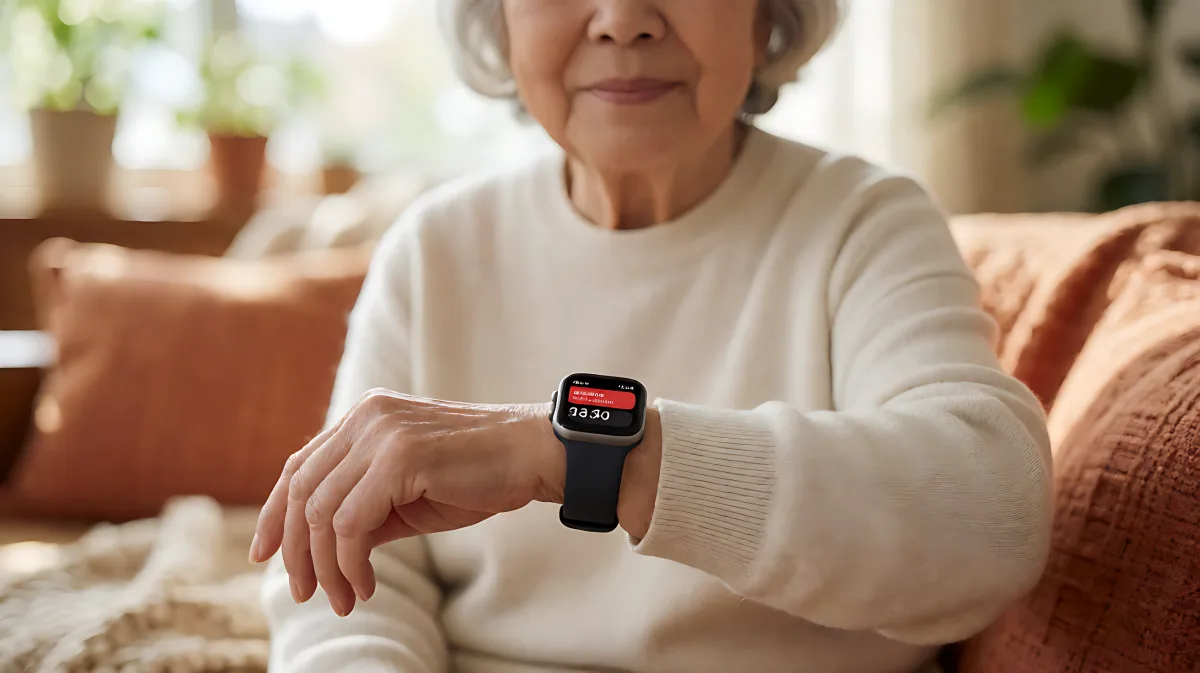
Smartwatches use complex algorithms to detect falls, but they are not infallible. Here’s why your device might miss a real fall or cry wolf, and how to fix it.
Smartwatch fall detection is a powerful safety net, but it is not a magic shield. The system relies on sophisticated algorithms that interpret sensor data, meaning it can sometimes miss a real fall or trigger a false alarm that wakes you up at 3 a.m. To get the most out of this feature, you must understand its limitations and configure it correctly. This guide explains why these glitches happen and how to adjust your settings to balance safety with peace of mind.
How does fall detection technology actually work?
Modern smartwatches use a combination of hardware and software to identify a fall. The watch primarily uses an accelerometer and a gyroscope to track movement. When the device detects a sudden, high-impact force followed by a period of stillness, it flags the event as a potential fall. In newer models, a barometer may also be used to measure changes in air pressure, which helps distinguish a fall from the ground to a lower level from other movements. This fusion of sensor data is processed on-device to ensure privacy and speed, but it means the system is tuned to look for very specific patterns.
Why do false alarms keep happening?
False positives are a common complaint among users of both Apple Watch and Samsung Galaxy Watch. Many families assume the device should recognize any drop or thud, but in fact, the algorithms are designed to filter out minor impacts to prevent constant notifications. Activities like jumping rope, high-intensity interval training, or boxing create acceleration and pause patterns that the system can misinterpret as a fall. If the watch is not worn snugly, the sensors become even more erratic. Samsung has acknowledged in its user communities that many users have experienced repeated, unwarranted alerts, and while software updates have refined the logic, the issue persists for some. To minimize this, ensure the watch strap is fitted tightly enough to stay in place but not so tight that it cuts off circulation.
Why does the watch fail to detect a real fall?
This is the more dangerous side of the equation. Users have reported falling seriously, sometimes even losing consciousness, without the watch triggering an alert. This happens because the watch looks for a specific signature: a sharp impact followed by immobility. If you fall and immediately scramble up, or if you break your fall with your hands in a way that disperses the impact, the sensor may not register the event as severe. Furthermore, if your phone is far away, powered off, or lacks a cellular connection, the watch cannot call emergency services or send messages to your contacts. Even a perfect fall detection is useless if the communication link is broken. Apple explicitly states in its support documentation that its watch cannot detect all falls, and users have shared stories of severe injuries where the device remained silent.
What are the most common setup mistakes?
One of the most frequent errors is leaving the feature in a default state that doesn't match your lifestyle. For example, if you are an athlete, you might want to limit fall detection to non-workout modes to avoid constant false alarms during training. Conversely, if you are older or have a history of fainting, you should ensure the feature is set to 'Always On.' Another critical mistake is not setting up emergency contacts in your medical ID or health profile. If the watch triggers an alarm and you do not respond within the countdown period, it will call emergency services. If you live alone, this is a lifeline. If you do not, you need to know who is on the other end of that call.
How can you optimize your settings for safety?
You do not need to gamble with your health. By following a structured approach, you can reduce the risk of both missed alerts and unnecessary panic. Here is a checklist to ensure your smartwatch is working for you, not against you.
- Update your software: Ensure both your watch and your paired phone are running the latest operating system versions. Manufacturers frequently release patches that improve sensor accuracy and reduce false positives.
- Check the fit: The watch should be snug. A loose strap allows the device to bounce, creating false data. A strap that is too tight can be uncomfortable and may affect other sensors.
- Verify emergency contacts: Go into your health app and confirm that at least two contacts are listed. One should be a family member, and the other could be a professional service or a close friend who lives nearby.
- Review activity modes: If you engage in high-impact sports, consider using specific workout modes that adjust the sensitivity of the fall detection algorithm.
- Test the notification: While you cannot safely test a real fall, you can review the logs in your health app to see if the device has recorded any recent 'falls' that you know were false. This helps you gauge the sensitivity level.
It is crucial to remember that a smartwatch is an extra layer of protection, not a replacement for common sense or professional medical advice. For individuals at higher risk of falls, such as those with certain medical conditions, a wearable device is a useful tool but should be part of a broader safety plan that includes home modifications and regular check-ups with a doctor.
Frequently Asked Questions
Does the smartwatch work if my phone is turned off?
Yes, many modern smartwatches with cellular capabilities can send alerts and call emergency services even if your phone is off or not with you. However, if you are using a GPS-only model without a cellular plan, the watch must be within range of a Bluetooth-connected phone with an active internet connection to function properly.
Can I adjust the sensitivity of the fall detection?
Most consumer smartwatches do not offer a manual sensitivity slider. The algorithm is tuned by the manufacturer to balance false positives against missed falls. You can, however, choose when the feature is active, such as 'Always On' or 'Only during workouts,' which indirectly affects how often it triggers.
What happens if I fall but keep moving?
The system typically looks for a period of immobility after the impact. If you fall and immediately get up, the watch may not recognize it as a fall because you are still moving. This is why the alert includes a countdown; it gives you a chance to respond before it calls for help.
Is there a battery life concern with this feature?
Fall detection is always running on the background processor when the watch is on, but it is optimized to use minimal power. It should not significantly impact your daily battery life. However, if you are worried, ensure your watch is charged regularly, as a dead battery is a common reason for missed alerts.