Best Wearable Health Trackers
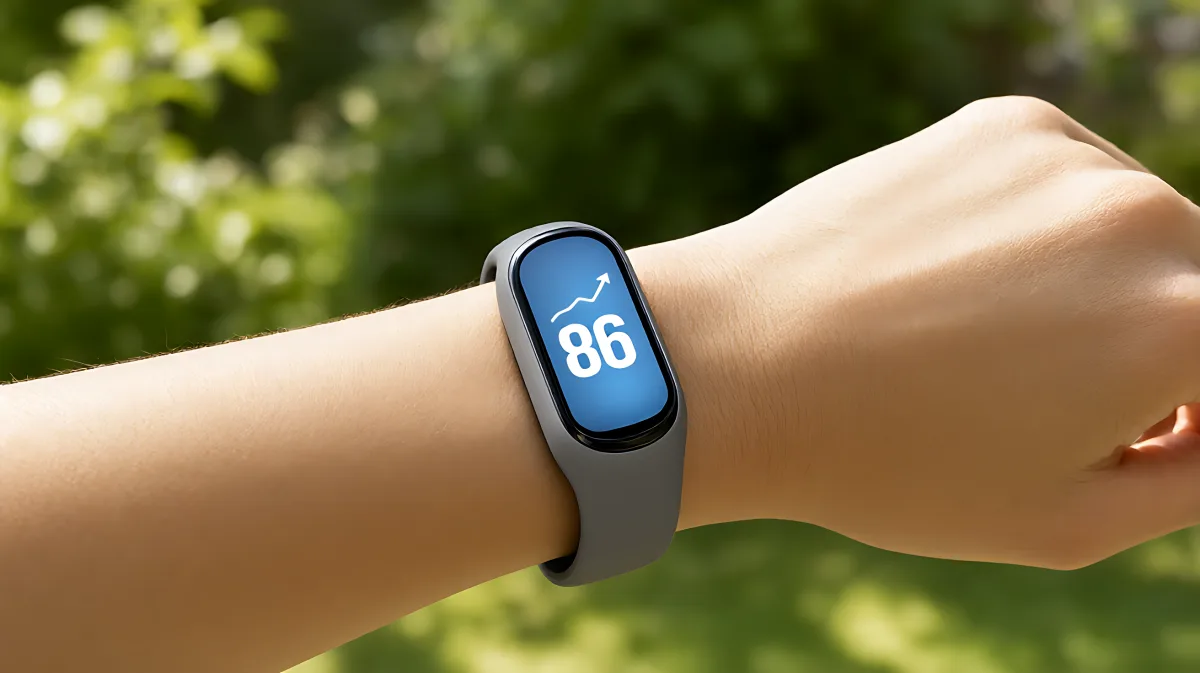
Most people buy a tracker and let it collect dust. This guide helps you identify the specific job you need your device to do, from counting steps to detecting falls, so you invest in technology that delivers real health value.
Stop wasting steps on devices that fail to deliver value. The key to a successful wearable health experience is identifying a single primary function before you buy. Whether you need fall detection for safety, heart rate trends for fitness, or simple step counts for motivation, selecting the least complex device that performs that specific job prevents tech fatigue. As of 2026, market leaders like Fitbit and Apple offer specialized tiers that cater to these distinct needs, ensuring you do not pay for features you will never use.
Why Do Most Wearables End Up in a Drawer?
Many families assume that a smartwatch with every possible feature is the best investment, but in fact, complexity often leads to abandonment. When a device requires nightly charging, constant app updates, and manual configuration, it becomes a chore rather than a health tool. Research into consumer behavior indicates that the primary reason for device discontinuation is not broken hardware, but rather the friction of daily use. A fitness band that lasts ten days on a battery is significantly more likely to stay on your wrist than a smartwatch that dies after two days. The goal is consistency, not capability overload.
How Do I Define My Primary Health Goal?
Before opening your wallet, you must identify the specific problem the device will solve. This step is critical because it dictates the hardware tier you need. According to 2026 health technology reviews, the market divides into three clear categories based on user intent. If your goal is safety, look for devices with emergency SOS and fall detection. If your goal is fitness, prioritize heart rate accuracy and sleep insights. If your goal is simple motivation, a basic step counter is sufficient. Do not buy a premium safety watch if you only want to count steps; you will end up paying for safety features that add weight and complexity without adding value to your specific routine.
What Are the Three Main Categories of Trackers?
The first category is basic fitness bands. These are lightweight, affordable, and designed for simplicity. They typically track steps, calories, and basic sleep data. The second category is premium health monitors. These devices offer advanced metrics like blood oxygen levels and heart rhythm irregularities. The third category is safety-focused smartwatches. These are heavier, more expensive, and designed to alert contacts in emergencies. Matching your goal to one of these categories ensures you do not suffer from feature bloat.
Which Features Should I Prioritize in 2026?
Not all features are created equal. Some are vital for health outcomes, while others are minor conveniences. You should prioritize features that provide actionable data. For example, heart rate variability (HRV) is useful for stress management, but it is only valuable if you change your routine based on the alerts. Similarly, fall detection is a critical safety feature for older adults, but it is less relevant for a healthy young adult focused on marathon training. Focus on the metrics that directly impact the health outcome you are trying to achieve.
What Is the Best Battery Life for a Health Tracker?
Battery life is often the deciding factor in daily adherence. A device that requires charging every 24 hours will be missed on weekends or travel days. Industry standards have shifted toward longer-lasting power. Fitbit’s Inspire 3 model, for instance, offers up to 10 days of battery life, making it a strong contender for users who dislike frequent charging. In contrast, high-end smartwatches from Apple and Garmin typically last one to two days. If you are not on your phone 24/7, a fitness band with a 7-day battery is a more practical choice than a smartwatch with a 1-day battery. The fewer the chores, the higher the chance the device stays on your wrist.
How Do I Avoid Common Setup Mistakes?
A great device is useless if it is not set up correctly. The most common error is failing to calibrate the heart rate sensor properly. To ensure accuracy, follow this checklist when you first unbox your device:
- Charge the device fully before the initial setup.
- Pair it with your smartphone using the dedicated app, not generic Bluetooth settings.
- Set your physical profile accurately, including height, weight, and age, to calibrate calorie calculations.
- Test the heart rate sensor by comparing it with a manual pulse check for the first week.
- Establish a baseline week without changing your habits to understand your natural patterns.
Skipping the calibration step leads to inaccurate data, which can erode trust in the device. Many users assume the numbers are correct out of the box, but in fact, they need a period of learning to align with your specific physiology. A misconfigured device provides misleading feedback, causing you to make poor health decisions.
How Can I Use Data to Improve My Health?
Data is only useful if you act on it. The process involves three stages: baseline, goal setting, and habit formation. In the first week, wear the tracker and record your current numbers without trying to change anything. This establishes your baseline. In weeks two and three, set small, realistic goals. For example, if your baseline is 3,000 steps, aim for 4,000. Do not aim for 10,000 immediately. In week four and beyond, focus on consistency. Review your sleep data to adjust your bedtime. Use step alerts to stand up after an hour of sitting. The value of the tracker is not in the number on the screen, but in the small behavioral changes it prompts over time.
Does Sharing Data With Caregivers Help?
For seniors, sharing data with family members can be a powerful tool for remote monitoring. It allows adult children to see trends without needing to call constantly. If a dashboard shows three days of inactivity, it prompts a phone call to check in. This passive monitoring can detect issues earlier than traditional check-ins. However, be mindful of privacy. Ensure that the app settings allow you to control exactly what data is shared. Not everyone wants their location or heart rate visible to their children. The feature is useful, but it must be implemented with consent and clear boundaries.
What Are the Top Wearable Recommendations for Different Users?
Based on the 2026 market landscape, here are the top recommendations for specific user types. For the safety-focused senior, the Apple Watch SE series remains a top choice due to its robust fall detection and emergency SOS features. For the active senior who wants simple daily metrics without a phone, the Fitbit Inspire 3 is ideal. Its 10-day battery life and large, clear display make it easy to use. For the fitness enthusiast who wants deep data, a Garmin device like the Vivosmart 5 offers accurate heart rate and sleep monitoring with a longer battery life than typical smartwatches. Each of these devices serves a different primary job. Do not buy the most expensive one; buy the one that fits your specific need.
| Device Type | Best For | Key Benefit | Trade-off |
|---|---|---|---|
| Basic Fitness Band | Simplicity & Motivation | 10-day battery, light weight | No phone calls, fewer features |
| Premium Health Monitor | Active Seniors | Accurate heart rate & sleep | Higher cost, requires app |
| Safety Smartwatch | Emergency Response | Fall detection, SOS button | Nightly charging, bulkier design |
Frequently Asked Questions
How often should I charge my health tracker?
It depends on the device type. Fitness bands like the Fitbit Inspire 3 can last up to 10 days on a single charge. Smartwatches with safety features typically need charging every one to two days. To ensure reliability, especially for fall detection, aim for a device that lasts at least a week so you do not have to charge it every night. A dead battery means no protection.
Do I need a smartphone to use a health tracker?
For most modern devices, yes. You need a smartphone to set up the device, download the app, and receive notifications. However, some basic fitness bands can operate standalone for step counting and timekeeping without a phone connection. If you do not own a smartphone, look for a dedicated fitness watch with built-in storage and a larger display, though these are less common and often more expensive.
How accurate are wearable heart rate monitors?
Optical heart rate sensors are generally accurate for resting heart rate and moderate exercise, with a 95% accuracy rating in 2026 for major brands. However, they can be less accurate during high-intensity interval training or if the skin is very dark or heavily tattooed. To ensure accuracy, keep the sensor clean and ensure the band is snug but not too tight. If you have a known heart condition, consult your doctor and consider a medical-grade monitor, as consumer wearables are not diagnostic tools.
Can a tracker actually improve my health?
A tracker cannot improve your health on its own; it is a mirror for your behavior. It improves your health by making invisible data visible. Seeing that your sleep improves when you hit a step goal, or that your heart rate stays steady after your morning walk, provides the feedback loop necessary for change. The device motivates consistency. The health benefits come from the consistent exercise, better sleep, and stress management that the data helps you adopt.