How to Use Silent Modes on Smartwatches in 2026
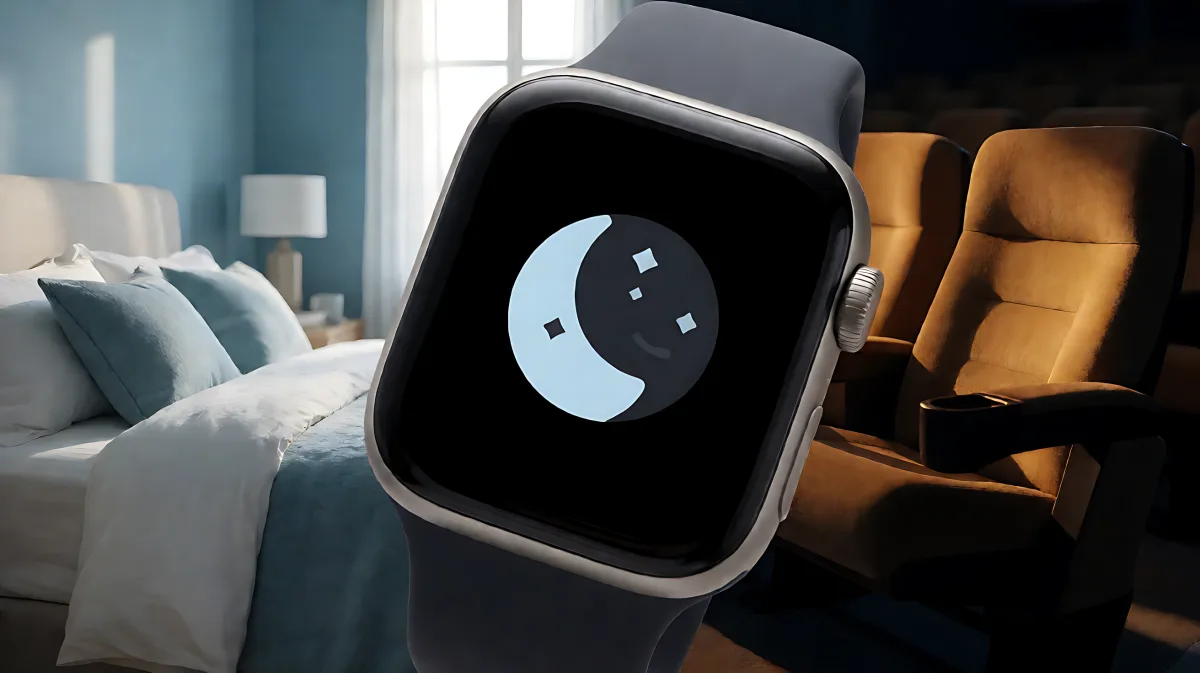
Smartwatch notifications can disrupt your peace. Here is how to configure silent modes for cinema, sleep, and work without missing critical alarms.
Silent modes on smartwatches allow users to mute all non-essential alerts, including texts and app pings, while ensuring vital alarms still sound. As of 2026, major manufacturers like Samsung, Apple, and Wear OS partners have refined these features to support specific scenarios such as cinema attendance, deep sleep, and focused work environments, significantly reducing digital distraction.
Why Do Smartwatches Need Silent Modes?
The primary reason for these settings is to preserve your personal space and mental clarity. In 2026, the average user receives dozens of notifications per hour. Wearing a vibrating device during a movie or a meeting can break concentration. Silent modes solve this by creating a boundary. Unlike turning off the watch entirely, these modes keep the time and date functional while suppressing the buzz and chime. This is particularly useful for individuals who use their watches for health monitoring, such as heart rate tracking, where they may not need a notification for every data point but still want the visual record.
How Does Do Not Disturb Mode Differ from Regular Volume Control?
Volume control reduces the intensity of the sound but does not prevent it. Do Not Disturb (DND) mode completely silences the haptic motor and speaker for all categories except user-defined exceptions, typically limited to alarms and manually prioritized contacts. On Samsung Galaxy Watch models, DND is accessible via the quick settings panel by swiping down from the top of the screen. For Wear OS devices, the process is similar, though the interface may vary slightly depending on the manufacturer, such as Fossil or TicWatch. Users can often schedule DND to activate automatically at specific times, such as from 9:00 PM to 7:00 AM, ensuring the watch remains quiet overnight without manual input each morning.
What Is Theater Mode and When Should You Use It?
Theater mode is a more aggressive silent setting designed for public venues like cinemas, theaters, and lecture halls. When activated, it mutes all alerts, turns off the haptic engine, and disables wake-up gestures that might accidentally wake the screen and disturb others. It also disables the 'Always On Display' feature to save battery and prevent the bright screen from glowing in a dark room. According to Samsung support documentation, Theater mode is not available on all device classes, such as the Galaxy Fit series, but is standard on their flagship smartwatches. To enable it, users typically swipe down to open quick settings and tap the Theater icon, then select a duration that matches the length of their movie or event. This prevents the frustration of the watch lighting up every time a phone connects or a notification arrives during a dark screening.
Can You Schedule Theater Mode Automatically?
Yes, many 2026 smartwatch models allow for automatic scheduling of Theater mode. For example, if you go to the same cinema at the same time every week, you can set the watch to activate Theater mode from 7:00 PM to 10:00 PM on Fridays. This uses geofencing and time-based triggers. Apple Watch users can integrate this with their iPhone's focus modes, which sync automatically. For Android and Wear OS users, the built-in clock app or the companion phone app often lets you add recurring schedules. This automation ensures that the moment you enter the theater, your watch is already quiet, removing the need for manual configuration every time.
How Does Sleep Mode Protect Your Rest?
Sleep mode, sometimes referred to as Bedtime mode or Goodnight mode, is designed for nighttime wear. It silences notifications but keeps alarms active so you can still wake up on time. Additionally, it often dims the screen brightness to a minimum and disables step counting to prevent accidental bumps during sleep from being recorded as activity. In 2026, sleep tracking has become a major feature of wearables, and having a dedicated silent mode prevents the constant pings of health data updates or social media alerts from disrupting your rest. Users on Samsung watches can enable this by tapping the Bedtime icon in quick settings. Wear OS users can often find this under 'Sleep' settings, where they can also configure how long after the alarm goes off the watch remains in a quiet state before resuming normal operation.
Does Sleep Mode Affect Heart Rate Monitoring?
It is a common misconception that silent modes stop health tracking. They do not. Sleep mode specifically mutes the *notifications* and *visual alerts* while the sensors continue to collect data. If your watch detects an irregular heart rate or a significant drop in blood oxygen levels during sleep, it will typically log this event and notify you in the morning via a summary, rather than waking you up at 3:00 AM with a loud alarm. This ensures you get the benefits of health monitoring without the anxiety of being constantly woken by minor data fluctuations. For users with specific medical conditions, it is worth checking the settings to see if critical health alerts can be prioritized over the silence, though most experts recommend leaving this off to ensure uninterrupted sleep unless advised by a doctor.
How to Customize Your Silent Mode Schedule
Most modern smartwatches allow for granular control over when these modes activate. Instead of just 'on' or 'off,' you can set specific hours. For instance, you might want DND from 9:00 AM to 12:00 PM for work focus, and then automatically switch to Theater mode from 7:00 PM to 10:00 PM for your night out. The Galaxy Wearable app and similar companion apps for Wear OS devices provide these scheduling tools. You can also sync your phone's DND settings with your watch, so when you turn on Do Not Disturb on your phone, your watch automatically mirrors it. This is highly useful for people who carry both devices and want to ensure no haptic buzz occurs from either. In 2026, AI-driven suggestions are starting to appear, where the watch learns your routine and proposes optimal times for silence based on your calendar and historical data.
What Exceptions Can You Set for Silent Modes?
Even in the quietest modes, you should define who or what can break through. Most systems allow you to whitelist specific contacts, such as your partner or a parent, so their calls still come through. You can also allow alarms and timers. It is generally not recommended to allow text message notifications during DND or Sleep modes, as the haptic vibration alone can be distracting. For Theater mode, no exceptions are usually allowed for incoming calls to maintain total silence, but you can enable a vibration-only alert for emergencies if the watch supports it. Setting these exceptions requires navigating into the specific mode settings within the companion app or the watch's settings menu. Take a few minutes to review these defaults, as the out-of-the-box settings might block everything except alarms, which could mean missing a critical work call during a temporary DND window.
Common Issues with Smartwatch Silent Modes
Users sometimes find that their watch is still buzzing despite DND being on. This usually happens if the mode is not properly synced with the phone. For Bluetooth-connected watches, the watch follows the phone's DND status unless overridden locally. Check the 'Sync phone settings' toggle in the app. Another issue is the 'Always On Display' staying on, which can be draining in theaters. Ensure Theater mode is explicitly enabled, as it disables AOD, whereas DND does not. Finally, some users report that haptic alerts for phone location are not silenced by standard DND. To fix this, you may need to create a custom Do Not Disturb profile that explicitly blocks 'Phone Location' or similar system services. Troubleshooting these settings ensures that your silent mode is truly silent, providing the peace and quiet you need.
How Does Silent Mode Impact Battery Life?
Contrary to popular belief, enabling silent modes often improves battery efficiency. When Theater mode is active, it turns off the screen backlight and disables wake-up gestures, which stops the processor from processing screen inputs. Sleep mode reduces the display refresh rate and may lower the sampling frequency of non-critical sensors like step counting, saving power during the night. In 2026, with the introduction of more advanced health sensors, managing when these sensors are fully active is crucial for battery life. By using sleep and theater modes, you allow the watch to power down unnecessary components, extending your usable time between charges. This is particularly important for users who travel and do not have access to their charger.
FAQ
Can I schedule my smartwatch to be quiet automatically every night?
Yes, you can schedule Do Not Disturb or Sleep mode to activate and deactivate at specific times. In the companion app, navigate to the 'Do Not Disturb' or 'Sleep' settings and enable the schedule feature. You can set a recurring time window, such as 10:00 PM to 6:00 AM, to ensure your watch is quiet every night without manual input. This is the most efficient way to maintain good sleep hygiene using your wearable.
Will my alarms still ring if my smartwatch is in silent mode?
Yes, alarms are the primary exception to all silent modes, including Do Not Disturb, Theater, and Sleep mode. These modes are designed to mute notifications, calls, and haptic alerts from apps, but they do not suppress user-set alarms or timers. This ensures that you can use silent modes at the cinema or in the library without worrying about missing your morning wake-up call.
Does Theater mode turn off my health tracking features?
It does not turn off the sensors themselves, but it suppresses the notifications and visual alerts generated by them. Your heart rate and step counts will still be recorded in the background. However, you will not receive a 'congratulations' haptic buzz or a screen pop-up for hitting a step goal. This keeps you discreet and quiet in public venues like theaters while maintaining your health data logging.
Can I sync my phone's Do Not Disturb with my smartwatch automatically?
Yes, most modern smartwatches, including Samsung Galaxy Watch and Wear OS models, have a 'Sync phone settings' option. When enabled, if you turn on Do Not Disturb on your smartphone, your smartwatch will automatically enter its quiet mode. This is a useful feature for users who keep their phone in their pocket but wear the watch on their wrist, ensuring that both devices remain silent simultaneously.