Reduce Cognitive Load to Prevent Afternoon Migraines
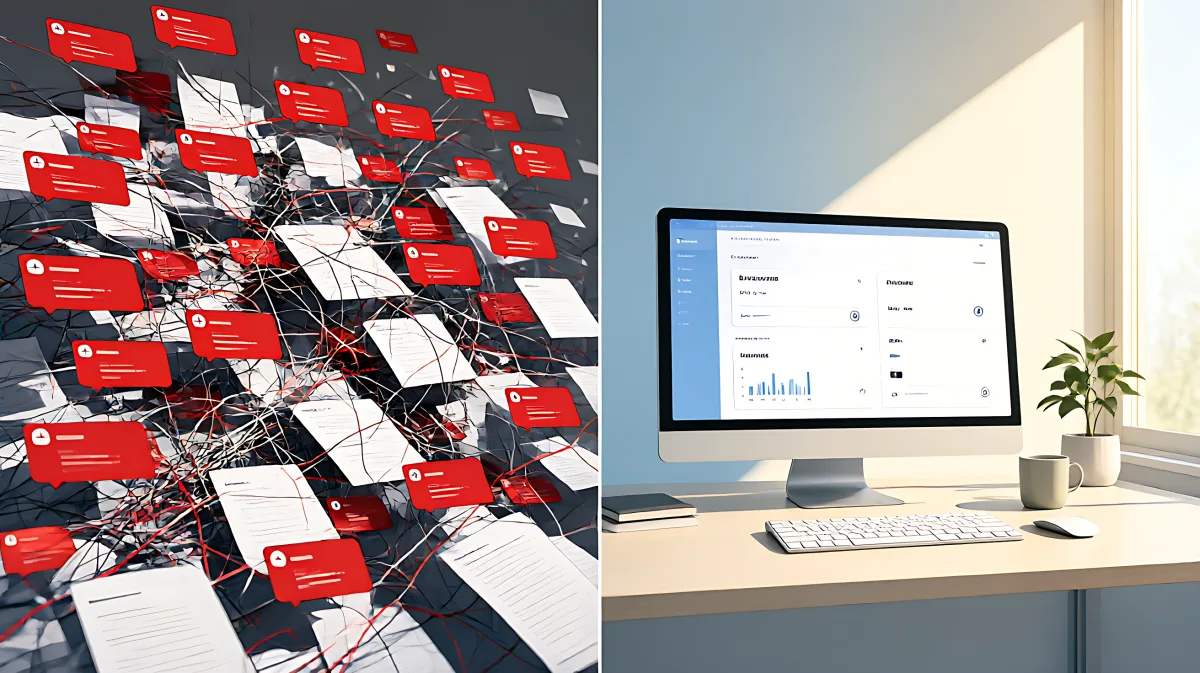
Working memory holds only about four chunks of data at once. Exceeding this limit creates extraneous load, which correlates with sensory overload in migraine sufferers. Audit your notifications using a specific threshold to protect your afternoon focus.
Redundant notifications create extraneous cognitive load, which exceeds the four-chunk limit of human working memory. For middle-aged professionals with chronic migraines, this overload correlates with afternoon headaches. To manage this, use a notification budget of no more than 20 alerts per day, categorized strictly by urgency, to lower sensory strain.
Why your brain rejects extra noise
Working memory is not a hard drive; it is a small, fragile workspace. Research cited in recent productivity analyses highlights that Nelson Cowan refined the classic memory estimate to approximately four chunks of information held simultaneously. This is a drop from George Miller’s earlier "seven plus or minus two" concept. When you load your day with fragmented pings and complex data, you force your brain to juggle these four slots constantly. Each new email or chat message displaces previous thoughts, creating "attention residue." This lingering mental clutter does not just make you slower; it raises your physiological stress baseline.
How does overload trigger a migraine?
Many professionals assume that staying connected ensures better performance. In fact, the opposite is true for those with chronic migraines. The University of Michigan’s LSA team and researchers in industrial settings confirm that high extraneous load increases subjective stress and objective markers like heart rate variability. For a migraineur, this sustained low-grade stress is a potent trigger. The brain, trying to resolve the overload, may shift into a protective state, manifesting as sensory sensitivity or pain. Afternoons are particularly vulnerable because decision fatigue compounds the morning’s sensory input.
The 20-notification audit metric
You need a hard number to audit your digital environment. The recommended metric is a daily limit of 20 non-urgent notifications. This figure forces you to triage what truly requires your immediate attention versus what can be reviewed in a batch. If you exceed 20 alerts, you are likely in a high-load zone. Track this for two weeks. If you hit the limit, review your sources.
- Identify the top three noisiest apps: These are usually email, chat, and calendar updates.
- Set a hard cap: Use phone settings to limit notifications from these apps to a maximum of 6 each.
- Designate one inbox: Route all non-urgent items to a single dashboard to review twice a day.
Strategies to offload your mental RAM
Reducing input is only half the battle. You must also externalize storage. eLearning Coach’s strategy guide emphasizes that cognitive aids, such as checklists and concept maps, act as external memory. When you write down a task, you free up a working memory slot. This is critical for complex tasks. Instead of holding a project plan in your head, use a visual scaffold. This reduces the "inherent" load of the task by making the structure explicit.
How can you batch your decisions?
Decision fatigue is real. Studies on judicial rulings show that favorable decisions drop as sessions progress without breaks. Apply this to your work. Make consequential choices in the morning. Use the afternoon for execution, not initiation. Batch your emails. Answer them at 11:00 AM and 4:30 PM only. This reduces the context switches that take 23 minutes to resolve each time. Fewer switches mean less attention residue and a calmer nervous system.
Comparison of notification approaches
| Approach | Cognitive Impact | Migraine Risk | Best For |
|---|---|---|---|
| Real-time All Alerts | High (Constant Interruption) | High (Sensory Overload) | Emergency Response |
| Batched Review (2x Daily) | Low (Controlled Focus) | Low (Reduced Stress) | Standard Office Work |
| Urgency-Only Filter | Moderate (Selective Attention) | Moderate (Depends on Volume) | High-Volume Roles |
Choose the batched review method. It aligns with the four-chunk limit. You process four batches, not forty pings. This structure supports the "weeding" principle mentioned in learning science: removing everything that does not contribute to the primary task. By stripping away the noise, you protect your afternoon.
This article is for general information only and is not a substitute for professional medical advice, diagnosis, or treatment. Always consult a qualified clinician about your situation.
Frequently Asked Questions
What is the exact number of items working memory can hold?
Modern research suggests approximately four chunks of information. This is a reduction from the older estimate of seven. To stay within this limit, group related items into single conceptual chunks wherever possible.
How does extraneous load differ from inherent load?
Inherent load is the difficulty of the task itself, which is necessary for learning. Extraneous load is unnecessary noise, like poor formatting or constant interruptions. You can only control and reduce extraneous load; you should keep inherent load challenging but manageable.
Is it better to ignore all notifications or batch them?
Batching is superior. Ignoring all notifications may cause you to miss critical items. Batching allows you to control the timing of attention, reducing the "attention residue" that accumulates when you constantly switch tasks. Review at 11:00 AM and 4:30 PM to maintain a clear afternoon.