Building a Personal Digital Legacy Archive
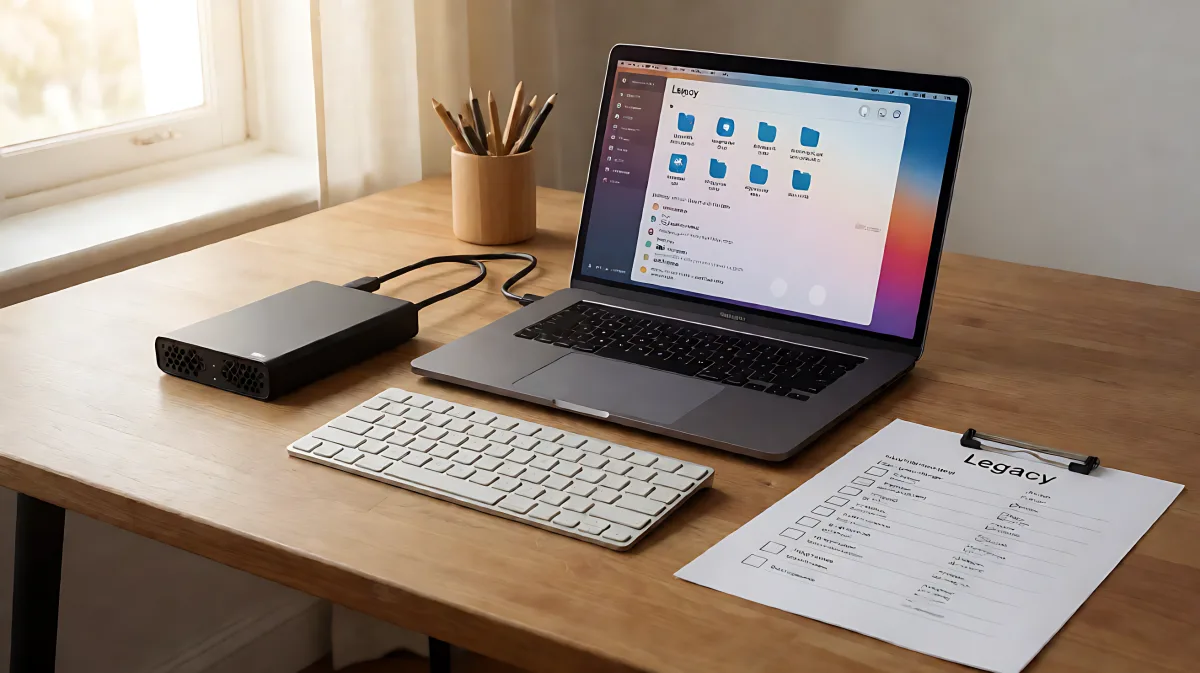
Most people assume their photos and documents are safe in the cloud, but digital decay and service shutdowns pose real risks. This guide offers a practical framework for curating your digital life, applying professional archival standards, and ensuring your loved ones can access your story when it matters most.
Your digital life is scattered across cloud drives, social media platforms, and local hard drives, making it vulnerable to loss. To protect it, build a curated archive using the 3-2-1 backup rule, designate a digital executor, and document access instructions now. This ensures your memories and essential records survive technological changes and remain accessible to your family.
Why Is a Structured Digital Legacy Plan Necessary?
Many families assume that their data is permanently stored by tech giants, but in fact, services frequently shut down or alter file formats, rendering data unreadable. According to digital preservation experts, an unmanaged digital footprint is fragile. A cohesive archive transforms scattered bits of information into a preserved narrative. By taking control of your data, you create a bridge between your current life and future generations.
What Specific Items Should Be Prioritized in the Archive?
Curation is key. Instead of hoarding every file, focus on materials that tell your story. Prioritize core identity documents such as written autobiographies and video interviews. Include visual history, selecting photos from major events alongside mundane daily moments that capture the texture of your life. Do not forget professional achievements, including resumes, creative works, and significant correspondence. These items provide the context that turns raw data into a meaningful legacy.
How Do You Implement the 3-2-1 Backup Rule?
Archivists and IT professionals recommend the 3-2-1 rule to safeguard digital assets. This standard requires you to keep three copies of your data, stored on two different types of media, with one copy kept offsite. This redundancy ensures that if one drive fails or one location is damaged by fire or theft, your data remains safe.
- Primary Copy: Store this on a local external Solid State Drive (SSD) or hard drive for quick daily access.
- Local Backup: Keep a second physical copy on a different storage device to protect against software corruption on the primary drive.
- Offsite Copy: Upload a third copy to a reputable cloud service or store a drive at a different physical location to protect against catastrophic local events.
Combining a primary external drive with a cloud backup service provides a robust foundation for most individuals. Remember that local media can fail, so regular integrity checks are essential.
What Role Does Metadata Play in Preservation?
Metadata, or data about data, is critical for making your archive searchable years from now. A file named “IMG_5067” is useless without context. Use descriptive naming conventions that include dates, people, and locations. For example, “Grandma_Mabel_90th_Birthday” is infinitely more useful than a generic filename. Archivists emphasize that adding descriptive metadata helps future users identify and discover content without needing to open every single file.
How Can You Make the Archive More Personal?
Raw data is not a legacy; context makes it one. Add voice memos describing key events or write a yearly “letter to the future” summarizing your hopes and fears. These narrative elements transform a collection of files into a historical record. Treat this process as a reflective practice, working in small batches to manage the emotional weight of revisiting your past.
How Do You Secure Access for Your Family?
Building the archive is only half the battle. If no one knows where it is, it is inaccessible. You must create a legal and physical access plan. Under the Revised Uniform Fiduciary Access to Digital Assets Act, which is adopted in most US states, a designated digital executor has the legal authority to manage your accounts. Without this designation, your family may face legal hurdles in accessing your digital estate.
- Designate a Digital Executor: Choose a trusted individual and grant them explicit written permission to access your accounts.
- Inventory Your Accounts: Create a list of every digital account, including financial, social, and cloud storage platforms. Note where the credentials are stored, such as in a password manager.
- Store the Master Key Securely: Keep a physical document with instructions for access in a fireproof safe or with your attorney. Never store actual passwords in this document; instead, record the location of your password manager.
- Have the Conversation: Tell your executor where this plan is located and what you hope they will do with the archive. This removes guesswork during a difficult time.
What Common Mistakes Should You Avoid?
A frequent error is storing the legacy plan in the same location as the will. Because wills become public record during probate, keeping your private digital access details there is a security risk. Additionally, many people fail to update their plans. Your digital life changes constantly. Update your inventory and access documents at least once a year, or immediately after any major life change such as a new account or a shift in relationships.
Frequently Asked Questions
How often should I update my digital legacy plan?
You should review and update your digital legacy plan at least once a year. Additionally, update it immediately after any major life event, such as opening a new financial account, changing your designated executor, or experiencing a significant health event.
Is it safe to store my passwords in the legacy plan?
No. You should never write actual passwords in your legacy workbook or access document. Instead, record the location of your credentials, such as “Stored in LastPass under the category ‘Banking’” or “Password manager master key in the fireproof safe.” This ensures the plan remains secure even if found by unauthorized individuals.
What is the difference between a digital executor and a will executor?
A will executor manages physical assets and legal documents, while a digital executor is specifically authorized to access and manage your online accounts and digital assets. Under laws like RUFADAA, you need a digital executor to legally transfer or memorialize your online presence.
Can I use free tools for my digital archive?
Yes. You can use standard cloud services for offsite backup and local hard drives for physical storage. Free templates from estate planning resources can help you structure your account inventory. The value comes from the consistent application of the 3-2-1 backup rule and descriptive metadata, not from expensive software.