Fall Prevention for Home Office Users: Expert Tips
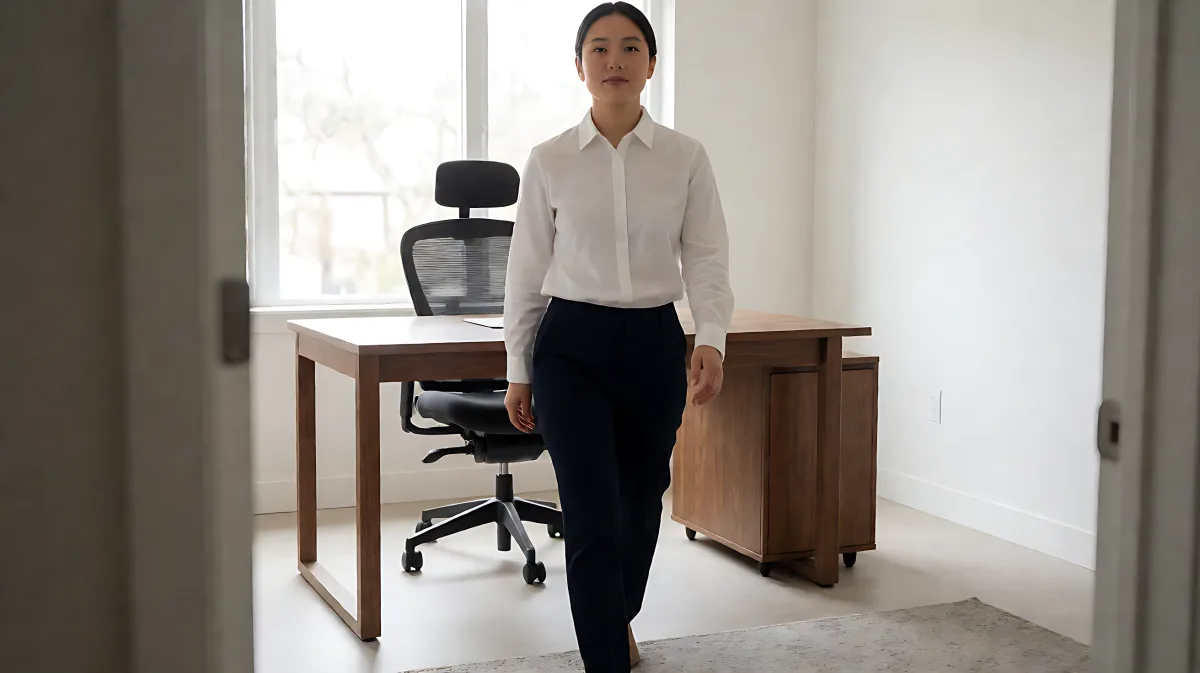
Long hours at a desk increase the risk of trips and slips. This guide provides a structured approach to auditing your workspace, securing hazards, and improving balance to keep you safe while working from home.
For home office users, fall risks come from clutter, unstable furniture, and trip hazards like loose cables. To prevent injury, you must secure floor cords, ensure stable footing, and maintain clear pathways. By applying targeted safety modifications to your workspace, you can significantly reduce the likelihood of accidents and maintain a productive, safe environment for long work sessions.
Why is your home office a high-risk zone for falls?
Many remote workers assume that the danger of falling only exists in the kitchen or on outdoor stairs, but in fact, the home office is one of the most hazardous rooms in the house. The American Academy of Orthopaedic Surgeons notes that home modifications can substantially cut the risk of falls and related injuries. In a home office, the combination of repetitive standing up, reaching for items, and navigating around desks creates a perfect storm for trips. According to the Centers for Disease Control and Prevention, falls are the leading cause of nonfatal injuries among older adults, and the risk extends to anyone who spends long hours in a confined workspace with poor lighting or uneven flooring.
How can you secure cables and cords to prevent tripping?
Loose extension cords and data cables are the number one trip hazard in most home offices. You should never hide these under a rug, as this creates a uneven bump that can trip you when you step on it. Instead, follow these steps to manage your wiring safely:
- Tape cables directly to the floor using double-sided mounting tape, keeping them flat and aligned with the wall.
- Use cable clips to anchor wires along the baseboard so they do not drape into the walking path.
- If you have too many devices, consult a licensed electrician to add a dedicated outlet near your desk, reducing the need for long extension cords.
- Route any necessary cables that must cross the room under a protective cable cover to avoid a sharp edge.
What furniture adjustments improve stability and reduce injury risk?
Your chair and desk height play a critical role in how safely you can stand up and move around. Many users keep their chairs too low, making it difficult to rise without grabbing the desk for support. Adjust your setup to ensure you can stand up independently and smoothly.
Is your desk and chair at the correct height?
Ensure your desk height allows your forearms to rest comfortably on the surface without hunching your shoulders. Your chair should support your back and allow your feet to rest flat on the floor. If you use a small step stool or a box to reach items, stop immediately. These are unstable and highly likely to tip over. Instead, rearrange your storage so that items you use daily are at waist height or below. This eliminates the need to climb or stretch excessively.
How should you manage lighting to see your workspace clearly?
Poor lighting causes you to stumble over small objects or misjudge the distance between your desk and other furniture. Ensure your room is well-lit by installing easy-access light switches at the entrance to the room. This prevents you from walking into a dark space to turn on the main light. For night-time work, use a motion-activated nightlight in the hallway and bathroom to maintain visibility. If you work late, keep a flashlight under your desk in case of a power outage.
What is a quick checklist for auditing your home office?
Use this actionable list to perform a safety sweep of your workspace. It takes less than ten minutes and can prevent serious injury.
- Remove all throw rugs from the immediate path between your desk and the door.
- Check that the handrails on any nearby stairs are firm and extend the full length of the stairway, positioned 30 inches above the steps.
- Secure loose area rugs with non-slip rubber backing or double-sided tape.
- Keep the floor clear of papers, books, and shoes, which can create hidden trip hazards.
- Ensure your footwear has non-skid rubber soles, even when moving around your home. Bare socks on hardwood or tile floors are a significant slip risk.
What common mistakes should you avoid in your setup?
One widespread error is leaving the door sills or thresholds unaddressed. If your office door has a raised sill higher than half an inch, it can catch your foot as you enter or exit, causing you to stumble. You can install a ramp or have the sill modified to eliminate this drop. Additionally, many people ignore the condition of the flooring itself. If you notice loose wooden floorboards or worn carpeting in your office, repair them immediately. Walking on an uneven surface increases the workload on your balance and core muscles, leading to fatigue and a higher chance of losing stability.
Frequently Asked Questions
How often should I check my home office for hazards?
You should conduct a full walk-through of your workspace once a month. Look for new trip hazards, such as loose cables or clutter, and test your furniture to ensure it remains stable. A quick visual check is beneficial after any reorganization of your desk area.
Are non-slip mats under desks effective for preventing falls?
Yes, if you have area rugs near your desk, securing them with a non-slip rubber backing is essential. However, a mat placed under the desk itself is not recommended if it can slide when you roll your chair. Ensure any floor covering under your chair is firm and does not move with the wheels.
What should I do if I trip and fall in my home office?
If you fall, do not stand up immediately. Assess your body for any pain or injury. Lie down if you feel dizzy. Have a designated friend or family member check in with you daily if you live alone, so they can investigate if you are unresponsive. Keep a phone within reach of your desk for emergencies.