Cancel Unused Subscriptions: Step-by-Step Guide
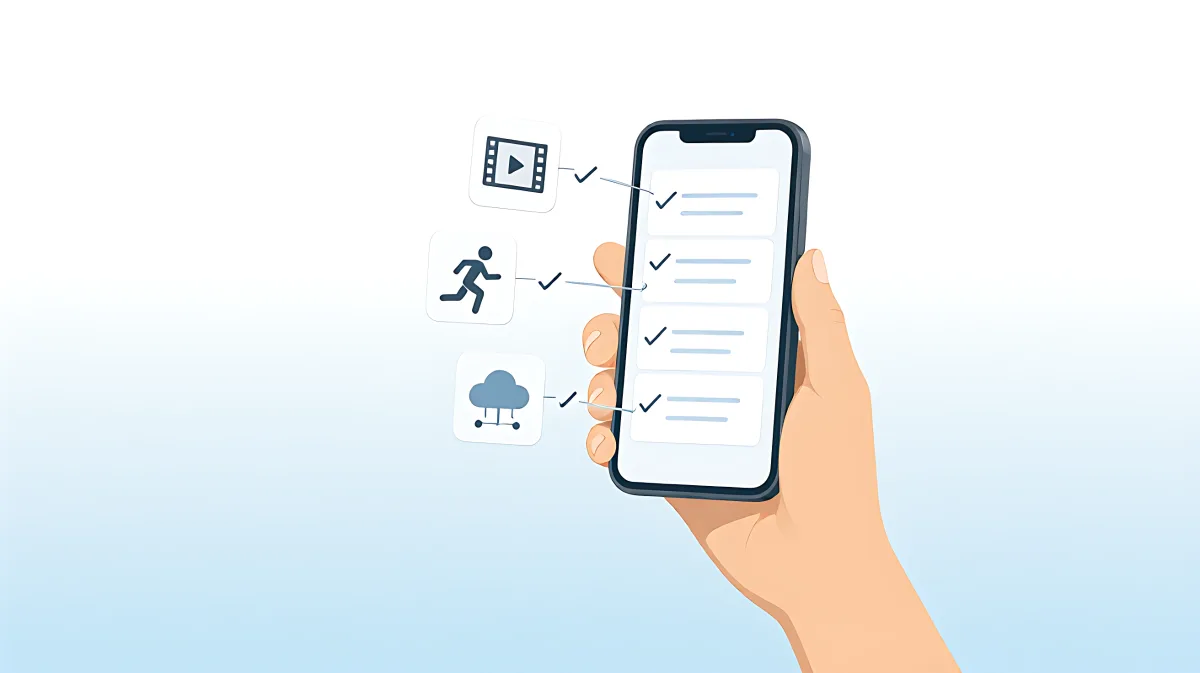
Struggling with forgotten monthly charges? Learn the definitive method to audit your accounts, locate the correct billing portal, and cancel services without falling for retention traps. This guide helps you reclaim your budget in 2026.
Unwanted digital subscriptions can drain an average American household's budget by over $900 annually, according to recent consumer data. To stop these hidden charges, you must identify the specific billing authority for each service and cancel through the original payment source, such as Apple, Google Play, or the merchant’s website. Deleting the app alone does not stop the renewal process. By conducting a systematic audit of your bank statements and saving cancellation proof, you can eliminate recurring fees and protect your financial health in 2026.
Why Do Subscriptions Feel Impossible to Cancel?
Many families assume that deleting an app from their phone ends the service. In fact, subscriptions are stored on the company's servers or app store accounts, not on your device. This disconnect allows companies to continue billing you even if you never open the service again. Digital design often utilizes 'dark patterns,' where signing up is frictionless, but canceling requires navigating complex menus or dealing with retention agents. The Federal Trade Commission (FTC) has proposed a 'click-to-cancel' rule to standardize this process, but until that regulation is fully enforced, you must take manual action to secure your money.
How Do You Find Every Hidden Charge?
Memory is unreliable when it comes to small, recurring deductions. You need a detective-like approach to uncover what is actually happening to your money. The most effective method is a deep dive into your financial records combined with a search of your digital footprint.
What Steps Should You Take to Audit Your Accounts?
- Review Statements: Download credit card and bank statements for the last six to twelve months. Look for recurring amounts, even if the merchant name looks unfamiliar (e.g., a streaming service billed as a generic payment processor).
- Search Emails: Use keywords like 'renewal,' 'subscription confirmed,' 'trial ending,' or 'invoice' in your inbox. This surfaces services you may have forgotten to manage.
- Check App Stores: On iPhones, go to Settings, tap your name, and view 'Subscriptions.' On Android, open Google Play, tap your profile icon, then 'Payments & subscriptions.'
- Inspect Password Managers: Scan your stored logins for services you no longer use. This helps identify digital footprints that may be linked to active billing.
How Do You Cancel Through the Correct Portal?
The single most important rule in subscription management is to cancel where you subscribed. If you signed up via an Apple App Store purchase, you must cancel through Apple. If you entered your credit card on a fitness company's website, you must cancel on that website. Canceling in the wrong place often results in the charge continuing, leading to frustration and potential unauthorized billing.
What Is the Difference Between a Chargeback and a Cancellation?
A cancellation stops future renewals. A chargeback is a dispute of a past transaction. If a merchant continues to charge you after you have provided proof of cancellation, you can file a chargeback with your card issuer. Most issuers allow this within 60 to 120 days of the statement date. However, you should always try to cancel first, as chargebacks are a last resort that can complicate your banking relationship.
How Can You Protect Yourself from Senior-Friendly Scams?
Older adults are frequently targeted by tech support scams that promise to 'clean up' their devices by removing subscriptions. Be wary of any call or email claiming that a subscription error has occurred. Legitimate companies will never call to ask for your password or a one-time security code to 'verify' you are a customer. If you receive such a call, hang up immediately. Use only official channels listed on the company’s verified website to manage your account.
What Is the 'Golden Rule' for Safe Cancellation?
Always verify the source of the charge before acting. If a message looks suspicious, do not click the link inside it. Instead, manually type the company's website into your browser and log in there. This prevents you from handing over your credentials to a phishing site designed to steal your financial information.
How Do You Prevent Future Subscription Creep?
Once you have cleaned up your current expenses, you need habits to keep them under control. The most effective strategy is proactive scheduling. When you start a free trial, immediately set a calendar reminder for two days before the trial ends. Additionally, consider using virtual credit cards for new trials. These services allow you to generate a unique card number that expires or has a spending limit, ensuring that even if you forget to cancel, the company cannot charge your main account.
Is It Worth It to Use a Subscription Management App?
Tools that scan your bank accounts for recurring charges can be helpful, but they require deep financial data access. If privacy is a concern, stick to the manual audit method outlined above. It is free, requires no third-party data sharing, and gives you direct control over your cancellation process.
Frequently Asked Questions
Does deleting the app stop the subscription?
No. Deleting the app only removes the interface from your device. The billing agreement remains active on the server side or through the app store. You must use the official cancellation steps in Settings (for mobile) or the account management page (for web) to stop the charge.
What should I do if a company refuses to cancel my subscription?
If a merchant ignores your cancellation request, first document the denial with screenshots. Then, contact your card issuer to initiate a chargeback for unauthorized recurring charges. You can also file a complaint with the Federal Trade Commission (FTC) or your state Attorney General, as the FTC requires clear cancellation methods for negative-option services.
How long does it take for a cancellation to stop the billing?
Most services stop billing immediately or at the end of the current paid period. However, you should check your next two bank statements to ensure the charge has truly ceased. If a charge appears after the cancellation date, it is considered unauthorized and should be disputed.
Can I get a refund for a month I paid for but didn't use?
Refund policies vary by company. Many digital services do not offer pro-rated refunds. However, if you cancel on the same day you were charged, some providers may offer a goodwill refund. Always check the company's specific terms of service before assuming a refund is guaranteed.
Why are merchant names on my bank statement different from the brand name?
Companies often use payment processors or different corporate entities for billing, which results in generic or abbreviated names on your statement (e.g., 'BLNM*Streaming' instead of the brand name). To identify the service, search the exact descriptor online along with the word 'subscription' to find the matching company.