Family Password Security Audit: 5-Step Checklist
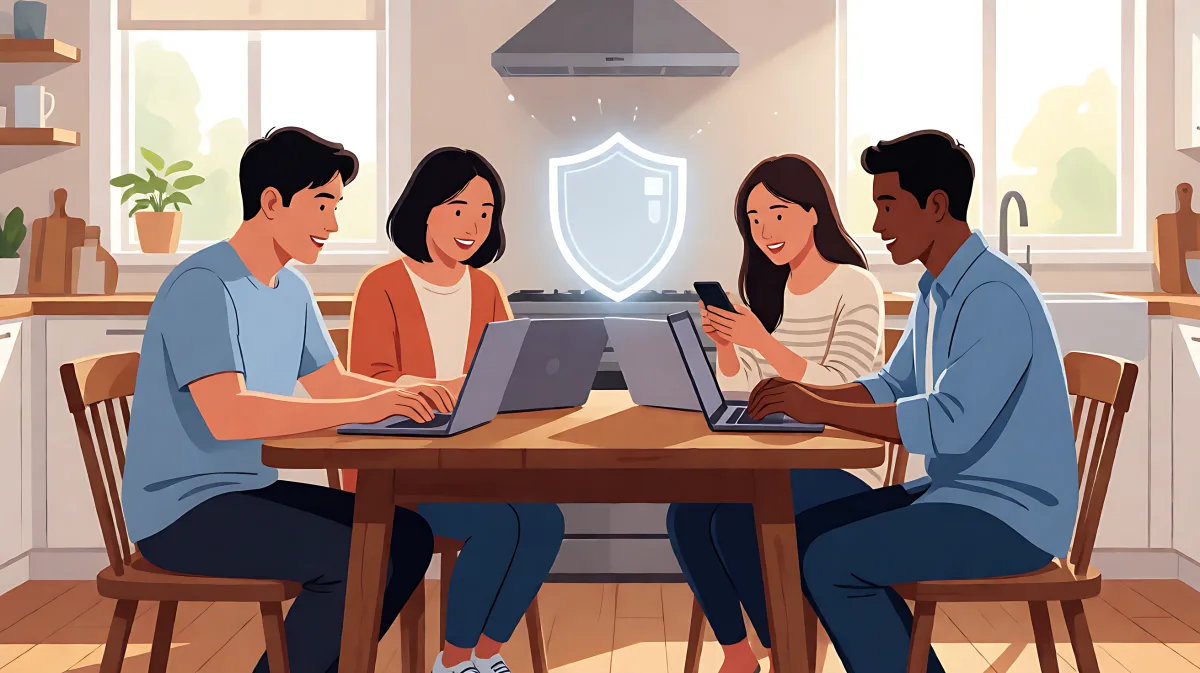
A step-by-step guide to auditing your family's digital security. Discover how to choose the right password manager, set up safe sharing rules, and prevent identity theft.
To run a family password security audit, first centralise all household logins in a trusted password manager with shared folder capabilities, then verify each member has unique, strong credentials and enable emergency access protocols for account recovery.
Why families need a dedicated password audit
Household digital life is complex. Between streaming services, school portals, and shared Wi-Fi routers, the risk of credential stuffing and identity theft increases significantly when passwords are managed manually. Research from Security.org highlights that families using dedicated management tools are far more likely to maintain strong, unique passwords compared to those relying on memory or sticky notes. In 2026, the standard for a secure household is not just having a password manager, but actively auditing who has access to what and ensuring that recovery paths are tested and functional.
What makes a family audit different from a solo check?
While an individual only needs to secure their own banking, a family audit must address shared assets and varying tech literacy. You are not just checking for weak passwords; you are evaluating whether a parent can recover a child's account if the child forgets their master password. It is about balancing security with usability so that the youngest and oldest members of the household can navigate their digital lives without becoming a security liability.
Which password managers are best for family use in 2026?
The right tool depends on your specific family dynamic. RoboForm is frequently cited by Security.org and PasswordManager.com experts for its affordability, offering a family plan for up to five users at under $4 per month. Its strong form-filling capabilities make it ideal for households that frequently deal with complex applications or government forms. For those prioritising raw security, NordPass is a top contender, utilising XChaCha20 encryption and undergoing third-party audits by Cure53. Its family plan supports up to six users and includes email masking, which is excellent for reducing spam and phishing attempts across the household.
Another strong option is 1Password, which Security.org praises for its support of unlimited devices and robust admin controls that double as parental controls. If your family values privacy above all else, Proton Pass is a notable alternative mentioned by SafetyDetectives for its privacy-first architecture and advanced aliasing features, which allow users to create disposable email addresses to protect their real identity.
How to execute a 5-step family security audit
Once you have selected a platform, follow this checklist to ensure your household is secure. This process should take less than an hour per family member if done systematically.
- Centralise Shared Credentials: Create a specific "Shared Family" vault or folder. Move all streaming services, the Wi-Fi router password, and the family car's service portal into this vault. Ensure that only the household admin and trusted adults have read/write access to this specific folder. Keep personal banking and work accounts in private, individual vaults that are strictly inaccessible to others.
- Implement Unique Passwords: Run the built-in password audit tool in your chosen manager. Identify any reused passwords across family members. If your father uses the same password for his bank as your mother uses for her social media, the audit will flag it. Force the generation of unique, random passwords for every account, especially for financial and email services.
- Set Up Emergency Access: This is the most critical step. Designate one or two trusted "emergency contacts" for each family member. In managers like NordPass and RoboForm, you can set a request period (e.g., 48 hours). If a member loses their master password and does not respond, the emergency contact can request access to ensure the household does not lose critical accounts permanently.
- Enable Multi-Factor Authentication (MFA):strong>
Many families assume that MFA is only necessary for work accounts, but in fact, it is the primary defence against credential theft in personal vaults. Enable TOTP or hardware key support for the main email account and any financial logins stored in the manager. For households with young teenagers, Keeper is noted by Security.org for its encrypted chat and storage features, which can add an extra layer of controlled communication for sensitive logins.
Common mistakes that undermine family security
Even with a good tool, behavioural errors can create vulnerabilities. The most common mistake is giving children full admin rights on their own vaults without oversight. While you want to respect their digital autonomy, they should not have the ability to permanently lock you out of shared family assets. Instead, use shared folders with defined roles. Another misconception is that a password manager is "set it and forget it." In 2026, with the rise of biometric logins, your manager should be actively auditing your health. Dashlane, for example, includes a breach scanner that proactively alerts you if a family member's email appears in a public data leak.
Finally, do not neglect the device itself. A password manager is only as secure as the device running it. Ensure that all family devices have automatic updates enabled and that remote wipe capabilities are configured for phones and tablets. If a teenager's phone is lost, you must be able to delete their access to the shared family vault instantly.
How often should you repeat this audit?
Experts from Security.org recommend a full household audit every six months, or immediately after any major life event such as a divorce, a new family member joining the household, or a discovered data breach. Between these major checks, perform a quick monthly review of your shared streaming folders to ensure no orphaned accounts remain.
FAQs
Can a password manager work if one family member uses an Android and another an iPhone?
Yes, all top-tier managers like RoboForm and 1Password support cross-platform sync. This means credentials saved on an Android device will instantly update on an iPhone. Ensure that you have linked your accounts to a central cloud service or local server that is accessible from both operating systems to maintain seamless synchronization across the household.
What happens if I lose my master password and have no emergency contact?
Without an emergency access plan, you may be permanently locked out of your vault, which includes all your financial and identity documents. This is why the audit must include a secondary recovery method. Some managers allow for a separate recovery email or SMS code, but a designated human contact is the safest standard for families, ensuring that a trusted adult can step in and verify your identity before granting access.
Is it safe to share passwords with teenagers?
It is safe if you use a "Shared Folder" model rather than giving them access to your entire vault. You can share specific logins, like a family streaming service or a shared gaming account, while keeping their personal school and social media logins in their own private, isolated vaults. This teaches them digital hygiene without exposing your critical financial data to them, maintaining a clear boundary between shared household assets and personal privacy.