Biometric Limits for Macular Degeneration Users
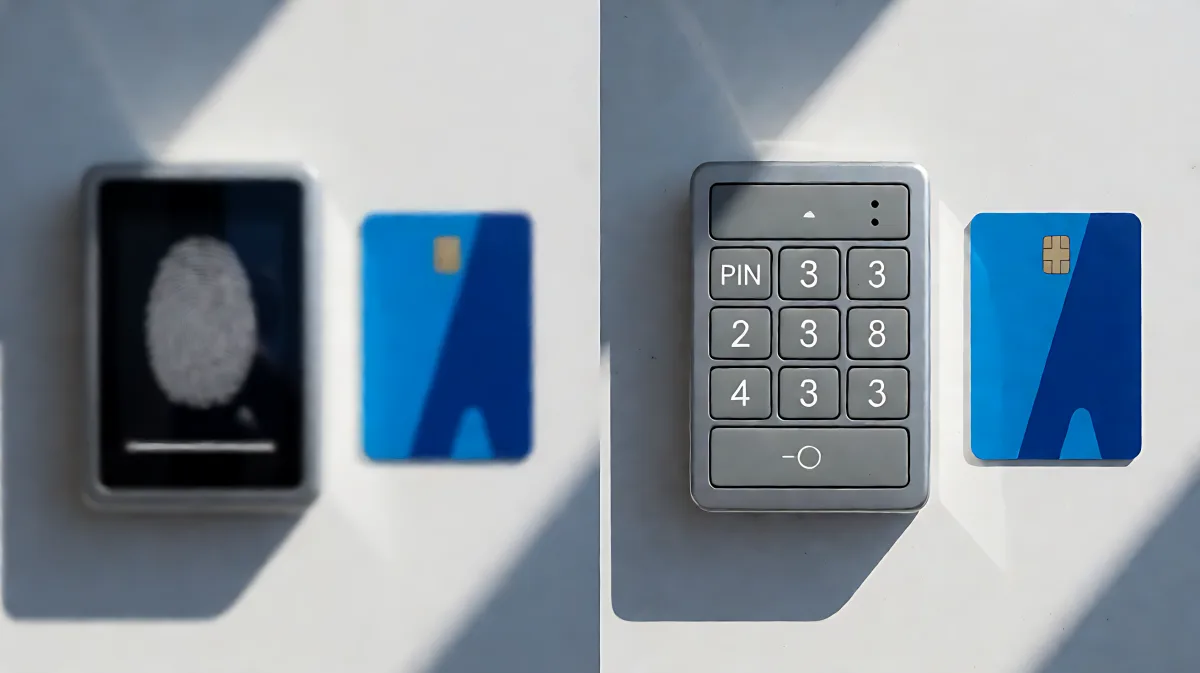
Passwordless login is not universally accessible. For individuals with macular degeneration, standard biometric methods often fail. This guide breaks down the technical limits, offers alternatives, and provides a checklist for secure, accessible access.
Biometric authentication often fails for users with macular degeneration because central vision loss impairs the precision required for eye and palm scanning. According to MITRE Corporation research, biometrics requiring dynamic device positioning show significantly lower usability for participants with vision disabilities compared to those using static PINs or fingerprint sensors. For individuals in the US and UK, relying solely on eye-based login is risky and often ineffective; pairing biometrics with fallback methods like hardware keys or PINs is essential for reliable access.
Why Macular Degeneration Affects Biometric Login
Macular degeneration damages the macula, the part of the retina responsible for central vision. This condition makes it difficult to align a device with a specific point on the body. MITRE’s evaluation of three biometric modalities—fingerprint, eye, and palm recognition—revealed that methods needing precise physical alignment (like palm scanning) were the most problematic for users with limited or no vision. Eye recognition, while seemingly intuitive, also requires the user to look directly at a camera, a task that becomes challenging or impossible for many with advanced macular degeneration due to peripheral vision loss and difficulty focusing on central targets.
What Does MITRE Research Say About Usability?
In their study co-authored by Ronna ten Brink and Rebecca Scollan, researchers from MITRE Corporation tested users with and without disabilities. The findings indicate that traditional PINs often outperformed complex biometrics for disabled users in terms of perceived usability and efficiency. While fingerprint readers offer a moderate solution, they still require the user to locate the sensor. Eye and palm systems, which demand dynamic positioning, scored lowest in usability for participants with vision impairments. This data suggests that 'passwordless' does not always mean 'easier'; for many, it means more complex physical interactions.
Common Misconceptions About Eye Recognition
Is Eye Recognition the Most Secure Option?
Many families assume that eye scanning is the pinnacle of security and accessibility, but in fact, it is often the least reliable for those with central vision loss. Security experts from Imprivata note that facial and eye biometrics introduce governance issues around liveness detection and template storage. For a user with macular degeneration, the 'failure' rate of eye login is high because the biometric template may not match the degraded visual input during authentication. This creates a frustrating loop where the user must fall back to secondary methods, negating the benefits of a seamless login experience.
How to Choose an Accessible Authentication Method
Organizations and individuals must treat authentication as a choice of tools, not just a single biometric lock. The National Health Imagery Management Group (NHIMG) analysis highlights that passwordless identity management often outpaces governance, leaving users stuck when one method fails. To mitigate this, you should adopt a multi-factor approach that does not rely on a single physical interaction. Consider using FIDO2 hardware security keys. These are physical devices that blink or vibrate when tapped, providing haptic feedback that is independent of visual acuity. Alternatively, use a standard PIN combined with a hardware key. This combines the knowledge factor (PIN) with the possession factor (key), avoiding the inherent factor of biometrics that may not work.
Step-by-Step Checklist for Accessible Login
- Audit Your Current Setup: Test your login methods with a central obstruction simulation. If eye or palm scanning takes more than 10 seconds or requires multiple retries, it is likely not suitable for macular degeneration users. Implement Hardware Keys: Obtain FIDO2-compliant security keys (such as YubiKey or similar). Store them in a known location or use a lanyard for easy access without visual searching.Set Up a PIN Fallback: Ensure a numeric PIN is enabled as a secondary factor. This allows login if the biometric or hardware device fails. Choose a PIN that is long enough (6-8 digits) to be secure but simple enough to remember without visual aids.Configure Haptic Feedback: Enable vibration alerts on your device. When a security key is detected or a scan is complete, the device should vibrate to confirm the action without needing to look at the screen.Review Recovery Options: Confirm that your account recovery methods do not rely on email links or visual CAPTCHAs. Use backup codes or trusted device recovery that can be stored physically.
What Are the Best Alternatives for Low-Vision Users?
For those who cannot use biometrics effectively, the best alternatives are hardware-based and keyboard-based. Smart cards and security keys are widely recommended by identity governance experts. Imprivata’s analysis of facial biometrics suggests that while face auth reduces password reset friction, it fails if the underlying identity program doesn't support fallback controls. For a user with macular degeneration, a hardware key is superior because it does not require visual alignment. It simply requires presence. A second strong option is a personal identification number (PIN) entered on a physical keypad. This avoids screen-based typing, which can be difficult for users with low vision, and provides a strong possession factor. Avoid relying on facial recognition as a primary method, as it shares similar governance and technical limits with eye scanning in terms of environmental constraints and user control.
FAQ
Can I use a face ID if I have macular degeneration?
It is generally not recommended as a primary method. While some systems might work, the degradation of central vision makes it difficult to position your face correctly relative to the camera. MITRE research suggests that biometrics requiring dynamic positioning have low usability for vision-impaired users. Face ID should be treated as a convenience feature, not a security or access guarantee.
What is the most accessible passwordless method?
A FIDO2 hardware security key is often considered the most accessible passwordless method. It does not require visual alignment or complex physical maneuvers. The user simply inserts the key and taps it. The haptic feedback (vibration) confirms the connection, making it independent of vision.
Do I need a PIN if I have a security key?
Yes, a PIN adds a second factor (knowledge) to the possession factor (the key). This multi-layered approach protects against physical theft of the key. For users with macular degeneration, a simple PIN is easier to manage than a complex biometric template.
How do I secure my login if my email is compromised?
Do not rely on email for account recovery. Use physical backup codes stored in a secure, tactile location (like a labeled envelope you can feel). Hardware keys also offer their own recovery mechanisms that do not depend on email access, providing a safer path for users who may lose access to digital recovery channels.