How to Detect Emotional Manipulation in Tech Scams
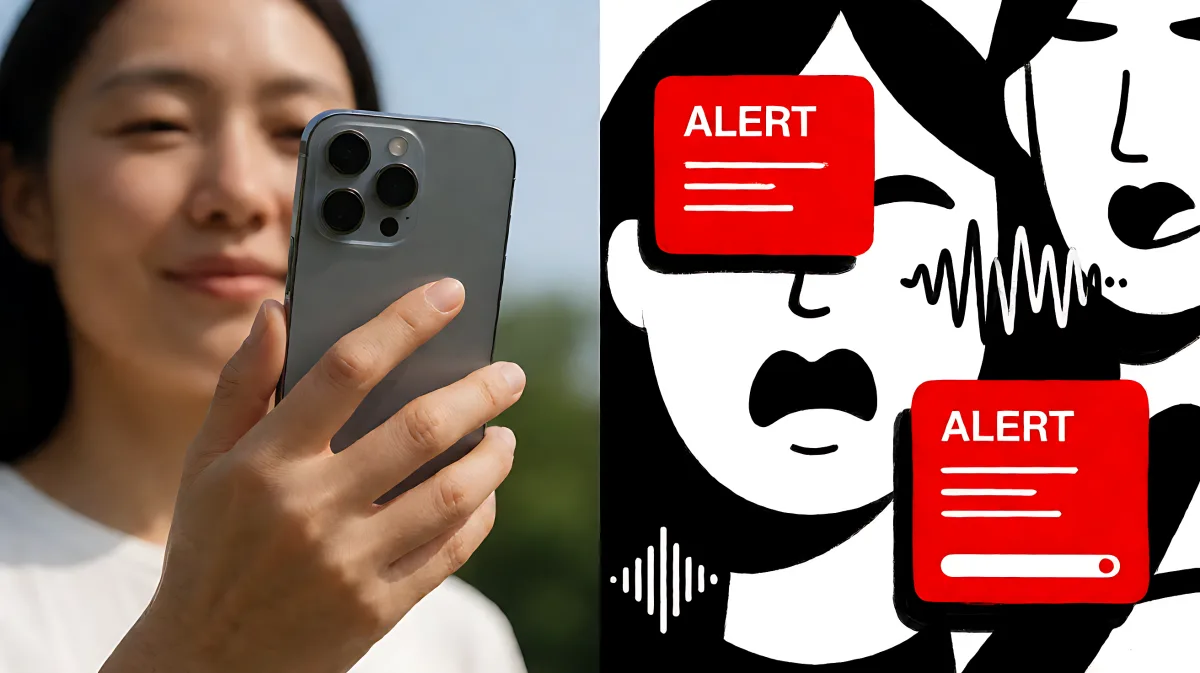
Tech support scams are evolving. See how fraudsters exploit emotional triggers and authority bias to bypass security, and learn a simple four-step defense strategy.
In 2026, the most effective tech support scams no longer rely on breaking code, but on breaking your composure. Scammers use emotional manipulation to trigger fear and urgency, forcing you to skip logical checks. To stay safe, remember the four-step framework: acknowledge the emotion, pause the response, verify through independent channels, and only then act. This simple pause interrupts the psychological hijack that makes fraud successful.
Why Do Tech Support Scams Trigger Strong Emotional Responses?
Modern cybercriminals act more like psychologists than hackers. They understand that when the human brain perceives an urgent threat, it shifts into survival mode. Complex reasoning shuts down, and the instinct to react takes over. This is exactly what fraudsters want. They weaponize your natural instincts of fear, authority, and scarcity.
According to a 2026 study published in F1000Research, technology-support fraud involving older adults follows a specific pattern: a technical threat is created, perceived authority is established, psychological pressure is applied, and finally, compliance is elicited. The researchers noted that pop-up alerts and alarming warnings frequently serve as the initial trigger, while impersonation of trusted organizations reinforces the scammer's perceived legitimacy.
What Role Does AI Play in Modern Manipulation?
Artificial intelligence has dramatically increased the speed and convincing nature of these attacks. In 2026, voice phishing, or vishing, has surpassed email as the top method attackers use to gain initial access to systems. Attackers can now clone a CEO’s voice from seconds of audio and generate perfectly personalized messages using data scraped from professional networks. This allows them to coordinate email, SMS, and phone calls within minutes, creating a multi-channel attack that feels legitimate.
Even security-aware professionals fall for these attacks when they are sufficiently personalized and urgent. The manipulation is not just about technology; it is about exploiting cognitive biases. Scammers rely on the scarcity effect, making you believe you must act now or lose your data, and anchoring bias, where they place undue emphasis on preliminary false information to sway your perception.
How Does a Typical Tech Support Scam Unfold?
Most tech support scams follow a predictable script designed to isolate you from reality. Understanding this sequence helps you spot the manipulation in real time.
- The Trigger: The scam starts with an unsolicited phone call, email, or text. It might be a fake virus alert, a claim of a compromised account, or a warning about suspicious activity on your payment method.
- The Pressure: The scammer creates a sense of immediate danger. They may claim your files will be deleted or that your IP address is linked to illegal activity. The goal is to stop you from thinking clearly.
- The Access Request: They will ask you to download remote-access software so they can “inspect” your device. Once connected, they may change settings or install malware.
- The Fake Diagnosis: The scammer points to ordinary system logs or error messages and claims they are signs of a severe virus. They may even create new problems to make their “repair” look convincing.
- The Payment Demand: Once the issue seems serious, they ask for payment. As noted in the FBI’s Internet Crime Complaint Center report, victims often pay via cryptocurrency, wire transfer, or prepaid gift cards.
It is crucial to note that legitimate companies, such as Microsoft, Apple, or your bank, will never call you out of the blue to warn you of a computer virus, nor will they ask you to install remote-access software over an unsolicited call.
What Are the Common Red Flags of Impersonation?
Scammers often impersonate trusted vendors or government agents. In the UK and US, these calls frequently target small businesses and elderly individuals. Red flags include the use of urgency, the insistence that you stay on the phone, and requests for sensitive personal information. In online forums and social media, scammers leave comments on videos or send direct messages pretending to be support staff. Always verify the official status of an account; legitimate support rarely happens via random comments or unsolicited direct messages.
What Is the Best Framework to Stop Emotional Hijacking?
Combatting emotional manipulation requires a structured response that overrides your instinct to react. A simple mental model known as “Feel, Slow, Verify, Act” is designed to interrupt this hijack.
- Feel: Recognize your emotional state. If you feel sudden panic, confusion, or intense fear during a support interaction, that is the first signal of manipulation.
- Slow: Create space to think. This 30-to-60-second pause is the difference between staying safe and becoming a victim. Do not comply with immediate demands.
- Verify: Independently confirm the request. Hang up and call the organization using a phone number you know is legitimate, not one the caller provided. Do not trust the channel of the request; trust the source.
- Act: Take informed action only after verification. If the request was fake, report it. If it was real, proceed with the official protocol.
Skipping the “Slow” or “Verify” steps is exactly what attackers hope you will do. Legitimate organizations respect verification. They will never punish you for asking to pause or for checking their official website directly.
How Can You Protect Vulnerable Family Members?
Elderly adults are frequently targeted because of the combination of technical unfamiliarity and social trust. Research indicates that family and social support often assist victims in recognizing the fraud and acting quickly. Proactive conversation is key.
Discuss the common signs of manipulation with your family members. Teach them that true support agents do not need to access their devices remotely to fix a simple issue, and they never ask for payment via gift cards or wire transfers. Encourage them to use a trusted IT professional or the device manufacturer’s official support team when they encounter errors. If a family member has been targeted, cut off access immediately by disconnecting the device from the internet, uninstall any suspicious software, and change passwords for email, banking, and social media accounts.
What Should You Do If a Scam Already Happened?
If you or a loved one has been victimized, quick action limits the damage. First, contact your bank or payment provider to see if the transaction can be reversed or the card frozen. In the US, report the incident to the Federal Trade Commission at ReportFraud.ftc.gov. In the UK, report it to Action Fraud or your local police. Also, report the scam to the impersonated company so they can issue warnings. Be wary of follow-up scams where fraudsters claim to offer “recovery” or “refunds” for the initial loss; these are secondary traps designed to steal more money.
Frequently Asked Questions
Do legitimate tech support companies ever call customers unsolicited?
No. Major technology firms like Microsoft, Apple, and Amazon do not initiate phone calls to notify customers of viruses or security breaches. They may email about service issues, but they will not demand immediate remote access via an unsolicited phone call.
How can I verify if a phone number is safe?
Do not use numbers provided in the suspicious message or call. Instead, look up the official customer support number on the company’s official website or the back of your credit card. Call that number to confirm if a support ticket or issue actually exists.
What is the impact of financial loss on mental health?
Victims of tech support scams often experience significant emotional distress, including shame, guilt, and anxiety. The psychological trauma can lead to physical symptoms like insomnia and headaches. It is important to seek support and report the incident to normalize the experience and begin recovery.
Are AI voice clones easy to detect?
Detecting AI voice clones is becoming difficult for the average person. Relying on voice recognition is no longer safe. The safest approach is to verify identity through out-of-band channels, such as a pre-agreed code phrase with a colleague or by calling a known legitimate number.
Why are older adults targeted more frequently?
Older adults are targeted because scammers exploit the combination of trust in authority and potential unfamiliarity with rapid technological changes. The perceived authority of a caller claiming to be from a major institution makes it harder for victims to doubt the legitimacy of the request without a structured verification process.