Sharing Photos With Smartphones: A Guide For Isolated Seniors
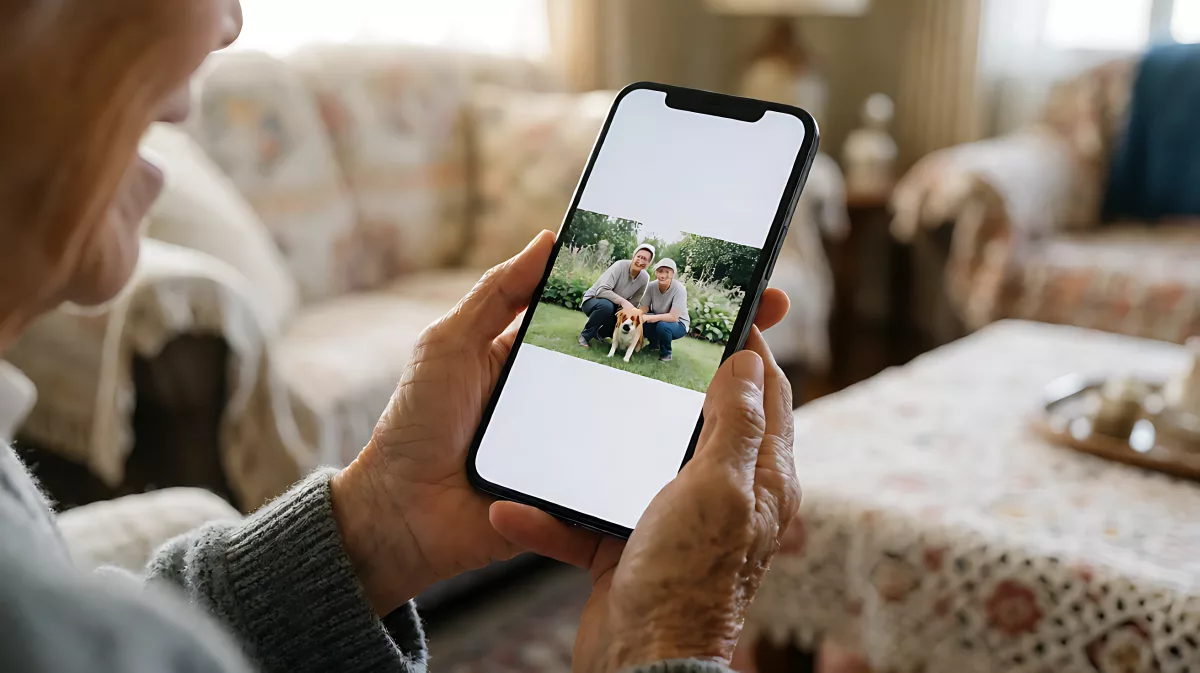
Loneliness remains a critical health risk for older adults living alone. This guide shows how simple smartphone photography and sharing can bridge the gap, offering a low-barrier way to maintain social bonds and emotional health.
Smartphone photo sharing offers isolated seniors a powerful, low-effort tool to combat loneliness by allowing them to document daily life and instantly connect with distant family members. By capturing simple images and sending them via messaging apps, older adults can foster emotional bonds and reduce the social isolation that frequently accompanies living alone, contributing significantly to better mental health outcomes in 2026.
Why Do Photos Matter More Than Words for Seniors?
For many older adults, typing long messages can feel intimidating or cognitively draining. In contrast, taking a picture is a tangible, immediate action that often feels more natural. Research into social compensation for older users suggests that visual media can bridge the gap created by the digital divide. When a senior in the US or UK sees a photo of a grandchild’s school project or a neighbour’s garden, it serves as a prompt for conversation that words alone might not trigger. This visual exchange keeps the social thread alive even when physical interaction is limited by mobility or distance.
How Can Seniors Take Better Photos Without a Pro Camera?
Modern smartphones are incredibly capable, and you do not need to be a professional photographer to capture meaningful images. The key is simplicity. Focus on one subject, such as a meal, a pet, or a view from your window. Hold the phone steady, even if just resting it on a stack of books. Natural light is your best friend; standing near a window can make images clearer without any complex settings. Many devices now feature one-touch modes that adjust brightness and colour automatically, ensuring that even a quick snapshot looks vibrant and shareable.
Which Apps Make Sharing Simplest?
- Messaging Apps: Platforms like WhatsApp, iMessage, or Signal allow for instant sending. They require no learning curve beyond basic chat functions.
- Social Media: Facebook and Instagram offer a broader audience but can be overwhelming. Limiting use to a single "family" group can reduce the stress of managing multiple feeds.
- Email: For those who prefer a slower pace, email remains a reliable method to send higher-quality images with a written note attached.
It is important to note that while technology is a great tool, it has downsides. Excessive screen time can lead to reduced sleep quality and feelings of anxiety if the user feels pressured to respond instantly. Therefore, moderation is key. A scheduled time to check messages, rather than constant notifications, helps maintain a healthy balance.
What Are the Health Benefits of Staying Connected?
Social isolation is a recognised health risk for older adults, often linked to increased mortality and cognitive decline. By actively sharing photos, seniors engage in regular social interaction, which can alleviate loneliness and emotional stress. This consistent contact helps maintain social circles that might otherwise shrink after retirement or the loss of a spouse. In the UK and US, public health bodies increasingly recommend digital connection as part of active ageing strategies to keep minds sharp and spirits high.
How Does This Support Cognitive Health?
Recalling details to caption a photo or engaging in back-and-forth dialogue about the image exercises memory and language skills. It creates a shared narrative that anchors the senior in the present moment and keeps them engaged with their loved ones’ lives.
How Can Families Support This Habit?
Technology is only useful if it is accessible. Family members should offer patient, hands-on assistance. Rather than just handing over a phone, guide the senior through the process of opening the camera app, taking the photo, and sending it. Celebrate the successful exchange to build confidence. Remember that psychological and health barriers are common reasons for withdrawal from internet use. If a senior struggles, simplify the environment by clearing out unnecessary apps and increasing the text size on the screen for better readability.
What Are Common Barriers to Adoption?
- Small Text and Buttons: Most phone settings allow for "Large Text" and "Bold Text" options to improve visibility.
- Internet Connectivity: Ensure a stable Wi-Fi connection at home to avoid data costs and connection frustrations.
- Digital Anxiety: Fear of pressing the wrong button can paralyse users. Frame mistakes as harmless and easy to fix.
Organisations dedicated to senior wellness are increasingly advocating for digital literacy programs that focus on communication rather than just content consumption. By framing the phone as a bridge to people rather than a source of information, adoption rates and satisfaction levels rise significantly.
Frequently Asked Questions
Is it safe to share photos of my home?
Yes, but avoid showing security codes, keys, or unique exterior features that could help a potential thief locate your home. Focus on interior views, people, or nature shots. Most platforms allow you to adjust privacy settings so that only specific friends and family can see your posts.
What if I don't have a smartphone?
A basic "dumb" phone cannot easily send photos. However, some seniors use a secondary tablet or borrow a family member's device to send pre-loaded images. Alternatively, a simple digital camera that connects via Wi-Fi can be a good middle ground for those who find the full smartphone interface too complex.
How often should I share photos?
There is no strict rule. Quality over quantity is the best approach. One meaningful photo shared with a short note can be more impactful than five random images. Let your curiosity and moments of joy guide you. The goal is to feel connected, not obligated.
Can video calls replace photo sharing?
Video calls are excellent for real-time interaction but can be demanding. Photo sharing is asynchronous, meaning you can take the photo when you are ready and the recipient can view it at their leisure. This lower-pressure format is often more sustainable for daily connection.
How do I back up my photos?
Most cloud services like Google Photos or iCloud will back up your images automatically when Wi-Fi is on. This ensures that if your phone is lost or damaged, your precious shared memories are safe. It also makes it easier to send images to family members who use different phone brands, as they can be accessed from a computer or another device.