How to Fix Smart Thermostat Sensor Blind Spots at Home
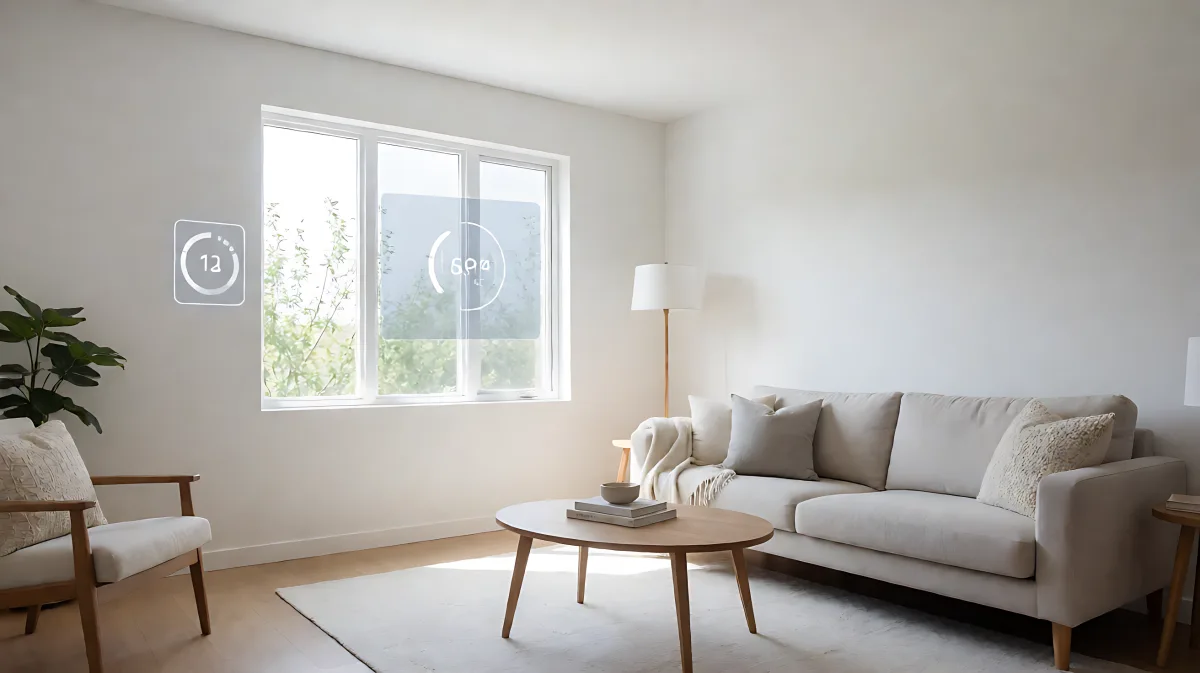
Your smart thermostat might be lying to you. Learn how to identify temperature blind spots caused by poor sensor placement and how to use remote sensors to fix uneven heating and cooling in your home.
Smart thermostat sensor blind spots occur when the device fails to detect temperature or occupancy in specific areas of your home, leading to uneven comfort. This happens because the main unit is often mounted in a hallway or room with poor airflow, missing critical zones like upstairs bedrooms or drafty corners.
Why Do Smart Thermostats Miss Part of Your Home?
Even the most advanced algorithms struggle with physics. A thermostat installed on an exterior wall may be influenced by outdoor weather, while one in a hallway may not reflect the comfort of private rooms. These "blind spots" arise when the primary sensor cannot accurately gauge the thermal reality of the entire house. In multi-story homes, this is particularly common. Warm air rises, meaning upper floors often run hotter than the ground level where the main thermostat is installed. If the device only sees the lounge, it may shut off the heat too early, leaving the bedroom freezing overnight, or keep it running when the attic space is already scorching.
Moreover, occupancy detection has physical limits. Most motion-based sensors have a specific viewing angle. If a sensor is tucked into a corner or blocked by furniture, it may miss presence in a room, causing the system to switch to energy-saving modes when you are actually home. This creates a conflict between comfort and efficiency, often resulting in complaints that the house feels "wrong" at specific times of the day.
What Are the Common Causes of these Blind Spots?
- Location of the main unit: Installing the thermostat near a window, door, or in a corridor with poor circulation skews the reading.
- Thermal stratification: Temperature differences between floors that a single central point cannot capture.
- Sun exposure: Direct sunlight on the main sensor can cause spikes in reading, making the AC run longer than necessary.
- Line of sight issues: Furniture or walls blocking the motion detector prevent accurate occupancy sensing.
How Do You Identify and Fix Temperature Dead Zones?
The solution lies in decoupling the "brain" of your HVAC system from its "senses." By adding remote sensors, you create a distributed network that reports data from critical locations. These remote units act as independent eyes and ears, reporting temperature and occupancy back to the main hub, which then averages or prioritizes the data to make smarter decisions.
Modern systems allow these remote sensors to communicate wirelessly, eliminating the need for drilling holes or running wires. This technology has become standard in premium smart thermostats, enabling users to monitor specific rooms like nurseries, home offices, or guest suites directly from their smartphone apps.
How Do Remote Sensors Work with Smart Thermostats?
Remote sensors typically measure two key factors: temperature and occupancy. When a person walks into a room, the occupancy sensor detects the change in heat and motion. The thermostat then adjusts the heating or cooling output to meet the comfort setpoint for that specific room. Advanced features, such as "Follow Me" modes, allow the system to track the user as they move through the house, bringing comfort to the active room while saving energy in the inactive ones.
For example, a leading manufacturer, ecobee, offers remote sensors that connect via 915MHz radio frequency. This allows for reliable communication even through walls, provided the range limit is respected. According to current product specifications, these sensors can be placed up to 60 feet from the main thermostat. This range is sufficient for most single-story or two-story homes, ensuring that the signal does not degrade near the boundaries of the property.
Where Should You Place Sensors to Avoid Blind Spots?
Placement is the most critical factor in eliminating blind spots. You want to avoid areas that are not representative of the "lived-in" experience. The best locations are usually where people spend the most time, such as the main bedroom, living room, or home office.
Avoid placing sensors on exterior walls, near windows, or in direct sunlight. If you must place a sensor near a window, ensure it is not facing the sun during peak hours. Also, keep sensors away from heat sources like fireplaces, ovens, or large electronic equipment that generate ambient heat. In terms of height, the standard recommendation is to mount sensors at head height, roughly 4 to 5 feet off the floor, to avoid the effects of thermal stratification where warm air collects at the ceiling and cool air sinks to the floor.
What Is the Ideal Number of Sensors for a Home?
There is no one-size-fits-all answer, but a general rule of thumb is one remote sensor per floor, plus one for each frequently used room that is far from the main thermostat. For a typical two-story home, two to four sensors are often sufficient to cover all major blind spots. Some systems support up to 32 sensors per account, allowing for granular control in larger estates or commercial spaces.
| Factor | Recommended Action |
|---|---|
| Distance from Thermostat | Keep within 60 feet for reliable radio connection. |
| Mounting Height | 4 to 5 feet off the floor, away from drafts. |
| Room Selection | Choose rooms with high occupancy or persistent comfort complaints. |
| Orientation | Face the living area; avoid pointing at doors or windows. |
Do Sensor Blind Spots Affect Energy Bills?
Absolutely. When a thermostat misses a hot or cold spot, it often overcompensates. If the bedroom is cold but the main sensor says it is comfortable, the heat will not turn on, leading to a uncomfortable night. Conversely, if a sun-drenched living room triggers the AC, the system might over-cool the entire house, wasting energy on rooms that do not need it. By correcting these blind spots, you allow the system to run more efficiently. The device can maintain a consistent temperature rather than swinging wildly, which reduces strain on the compressor and lowers utility costs over time.
Furthermore, modern smart thermostats integrate these sensor data points with energy pricing information. In areas with time-of-use electricity rates, the system can shift heating or cooling to cheaper hours while maintaining comfort in key rooms. This smart balancing is only possible if the system has accurate data from multiple points in the house, not just one potentially biased location.
How Long Do Remote Sensors Last?
Most remote temperature and occupancy sensors are battery-powered. For example, some top-tier models use CR2477 batteries that last up to five years. This long lifespan means you can install a sensor and largely forget about it for half a decade. Before installation, check the specifications of your specific model to ensure the battery type and life align with your maintenance preferences.
Frequently Asked Questions
Can a remote sensor replace the main thermostat?
No, the main thermostat is required to control the HVAC system. Remote sensors only provide data. You cannot control the furnace or AC from a standalone remote sensor; it must be paired with a central smart thermostat hub that acts as the brain for the system.
What is the maximum distance for a sensor to work properly?
While some systems claim longer ranges, a safe working distance is usually under 60 feet from the main hub. Walls, especially those with metal lath or heavy insulation, can degrade the signal. If your home is larger, you may need to position sensors strategically along the line of sight to the main thermostat to ensure consistent communication.
Will pets interfere with occupancy sensing?
Most advanced sensors are designed to differentiate between humans and pets. The motion detectors use heat signatures and size analysis to ignore small animals. However, very large dogs or cats might occasionally trigger a reading, so it is best to place sensors in areas where pets are less active or to adjust the sensitivity settings in the app if you notice false positives.
Do I need a subscription for smart sensor features?
Basic temperature and occupancy data from remote sensors does not usually require a paid subscription. However, advanced features like home security monitoring or detailed energy reports may be part of a premium service. Always check the manufacturer's current pricing structure, as offerings can change over time.