Automated Lighting Backup: Fixes & Power Solutions
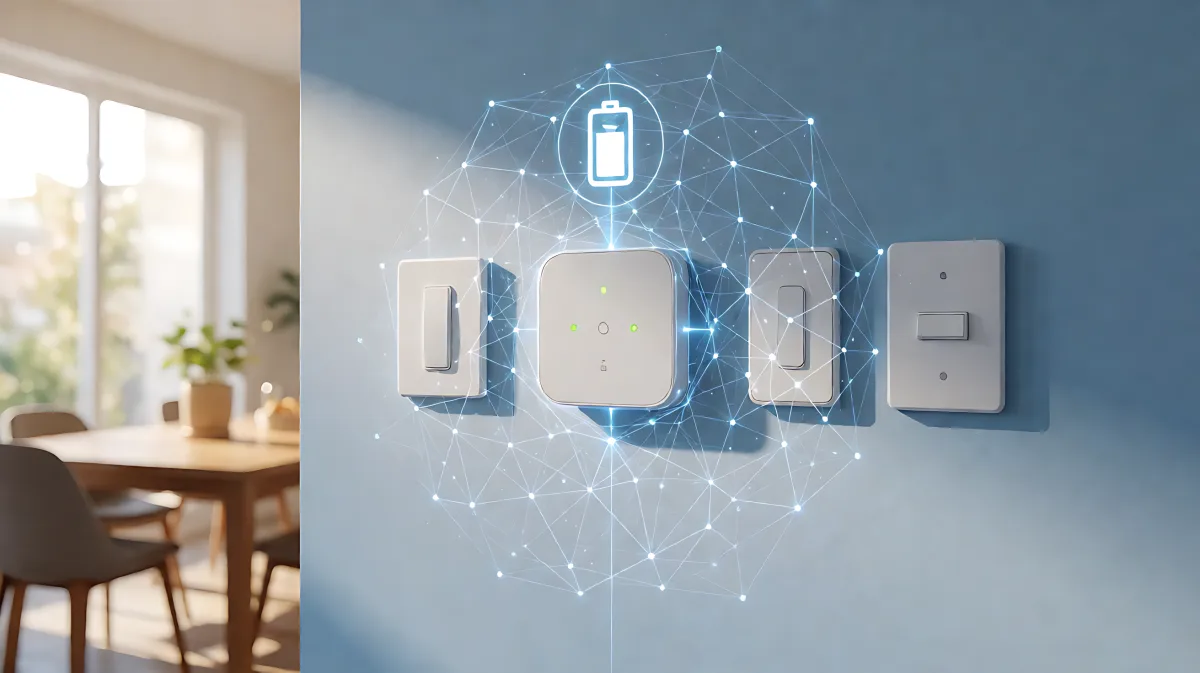
Smart lighting systems often fail due to cloud dependency or network drops. Learn how to diagnose communication errors, configure local control hubs, and implement battery backups to keep your home illuminated and secure during outages.
Automated lighting failures usually stem from broken communication layers rather than hardware defects. When Wi-Fi drops, cloud services crash, or firmware updates conflict, lights may stop responding to schedules or sensors. To ensure continuity, homeowners must prioritize local control hubs and battery-backed power supplies, which allow the system to operate independently of the internet. By combining robust network configuration with redundant power sources, you can maintain critical lighting functions even during total outages.
Why Does Automated Lighting Stop Working?
Most connectivity issues arise from a mismatch between the device's network requirements and the home's Wi-Fi setup. Many smart bulbs and switches operate best on the 2.4 GHz band because it offers longer range and better wall penetration than the 5 GHz band. If your router has recently changed its band steering settings or combined service set identifiers, devices may struggle to reconnect, causing silent automation failures.
Cloud dependency is another major weak link. Systems that rely entirely on vendor servers for scheduling or scene execution become vulnerable to outages. When the internet goes down, these routines stop, leaving you without control. In contrast, local-first systems use hubs that process commands on-site, meaning your lights continue to respond to motion sensors or timers even if the external network is offline.
How Can You Diagnose Common Network Failures?
Start by distinguishing whether the issue affects a single device or the entire system. If all lights are unresponsive, the problem likely lies with the hub or router. Check the router's uptime and reboot history, as stale DHCP leases can cause IP address conflicts that disconnect devices. Verify that your smart home hub is powered and connected to the network, and ensure its firmware is up to date. For mesh networks, confirm that node placement provides adequate signal strength near the lighting fixtures.
Test triggers manually to isolate sensor issues. Open and close a door sensor or walk in front of a motion detector to confirm the input is being detected. If the trigger works but the action fails, the destination device may be offline. Review recent changes in your home, such as new phone devices, changed room names, or updated passwords, as these configuration shifts are frequent causes of broken routines.
What Steps Create a Resilient Lighting Backup System?
Building a system that withstands outages requires a layered approach. The goal is not to make every bulb invincible, but to ensure that critical paths like hallways, staircases, and exits remain illuminated. Many families assume that a Wi-Fi outage only affects remote access, but in fact, it can disable basic on/off control for cloud-dependent devices.
- Implement Local Control: Use Zigbee, Z-Wave, or Matter-based hubs that execute automations locally. This ensures motion-activated lights and security alerts work without internet access.
- Add Battery Backups: Install Uninterruptible Power Supplies (UPS) for your main hub and critical switches. For individual fixtures, choose battery-backed smart lamps or emergency LED panels that activate automatically during grid failures.
- Configure Power-On States: Set your smart bulbs to resume their last state or a default safe brightness after a power cycle. Avoid devices that revert to unpredictable settings, which can cause confusion during an outage.
- Reserve Network Resources: Reserve IP addresses for your critical lighting devices in your router settings to prevent them from dropping offline due to dynamic address changes.
How Do Firmware Updates Affect Automation Reliability?
Software updates are essential for security but can introduce compatibility gaps. A firmware update might change how a sensor reports events, while an app update could alter permissions or routine logic. After major platform updates, it is common for voice assistants like Alexa or Google Home to lose authorization. To prevent this, check the release notes for breaking changes and re-authorize integrations. Keep your device firmware, hub firmware, and control apps synchronized to maintain stability.
What Mistake Do Homeowners Most Often Make?
The most common error is treating smart lighting solely as a convenience feature rather than a safety infrastructure. By relying exclusively on cloud-based apps, homeowners create a single point of failure. When the internet provider is down, the house becomes dark and insecure. A resilient setup treats the cloud as an enhancement for remote access, while keeping core functions like motion lighting and exit pathways on local, battery-supported hardware.
FAQ
Do smart lights work during a power outage?
Standard smart bulbs do not work during a grid power outage because they require electricity to function. However, battery-backed smart lamps or emergency lighting modules can remain illuminated. Additionally, if only the internet is down but power remains on, local control hubs allow the lights to continue operating normally.
Which is better, Zigbee or Wi-Fi, for lighting reliability?
Zigbee is generally better for reliability because it uses a mesh network where each device acts as a repeater, extending range and providing multiple paths for data. Wi-Fi devices depend on a single router connection, making them more susceptible to interference and congestion in dense home environments.
How often should I update my smart lighting hub firmware?
Check for firmware updates monthly, but install them during low-traffic hours. Major ecosystem updates from manufacturers like Apple, Amazon, or Google may require you to re-authenticate accounts, so it is wise to review system logs after applying significant updates to ensure all automations still trigger correctly.
Can I use smart switches instead of bulbs for better backup?
Yes. Smart switches are often more resilient because they control traditional incandescent or LED bulbs. If the smart layer fails, you can still manually toggle the physical switch. This hardware fallback is superior to bulb-only setups, where a power cycle or firmware bug can leave the fixture completely inoperable without a fresh app login.