Smart Home Privacy Audit: Secure Your Devices Fast
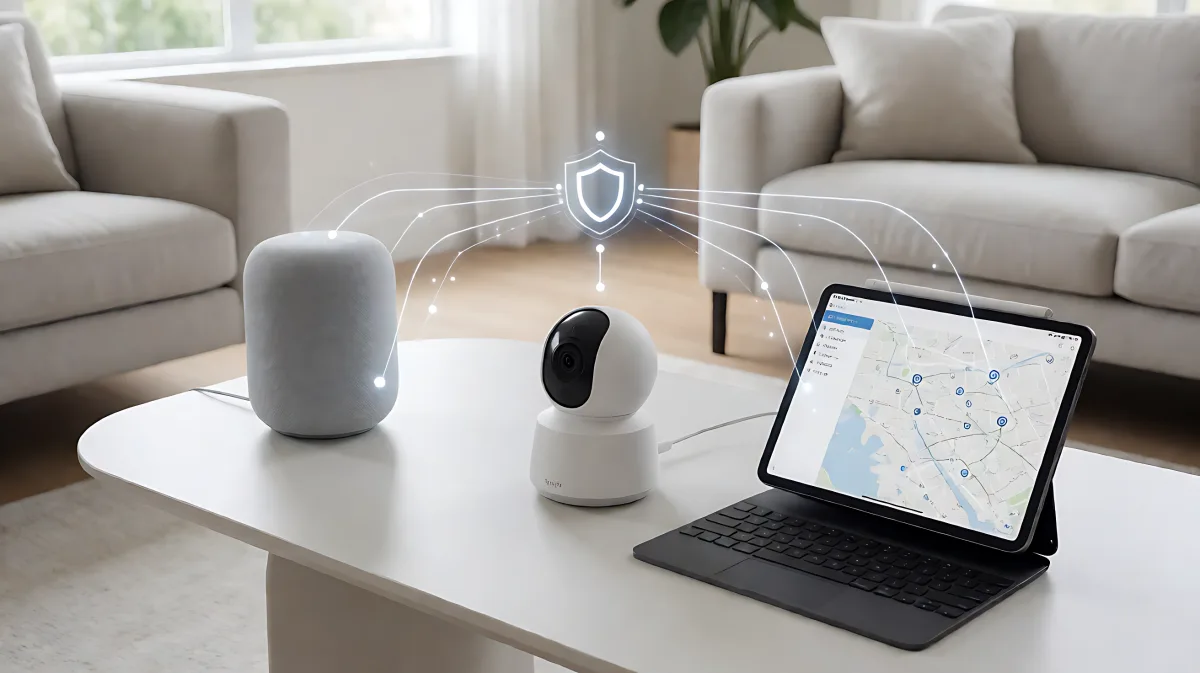
Most homeowners assume smart devices only do what the marketing promises. In reality, they are silent data collectors. This guide offers a 30-minute framework to identify leaks, isolate networks, and reclaim control over your digital footprint.
A smart home privacy audit is a systematic review of your connected devices to identify data collection habits, disable unnecessary tracking features, and isolate your network. By spending just 30 minutes on this process, you can uncover hidden data leaks from devices like smart TVs and robot vacuums. This proactive step ensures that your home automation systems serve your convenience without silently selling your behavioral data to third parties or exposing you to security risks.
Why Most Homeowners Ignore Data Leaks
Many families assume that their smart devices only perform their advertised functions, such as cleaning floors or streaming video. In fact, these gadgets run complex software that maps your floor plans, logs your viewing habits, and flags your face at the front door. A 2026 consumer behavior study indicates that the average American home now contains 17 connected devices, each acting as a potential data collection point. The issue is not a single dramatic hack, but the accumulation of silent data flows that map your daily life.
What Data Do Your Devices Actually Collect?
Understanding the volume and type of data collected is the first step to mitigating risk. Smart TVs use Automatic Content Recognition (ACR) to screenshot your screen and track what you watch, even if it is from an external source. Robot vacuums upload centimeter-accurate floor maps to cloud servers. Security cameras store footage on company servers where it can be accessed by law enforcement or sold to data brokers.
| Device Type | Primary Data Collected | Common Sharing Risk |
|---|---|---|
| Smart TV | Viewing content, app usage | Advertisers, data brokers |
| Robot Vacuum | Floor maps, usage schedules | Cloud servers, AI training sets |
| Security Camera | Video, motion events, faces | Law enforcement, platform partners |
| Smart Thermostat | Occupancy patterns, energy use | Insurers, energy partners |
How to Audit Your Smart TV and Audio Devices
Smart TVs are often the most underestimated trackers in the home. Major brands like Samsung, LG, and Sony use ACR by default to build viewing profiles for advertisers. To audit this, navigate to your TV's settings menu. Look for options labeled “Viewing Information Services” or “Personalized Advertising” and toggle them off. Simultaneously, disable the microphone if you do not use voice commands regularly. This prevents ambient audio from being processed by cloud servers.
Is Your Voice Assistant Listening?
Smart speakers process wake words locally, but recordings of interactions are often sent to cloud data centers. Amazon and Google have previously acknowledged using human reviewers for quality assurance, meaning your voice data can be accessed by employees. To mitigate this, enable the automatic deletion of voice recordings in the companion app. Set the retention period to the shortest available option, typically 30 or 90 days, and manually review your history quarterly.
What to Check in Robot Vacuums and Security Cameras
Robot vacuums create detailed spatial maps of your home. These maps can be used for AI training or shared with ecosystem partners. Open the companion app for your vacuum, such as iRobot Home or Roborock, and look for privacy settings. Opt out of data sharing and delete saved maps if you do not need historical cleaning data. For security cameras, review the storage policy. If footage is stored in the cloud, understand that the vendor may access it or share it with authorities. Consider switching to local storage using a Network Video Recorder (NVR) for the highest level of privacy.
How to Secure Your Home Network and Apps
Every smart device connects to your Wi-Fi router, which logs this traffic. A critical security measure is network segmentation. Create a separate guest network or VLAN specifically for your IoT devices. This isolates your smart bulbs and cameras from your laptops and phones, limiting the damage if a low-security device is compromised. Additionally, audit the permissions of the apps on your smartphone. Smart home apps rarely need access to your contacts or precise location. Revoke these permissions under your phone's privacy settings to reduce the attack surface.
Common Mistakes in Smart Home Security
A frequent error is assuming that a strong password is enough. In reality, weak default settings and unpatched firmware are the primary entry points for attackers. Another misconception is that local processing devices are immune to privacy issues. While they reduce data transmission, they can still be targeted for access to your local network. You must verify that any device claiming “local control” actually does not require a cloud account to function for basic operations.
Step-by-Step 30-Minute Privacy Checklist
Use this actionable list to perform a rapid audit of your smart home environment:
- Inventory Devices: List every connected device, including hidden endpoints like bridges and range extenders.
- Disable ACR: Turn off Automatic Content Recognition on all smart TVs and streaming devices.
- Segreate Networks: Move all IoT devices to a separate guest Wi-Fi network or VLAN.
- Prune App Permissions: Revoke location, contact, and microphone access for smart home apps on your phone.
- Enable Auto-Deletion: Set voice assistants to automatically delete recordings after 30 days.
- Update Firmware: Check for and install the latest security patches for all devices and your router.
Frequently Asked Questions
How often should I perform a smart home privacy audit?
You should conduct a full audit every six months. Additionally, run a quick check of app permissions and network segments whenever you install a new device or major firmware update, as these changes can alter data collection behaviors.
Do smart cameras need internet access to function?
It depends on the model. Many cloud-based cameras require an internet connection to stream video and store footage. However, local-only cameras or those with NVR storage can function offline, providing stronger privacy guarantees by preventing video data from leaving your home network.
What is the best way to stop smart TVs from tracking me?
The most effective method is to disable ACR (Automatic Content Recognition) in the TV settings. On many brands, this is found under “Terms & Privacy” or “Viewing Information.” Disabling this feature stops the TV from taking screenshots of your screen to identify content for advertising purposes.
Is it safer to use local processing or cloud-based smart home systems?
Local processing systems, such as those using Home Assistant or Zigbee/Thread protocols, are generally safer for privacy because data does not leave your home network. Cloud-based systems are more convenient but require trust in the vendor's security and privacy policies, which can change over time.