Best Simple Voice Home Automation Software
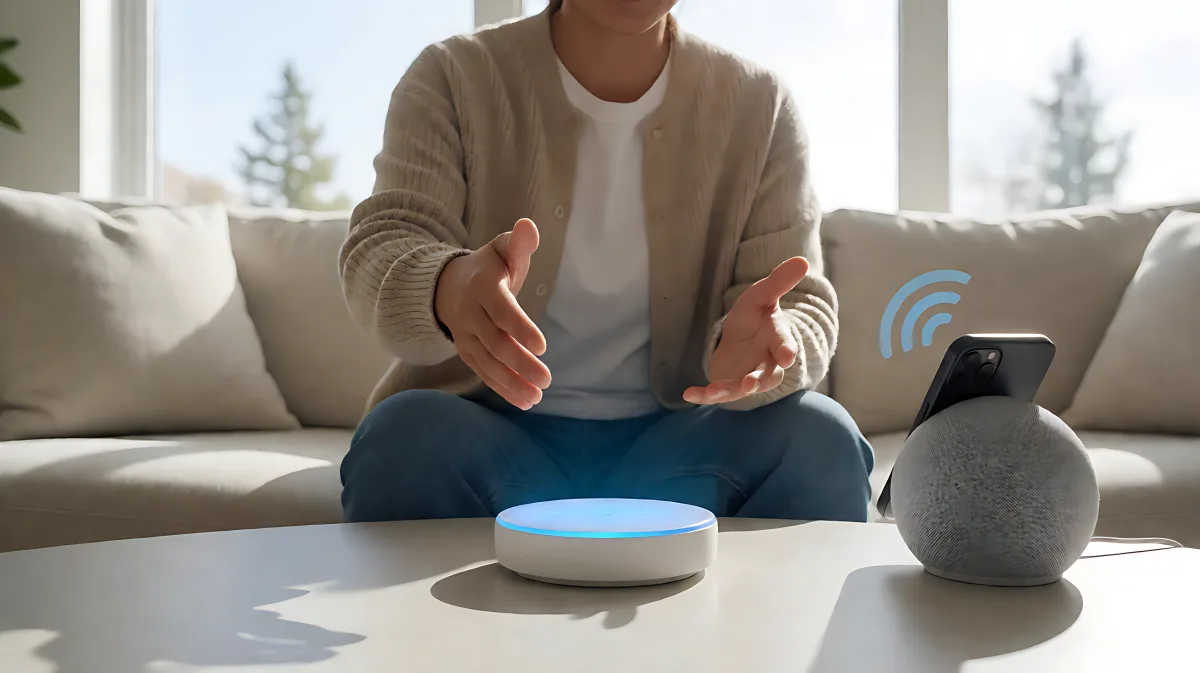
Many homeowners want smart home control without complex coding or expensive installations. This guide outlines the best simple voice-activated software options, from integrated systems like Control4 to open-source tools, helping you choose the right solution for easy, hands-free living.
Voice-activated smart home software lets you control lights, thermostats, and security systems using simple spoken commands, eliminating the need for manual app navigation. Leading platforms like Control4 and OpenHAB offer varying levels of complexity, from professional integrations to open-source setups.
What Is Simple Voice-Activated Smart Home Software?
Simple voice-activated smart home software acts as the brain of your connected home, interpreting natural language commands to execute tasks. Instead of remembering specific device names, modern systems use natural language processing to understand contextual phrases. For example, stating "It’s cold in here" prompts the software to adjust the thermostat by two degrees, as seen in Control4’s integration ecosystem. This removes the technical barrier for users who find traditional programming interfaces daunting.
Which Voice Assistants Work Best with Simple Software?
The effectiveness of your software depends on its compatibility with major voice ecosystems. According to industry reviews from The Tech Edvocate, Amazon Alexa, Google Assistant, and Apple Siri are the dominant platforms for consumer-grade simplicity. Alexa offers the widest skill library, while Siri provides superior privacy through on-device processing. Many homes now use a hybrid approach, pairing a central automation software like HomeSeer or Control4 with these proprietary assistants to bridge the gap between hardware and user intent.
Control4 and Professional Integration
Control4 positions itself as the simplest way to control an entire home through professional installation. It integrates with Amazon Alexa, Google Assistant, and Apple HomeKit, allowing users to extend their preferred assistant across the property. A key feature is the ability to create custom voice scenes; saying "Activate Security Scene" can simultaneously lock doors, arm alarms, and turn on specific lights. This level of pre-configured automation makes it a top choice for those who want a hassle-free, plug-and-play experience without coding.
Open-Source and DIY Options
For users who prefer self-hosted solutions, OpenHAB (Open Home Automation Bus) is a powerful open-source alternative. It runs on local hardware, ensuring that sensitive home data stays on your server rather than in the cloud. OpenHAB supports a vast array of devices and allows for deep customization without vendor lock-in. However, it requires more technical setup compared to proprietary systems. Another option, CastleOS, uses local processing and integrates with Microsoft hardware, offering a middle ground between open flexibility and commercial support.
How Do You Choose the Right Software for Your Home?
Choosing the right software involves balancing ease of use, device compatibility, and privacy needs. A professional system like Control4 offers the least friction but requires an integrator. Open-source tools like OpenHAB offer maximum control but demand technical proficiency. Consumer assistants like Alexa provide immediate value but are limited to pre-defined commands unless paired with advanced automation hubs.
Checklist for Selecting Voice Home Software
- Assess Device Compatibility: List your current smart bulbs, locks, and thermostats. Verify if the software supports them natively or via Zigbee/Z-Wave protocols.
- Determine Privacy Needs: If you prefer local processing, choose OpenHAB or HomeSeer. If you prioritize convenience, opt for Alexa or Siri integrations.
- Evaluate Installation Effort: Decide if you want a professional installation (Control4/Crestron) or a DIY setup (OpenHAB).
- Define Automation Scenarios: Identify top three tasks you want to automate with a single voice command, such as "Goodnight" or "Away Mode."
- Check Ongoing Costs: Professional systems may have maintenance fees, while open-source software is free but requires hardware investment.
What Are Common Mistakes When Setting Up Voice Control?
Many homeowners assume that voice control is a one-time setup, but in fact, it requires ongoing tuning. A common error is relying solely on default assistant responses without creating custom scenes. For instance, saying "Turn off the lights" might only affect the kitchen, when the user intended for the whole house. Proactively defining room-specific and global scenes in your software prevents these frustrations. Another misconception is ignoring accessibility features; voice control is particularly beneficial for assisted living, allowing seniors to control lights, adjust thermostats, and call for help without physical effort, a key benefit highlighted in recent elderly care technology reports.
How Does Voice Software Impact Smart Home Safety?
Safe implementation requires strong security practices. According to AARP, 77% of adults aged 50 and older want to remain in their homes, and smart home technology helps facilitate this independence. However, connecting devices introduces security risks. You must use strong, unique passwords for every device and enable two-factor authentication for cloud-based software. For locally hosted systems like OpenHAB, the primary risk is network intrusion, so isolating your smart home network from the main internet router is recommended. Regular firmware updates are essential to patch vulnerabilities in both the software and the connected hardware.
Frequently Asked Questions
Is OpenHAB truly free to use?
Yes, OpenHAB is open-source software that can be downloaded and installed on your own hardware, such as a Raspberry Pi or a dedicated server, at no cost. However, you will need to purchase the physical devices and sensors you wish to control.
Can Control4 work with existing Amazon Echo devices?
Yes, Control4 integrates with Amazon Alexa, allowing you to use your existing Echo speakers and displays to control your Control4 system. This means you do not need to replace your current speakers to gain voice control over the entire home.
What is the difference between voice assistants and voice automation software?
Voice assistants like Siri or Alexa are pre-packaged services that interpret commands. Voice automation software like Control4 or OpenHAB is the underlying system that defines how devices interact. Often, the assistant acts as the interface, while the automation software handles the complex logic and device communication.
Do voice-enabled smart homes save money on energy?
Yes, by using voice commands to control thermostats and lights, you can implement precise scheduling and automation. For example, saying "Set energy saving mode" can lower heating and dim lights simultaneously. Studies indicate that smart thermostats can save 10-15% on heating and cooling costs, and voice control makes it easier to maintain these settings without manual app interaction.