Silently Filter Senior Text Messages for Safety
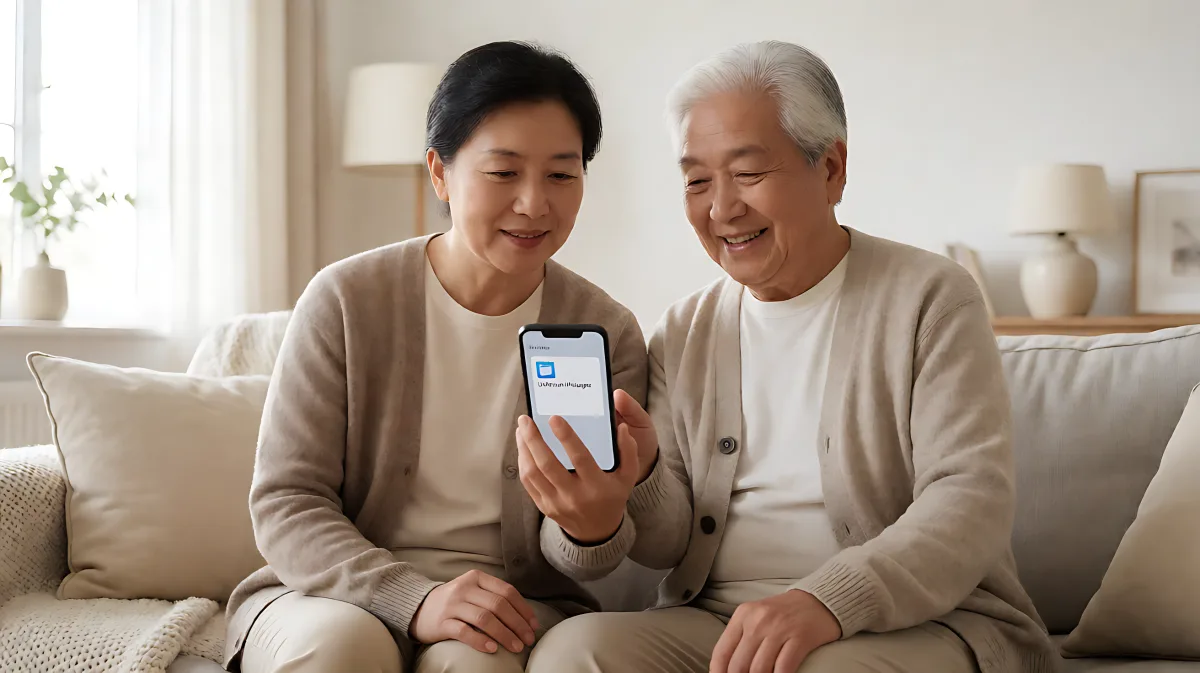
Stop flood of scam texts to your aging parent without blocking important medical or family messages. This guide explains how to configure 'Silence Unknown Senders' on iPhone and 'Spam Protection' on Android, plus a daily review routine to keep the phone safe and functional.
Many families worry that blocking scam texts on a senior's phone will also block essential messages from doctors or delivery services. To solve this, you can silently filter unknown numbers using the built-in "Screen Unknown Senders" feature on iPhones or "Spam Protection" on Android phones. These settings move unrecognized messages to a separate folder, reducing noise without erasing legitimate texts. By reviewing this folder once a day, you can maintain safety without losing important communications.
Why Silent Filtering Is Better Than Total Blocking
Scam texts are dangerous not because they look sophisticated, but because their high frequency makes them feel normal. According to the Federal Bureau of Investigation, individuals over age 60 lost $3.4 billion to fraud in recent years, with text message scams being a rapidly growing vector. The goal of filtering is not to make the phone completely silent, but to make unknown texts slower and quieter. This reduces the chance of an impulsive tap on a malicious link while ensuring that a surprise text from a new caregiver or a medical alert is not permanently hidden.
How iPhone Screening Works for Seniors
Apple has updated its terminology in recent iOS versions to use the phrase "Screen Unknown Senders." This feature allows you to segregate messages from numbers not in your contacts. Here is how to set it up:
- Open the Messages app on the iPhone.
- Tap the Filters button located in the conversation list.
- Select "Manage Filtering."
- Toggle on "Screen Unknown Senders."
Once enabled, messages from unknown numbers are moved to a dedicated folder. The senior will not receive a notification for these messages unless they are explicitly allowed. If a message from a new but legitimate sender arrives, you can tap it and select "Mark as Known" to move it back to the main conversation list. This allows the user to open links and view images from that sender in the future.
How Android Spam Protection Works
Android devices, particularly those using Google Messages, handle this differently. Instead of a single "unknown senders" switch, Google uses an AI-driven "Spam Protection" system that detects and blocks suspicious traffic. To activate this:
- Open the Google Messages app.
- Tap the profile picture or initials in the top corner.
- Go to "Messages settings."
- Select "Spam protection."
- Ensure "Enable spam protection" is turned on.
Google filters suspected spam into a separate folder. On Android, the emphasis is also on blocking and reporting specific senders. This habit of blocking identified scammers helps train the system to recognize future threats from the same source.
The Most Common Mistake Families Make
Many families assume that turning on the filter is the final step. In fact, the biggest error is enabling the setting without first cleaning up the Contacts list. If a senior receives texts from their doctor's office, a school nurse, or a delivery driver who are not saved in Contacts, those messages will be filtered away. For a senior, a missed text from a medical provider can be critical. Before turning on silent filtering, ensure that all trusted numbers, including family, medical providers, banks, and local services, are saved in the phone's address book. This ensures that only true strangers and scammers are silenced.
A Daily Routine for Safe Message Review
Filtering creates a "quiet" space, but it requires maintenance to remain effective. A daily review of ten minutes is sufficient to keep the system working. Follow this checklist:
- Check the Unknown Folder: Open the filtered folder once a day. Look for messages from known institutions that might have changed numbers.
- Mark Legitimate Senders: If a message is from a real person or service, mark them as known or add them to Contacts.
- Block and Report Junk: For obvious scams, use the block and report function to remove the threat permanently.
- Verify Before Acting: Instruct the senior never to tap links in suspicious texts. They should call a known number to verify the message's authenticity.
This routine avoids two extremes: reacting instantly to every alert, which increases anxiety, and ignoring the folder forever, which risks missing important updates.
When to Consider Enhanced Monitoring
For seniors who show signs of cognitive decline or have fallen for a scam multiple times, standard filtering may not be enough. Some families set up email forwarding tools that send a copy of incoming texts to a trusted relative's inbox. This allows a family member to spot a scam pattern, such as a "gift card" request or a "prize" announcement, before the senior acts on it. It is crucial to have an open conversation about this privacy boundary, explaining that the goal is protection, not surveillance. Ensure the senior agrees to this arrangement and knows how to turn it off if they become uncomfortable.
Frequently Asked Questions
Does the filter delete the messages completely?
No. On both iPhone and Android, filtered messages are usually moved to a separate spam or unknown folder rather than being erased. This allows you to review them later and ensure that no legitimate communication from a new service provider was lost.
Should I turn this on for my parents immediately?
Only after you have saved all important contacts. If you turn on the filter first, messages from new but trustworthy senders will be hidden. Ensure that doctors, banks, and family members are in the address book to prevent those messages from being silenced.
What is the most important habit after filtering is enabled?
The most important rule is to never tap links or reply to suspicious texts. If a message creates urgency or demands payment, verify it by calling a known number directly. This procedural habit is more effective than any technical setting.