How To Fix Phone Ransomware Lockouts While Traveling
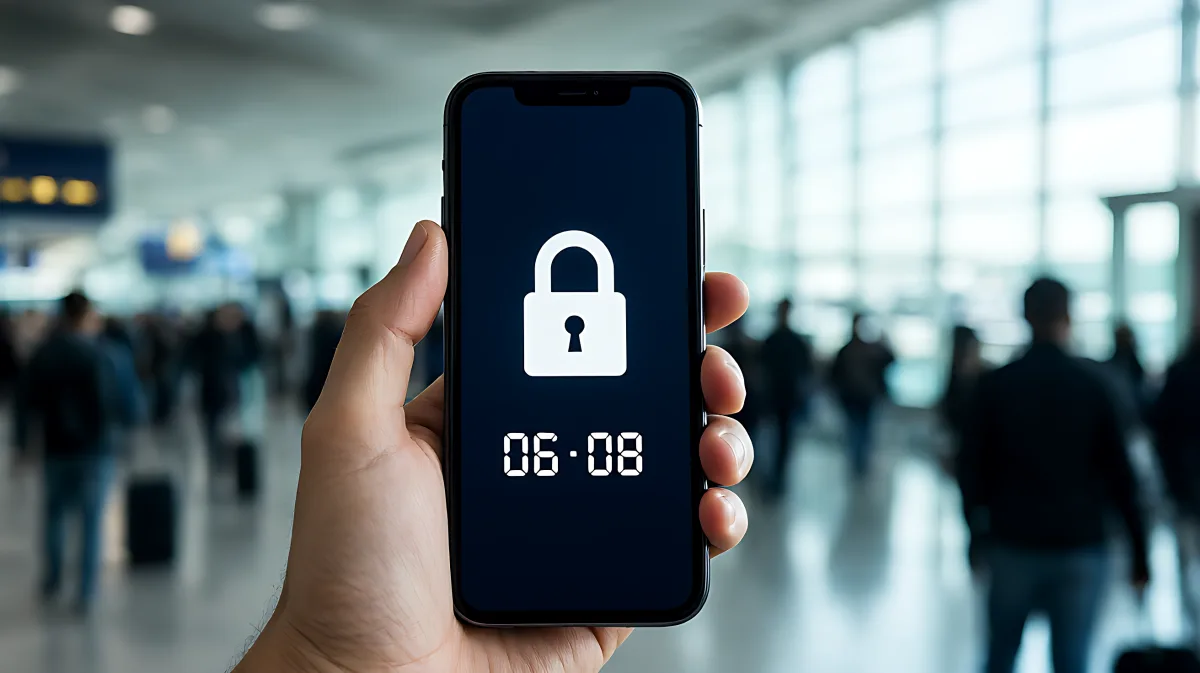
Discovering a locked or compromised phone in a foreign country is stressful. This guide explains immediate steps to secure your accounts, contact your carrier, and navigate local law enforcement to regain control.
If your phone locks you out of your device while traveling abroad, do not pay any ransom immediately. Instead, isolate the device from the network if possible, use a backup device to change passwords for critical accounts, and contact your mobile carrier to suspend your SIM card. In many cases, a remote factory reset via your device cloud account can remove the lock without losing data, provided your backup is recent and intact.
Why Phones Get Locked Abroad
Phone lockouts during international travel usually stem from one of three scenarios: physical theft, technical incompatibility, or cyberattack. While the phrase "ransomware" often evicts images of corporate servers being held hostage, modern smartphone threats are more personal. A thief who steals your phone may attempt to use it for identity theft, or you might accidentally trigger a security lock by entering the wrong passcode too many times. Additionally, software glitches caused by unsupported network bands in a new country can cause a device to freeze, which users often mistake for a malicious lock. Understanding which situation you are in is the first step to a safe resolution.
Is It Ransomware or a Technical Glitch?
Many travelers assume that a frozen or black screen means their phone has been hacked, but in fact, it is frequently a network compatibility issue. If your phone was working normally before you crossed a border and then stopped responding, it may be struggling with a new SIM card or carrier frequency. In this case, no money is being demanded. True ransomware typically displays a clear threat, demanding cryptocurrency or gift cards to restore access. If there is no demand for payment, it is likely a software crash or a physical theft followed by a remote erase attempt.
Immediate Steps To Secure Your Data
Once you realize your device is inaccessible or has been stolen, time is of the essence. Your phone contains your email, banking, and personal identity. You must act from another device, such as a hotel computer, a friend's phone, or a secondary backup device you keep on you.
- Change Critical Passwords: Immediately update the passwords for your primary email, banking apps, and password manager. If you use two-factor authentication via SMS, disable it on that number and switch to an authenticator app on your backup device to prevent lockout.
- Remote Wipe or Lock: For Apple devices, use the 'Find My' feature in your cloud account to enable Lost Mode or remotely erase the device. For Android devices, use the 'Find My Device' service. This can disable the phone and display a contact message on the lock screen.
- Suspend Your SIM: Contact your mobile carrier to suspend your SIM card. This prevents thieves from using your phone number for two-factor authentication codes or incurring charges. Many carriers allow this instantly via their online customer portal.
- Revoke App Access: Log into your bank and trading platforms from a browser. Most modern banking apps allow you to view active sessions and force a logout from the compromised device.
Navigating the Lockout Without Paying
If you are locked out of your own phone due to a technical error or a forgotten passcode, paying a ransom is rarely the solution. Standard ransomware on phones is less common than on desktops, and many "unlock" demands are scams targeting panicked users.
Can I Restore My Phone Without Losing Data?
In most cases, yes, if you have a recent backup. If you use automatic cloud backups for your photos, contacts, and settings, you can often perform a factory reset on the device, which will wipe the lockout or malware, and then restore your data from the cloud. However, if your phone was physically stolen, a factory reset is your last resort to protect your privacy, as it erases all local data permanently.
Dealing With Local Authorities and Carriers
When a phone is stolen, the interaction with local law enforcement and your home carrier is crucial. In many countries, you cannot file an insurance claim without a police report. Additionally, your carrier is the only entity that can legally block your phone number globally via the international mobile subscriber identity.
File a report with the local police, providing your phone's IMEI number. You can find this in your device settings under 'About Phone' or on the original box if you have it. If you suspect a data breach, report it to your national data protection authority, such as the Information Commissioner's Office in the UK or the Federal Trade Commission in the US. These agencies track trends in device theft and cybercrime.
What Is The Role of eSIM in This Crisis?
Traditional SIM cards are a major vulnerability because they can be cloned or physically removed. eSIM technology offers a significant advantage for travelers. Because eSIM profiles are stored digitally on the phone's chip, they are harder for thieves to remove and transfer to another device. Furthermore, many modern carriers allow you to suspend or reactivate an eSIM profile remotely via their app. This means you can lock the digital identity of your phone without needing to mail in a physical SIM card, which is impossible when you are thousands of miles away from home.
Prevention Checklist For Your Next Trip
Preventing a lockout is far easier than fixing one. Implement these measures before you leave home:
- Enable Erase Data on Failed Attempts: Set your phone to wipe itself after ten incorrect passcode entries. This is a critical defense against theft.
- Use a Secure Password Manager: Ensure your master password is memorable and that you have access to it on at least two devices. Do not rely on SMS for two-factor authentication for your password manager, as that creates a circular lockout risk.
- Keep a Paper Backup: Write down your Apple ID or Android account credentials and a recovery code on a piece of paper and keep it in a separate location from your phone.
- Update Before You Fly: Install all operating system and security updates before traveling. Old software is more susceptible to glitches that can freeze your device in an unfamiliar network environment.
Frequently Asked Questions
Should I pay the ransom to unlock my phone?
No. Security experts from organizations like the Federal Trade Commission advise against paying ransom. There is no guarantee that the attacker will provide the unlock key, and paying encourages further attacks. Instead, focus on data recovery from backups and securing your online accounts from other devices.
How do I find my phone's IMEI if I cannot access the device?
The International Mobile Equipment Identity (IMEI) number is stored in the phone's hardware and is visible even when the phone is locked. You can find it on the original box, in your carrier account details, or in a purchase receipt. If you have these documents, you can provide this number to police and your carrier to facilitate the block process.
Will my travel insurance cover a stolen phone?
Many travel insurance policies cover device theft, but they almost always require a police report filed within a specific timeframe, often 24 to 48 hours. They may also require proof of ownership and the value of the device. Read your policy's fine print before traveling to understand deductibles and claim limits.
What if I am locked out of my phone and have no backup?
If you have no cloud backup and no access to your email, the situation is critical. You will likely need to visit an authorized service center for your phone brand. They can verify your identity and purchase proof to unlock the device. This process can take days, which is why maintaining off-device backups is essential for the mobile traveler.