How to Protect Smart Home Devices From Phishing and Hacking
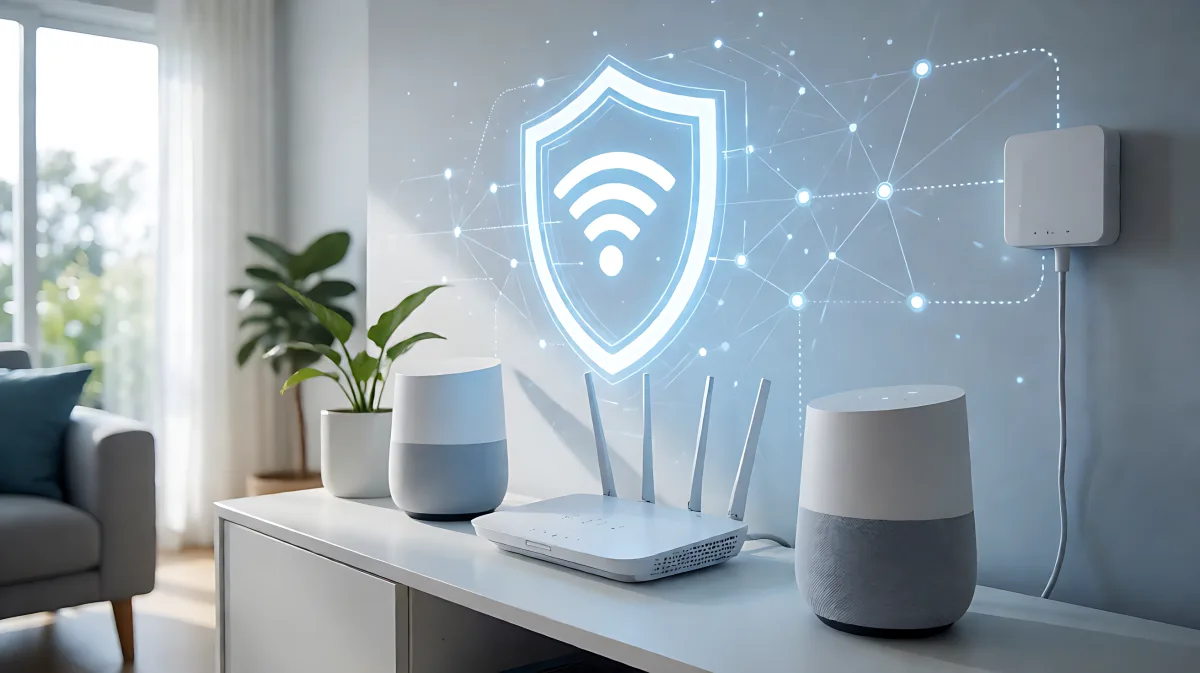
Your smart home is not just convenient; it is a target. Most attacks rely on weak passwords and unpatched devices. Here is a practical guide to securing your IoT devices against phishing and hacking.
Protecting your smart home from phishing and hacking starts with hardening your Wi-Fi network. Change default passwords, isolate IoT devices on a separate guest network, and ensure every gadget receives regular firmware updates. Most breaches occur because owners skip these basic maintenance steps, leaving devices like cameras and locks exposed to automated scans and social engineering attacks.
Why Smart Homes Are Prime Targets for Cybercriminals
Many homeowners assume that high-tech hacking is required to breach their home network, but in fact, most incidents stem from everyday oversights. Attackers do not usually sit around watching your specific house; they use automated bots to scan the internet for devices with default logins or unpatched software. The UK's National Cyber Security Centre notes that weak default passwords and a lack of security patches are the primary reasons smart devices get compromised. Once one device falls, it can act as a backdoor to your entire local network, putting your laptops, phones, and sensitive data at risk.
How to Lock Down Your Wi-Fi Network
Your router is the front door to your digital life. If you only fix one thing, start here. Log in to your router interface and replace the default administrator credentials with a strong, unique password. Ensure you are using WPA3 encryption, or WPA2 if WPA3 is unavailable, as these standards prevent outsiders from easily intercepting your traffic. The Federal Trade Commission emphasizes that securing the router is the single most effective step for protecting all connected devices. Additionally, consider upgrading if your router is more than six years old, as older hardware may no longer receive critical security updates.
How to Secure Individual IoT Devices
Each gadget in your home is a small computer that requires attention. Follow this routine when you buy a new device:
- Change the default password immediately and use a password manager to store a unique credential for every device.
- Enable two-factor authentication (2FA) on the manufacturer’s cloud account, preferably using an authenticator app rather than SMS.
- Turn on automatic firmware updates, or check for patches every two to three months if automatic updates are not available.
- Disable features you do not use, such as remote access, cloud recording, or always-on microphones.
Connecting a device to a public Wi-Fi network is a common mistake. Many users assume that a temporary connection is safe, but in fact, public networks are unencrypted and ripe for interception. Always set up smart home gadgets on your secured home network or a dedicated guest network to contain any potential breach.
How to Stop Phishing Attempts Targeting Your Apps
Phishing attacks often target the companion apps you use to control your smart home. Hackers may send emails pretending to be your device manufacturer, claiming that your account is locked or that a firmware update is urgently required. The link in the email will lead to a fake login page designed to steal your credentials. To stay safe, never click links in unsolicited emails related to your smart home. Instead, open the official app or log in directly through the manufacturer's website. If you are unsure about a message, contact the manufacturer’s support team directly using the contact information on their official site. Keeping your device apps up to date also reduces the attack surface, as vulnerabilities are patched in the latest versions.
How to Segment Your Network for Extra Protection
Network segmentation is the practice of separating your smart devices from your personal computers. Most modern routers allow you to create a dedicated IoT or guest network. Place all your smart plugs, cameras, and speakers on this separate network. If a hacker compromises a cheap smart lightbulb, they will not have direct access to your work laptop or mobile phone where your banking apps are stored. This single step limits the damage of a breach significantly. Note that during initial setup, you may need to connect your phone to the IoT network temporarily, but you should switch back to your main secure network for daily use.
Common Mistakes in Smart Home Security
One widespread misconception is that a home VPN protects smart devices. Many people believe that a virtual private network encrypts all traffic in the house, but in fact, most IoT gadgets cannot run a VPN client. Security must be built into the router and the device itself. Another frequent error is failing to reset devices before selling or disposing of them. If you give away a smart camera or thermostat without performing a factory reset and removing it from your app account, the next owner may retain access to your cloud data, and you may retain access to theirs. Always factory reset and de-link devices before handing them off.
How to Monitor and Maintain Your Smart Home Security
Security is not a one-time setup; it requires regular attention. Check your router’s list of connected devices every few months to spot unauthorized gadgets. If you see a device you do not recognize, disconnect it immediately and change your router password. Pay attention to unusual behavior, such as lights turning on by themselves, cameras panning without cause, or slow internet speeds. These can be signs of a device that has been compromised. Keep a simple inventory of your devices, noting when they were purchased and when they last received an update. If a manufacturer stops providing updates for a device, plan to replace it, especially if it has a camera or microphone.
FAQ
Can a hacked smart device access my other computers?
Yes, if they share the same network segment. A compromised IoT device can be used to launch attacks on your laptops and phones. Using network segmentation to isolate smart devices is the most effective way to prevent this.
Is it safe to connect smart devices to public Wi-Fi?
No, it is not safe. Public Wi-Fi networks are unencrypted and vulnerable to interception. Always set up and manage your smart home devices on a secured, private home network to protect your data.
How often should I update my smart home devices?
Enable automatic updates whenever possible. If a device does not support this, check for firmware and app updates every two to three months to ensure you have the latest security patches.
Does a VPN protect my IoT devices?
Not directly. Most smart home gadgets cannot run a VPN client. Your primary defenses should be a secure router, strong passwords, and up-to-date firmware, rather than relying on a virtual private network.