Enable Two-Factor Authentication: A Step-by-Step Guide
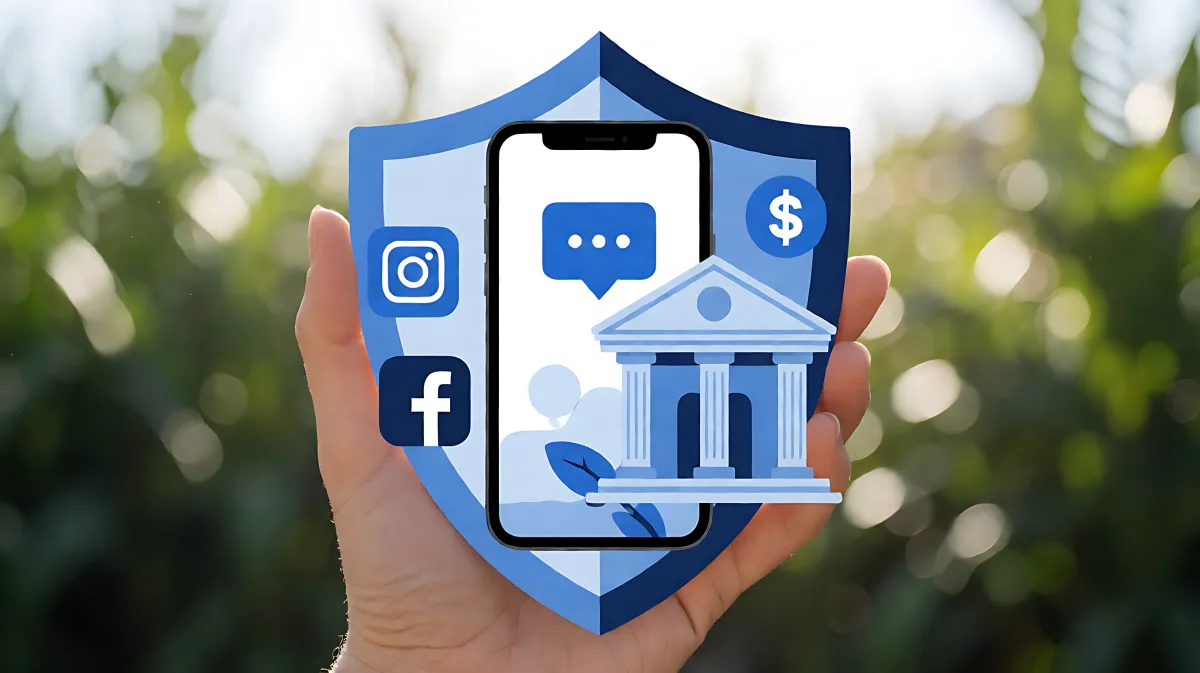
Learn the essential steps to activate two-factor authentication on popular social media platforms and banking services to safeguard your personal data and finances.
To secure your digital life, enable two-factor authentication (2FA) by accessing the security settings on your social media apps and banking portals to link a phone number or authenticator app. This simple step adds a critical layer of defense that prevents unauthorized access even if your password is compromised.
Why Should You Enable Two-Factor Authentication?
Passwords alone are no longer sufficient to protect your identity in an era of massive data breaches. When you turn on 2FA, you are adding a second barrier that an attacker must breach to gain entry to your accounts. This is particularly vital for financial institutions and social platforms where personal information is concentrated. The Electronic Frontier Foundation has long advocated for 2FA adoption, highlighting that physical possession of a second factor, such as your mobile phone, is significantly harder for hackers to steal remotely compared to digital credentials. For example, LinkedIn urged users to enable these protections after millions of credentials were exposed in previous incidents, demonstrating the tangible risk of relying on single-factor authentication.
How Do You Set Up 2FA on Major Social Media Platforms?
While interfaces change, the general process for enabling security features on platforms like LinkedIn, Facebook, and Instagram remains consistent. Most users can find these options within their account settings menus. For LinkedIn, you typically navigate to the privacy and security section, then select the option to turn on two-step verification. If you have not yet added a phone number, the platform will prompt you to register one first. Once a valid mobile number is linked, you can verify it via a text message code. This code acts as the proof that you are the legitimate owner of the account at that moment. Similar workflows apply to other major social networks, where you may have the choice between SMS codes or automated calls for the second step of verification.
How Do You Protect Your Banking Accounts with 2FA?
Securing financial accounts requires a slightly more rigorous approach than social profiles. Most US and UK banks now offer 2FA through their mobile applications or online banking portals. To activate this, log in to your online banking dashboard and look for the security or profile settings tab. Here, you will find an option to enable device verification or multi-factor authentication. The bank will usually guide you through linking your primary mobile device. This ensures that when you log in from a new computer or try to transfer funds, the bank will send a unique code to your phone. It is crucial to keep your banking app up to date and your phone secure, as this device now holds the key to your financial life. Do not share these codes with anyone, even if they claim to be from the bank.
What Are the Best Methods for the Second Factor?
Not all two-factor methods are created equal. While SMS-based codes are the most common, security experts often recommend using an authenticator app, such as Google Authenticator or Microsoft Authenticator, for higher-grade protection. These apps generate time-based one-time passwords (TOTP) that are not vulnerable to SIM-swapping attacks, a specific hack where criminals convince a mobile carrier to transfer your number to a SIM card they control. Hardware security keys are the gold standard, but authenticator apps offer a strong middle ground for the average user. When choosing a method, prioritize what is most practical for your daily life while maximizing security. If you rely heavily on SMS, consider keeping a backup code or setting up a backup phone number as a failsafe.
How Do You Handle Forgot My 2FA Device Scenarios?
Life happens, and sometimes you lose your phone or it breaks. It is essential to know how to recover access before you need it. Most platforms provide recovery options, such as backup codes that you can generate during setup. Save these codes in a secure physical location, like a password manager on a different device or a printed copy stored in a safe. For banking services, recovery is more complex and may involve identity verification through customer support. If you cannot access your 2FA device, immediately contact your bank’s fraud department rather than trying to guess your way in. This proactive step can prevent a temporary inconvenience from becoming a permanent lockout or a security breach.
What Common Mistakes Should You Avoid?
One of the biggest risks users face is disabling 2FA because it becomes annoying. Convenience should not outweigh security in this area. Another common mistake is using the same phone number for too many accounts without understanding the risk. If that number is compromised, all linked accounts are vulnerable. Be careful with phishing attempts that mimic 2FA prompts. Never enter your authentication code on a website that was not initiated by you. Legitimate 2FA requests only occur when you are actively trying to log in or perform a sensitive action on the actual service provider’s site or app. Stay vigilant and treat any unsolicited code as a potential threat that should be reported to your provider.
FAQ
Is two-factor authentication free to use?
Yes, enabling 2FA on major social media and banking platforms does not cost anything. It is a standard security feature built into the systems. While some users might buy a hardware key for enhanced security, the basic methods using SMS or authenticator apps are free of charge.
What happens if I lose my phone with 2FA enabled?
You will likely need to use your backup codes or contact customer support to reset your security settings. It is critical to have these backup codes stored in a safe place beforehand. For banks, you may need to visit a branch or complete a detailed identity verification process to regain access to your accounts.
Do I need to use the same phone number for all my accounts?
While it is convenient to use one number for everything, it creates a single point of failure. If possible, consider using an authenticator app instead of SMS to reduce dependency on your phone carrier. If you do use SMS, understand that a compromise of your phone number can affect multiple accounts simultaneously.
How often should I change my 2FA settings?
You do not need to change your 2FA method regularly, but you should review it annually. Check that your phone number is still active and that your authenticator app is syncing correctly. If you change phones, you will need to migrate your authentication app data or set up the new device with your existing accounts.
Can I use 2FA on desktop computers only?
Not really, as the second factor usually requires a mobile device to receive codes or generate time-based passwords. However, some platforms offer app-based approvals that you can trigger on a mobile device even if you are logging in from a desktop. The mobile device remains the primary source of the second factor.