Fix Smart Home Voice Activation Errors: 6 Simple Solutions
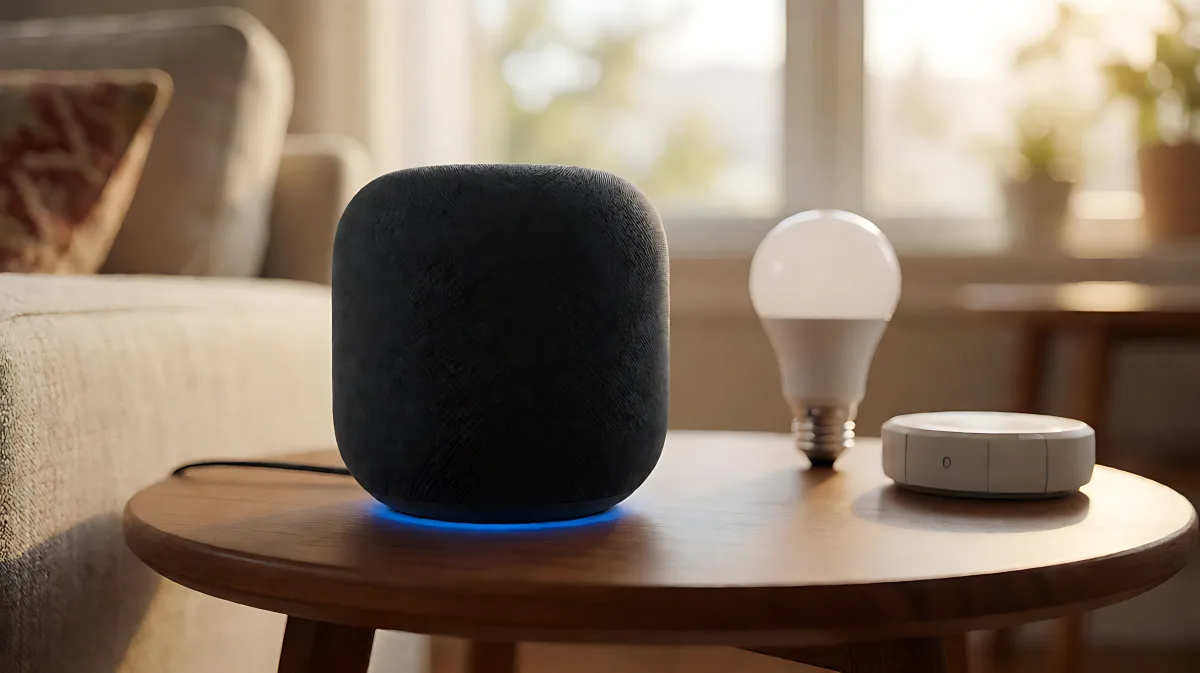
Discover why your smart home devices ignore voice commands and how to resolve common activation errors with actionable troubleshooting steps for major platforms.
Smart home voice activation errors often stem from simple configuration gaps rather than hardware failures. According to consumer reports, roughly 40 percent of reported 'device unresponsive' cases are resolved by re-linking the cloud skill or running a fresh device discovery. By isolating the specific layer of failure—whether it is the microphone input, the recognition engine, or the integration bridge—you can bypass unnecessary factory resets and restore full functionality in under twenty minutes.
Why does my smart speaker ignore voice commands?
When a smart speaker fails to respond, the issue rarely lies with the physical hardware itself. Modern devices from Amazon, Google, and Apple rely on a complex chain of cloud services and local processing. If a general knowledge query like asking for the weather works, but a smart home command fails, the microphone and internet connection are fine. The problem is isolated to the integration layer. This usually means the device has lost its link to the cloud hub or the specific skill has dropped its authentication token.
How do ambient noise and placement affect wake words?
Microphones in smart speakers are tuned to the frequency range of human speech, typically between 200 and 3,000 hertz. When a device sits near a television, a running fan, or a music source, this specific band of ambient noise overwhelms the voice detection engine. As a result, the speaker fails to register the wake word. To mitigate this, move the device away from continuous noise sources. If the device must remain in a noisy area, most platforms allow you to adjust the wake word sensitivity. For Amazon Alexa, increasing the sensitivity to 'high' improves pickup in loud environments, though it may increase false activations.
What naming conventions prevent command misinterpretation?
Voice assistants interpret commands against a specific vocabulary of device names. Complex phrasing confuses the natural language processing engine. Simple, direct commands like 'turn on the office light' are far more reliable than 'turn on the lights in case nobody is home.' Additionally, avoid names that are homophones. 'Air' and 'hear' are easily confused, as are 'Hue' and 'Hugh.' Limit device names to one or two words, and ensure they are location-specific to prevent ambiguity in larger setups. Never name a device starting with the assistant's name, such as 'Alex lamp,' as this creates immediate recognition conflicts.
How can I fix device integration failures?
If the speaker wakes up but the device does not react, the integration layer is broken. Start by running a new device discovery. In the Alexa app, say 'Discover my devices.' In the Google Home app, use the scan feature. If the device is visible but unresponsive, unlink the third-party skill or account entirely, then reconnect it. This forces a fresh exchange of authentication tokens, which resolves the majority of silent failures. For systems using third-party hubs like SmartThings or Philips Hue, power cycling the hub often clears stuck states that prevent cloud communication.
Is factory resetting the speaker necessary?
Factory resetting is a last resort, not a first step. It wipes all routines, voice profiles, and device links. It is only recommended if the device was previously paired to another account and persists in failing despite correct setup. When you do reset, avoid restoring from backups. Re-add devices one by one to confirm each responds. This initial time investment prevents weeks of intermittent failures caused by ghost configurations. For users seeking more control, open-source platforms like Home Assistant offer the Assist feature, which allows for local voice processing. This reduces dependency on cloud services and can significantly lower latency and privacy concerns.
What role do cloud outages play in these errors?
Smart home commands depend on multiple cloud services running simultaneously: the voice processing engine, the skill backend, and the device manufacturer's API. If any one of these goes down, the chain breaks. Before troubleshooting hardware, check status dashboards for your specific service. Platform outages happen several times a year for major providers like Amazon and Google. During these windows, there is nothing to fix locally; waiting for the service to recover is the only solution.
Frequently Asked Questions
How often should I retrain voice assistants?
Experts recommend retraining voice models for household members every six months or whenever a significant change in your voice occurs, such as after a cold or voice surgery. This ensures the speaker can distinguish your commands from background noise or other family members.
Can I use smart home voice commands without a cloud connection?
Most commercial speakers like Amazon Echo and Google Nest rely on cloud processing and will not function without internet. However, open-source systems like Home Assistant Assist can run fully locally on your own hardware. This allows for private, offline voice control using local models, though setup requires more technical configuration.
Why does my speaker understand weather but not light commands?
This specific error pattern indicates that the microphone and internet are working, but the smart home integration is failing. The general knowledge query uses Amazon's or Google's core AI, while device control requires a specific skill or bridge. Disconnecting and reconnecting that specific skill in the app usually resolves the mismatch.
What is the best location for a smart speaker in a large room?
Place the device in the center of the room, away from walls and large furniture that can cause echo. Ensure it is within 10 to 15 feet of where you usually stand. If the room is very large, consider adding a satellite speaker or a second device to cover the additional area, as far-field microphones have a limited effective range.