Emergency Medical Backup: Cloud & Offline Strategies
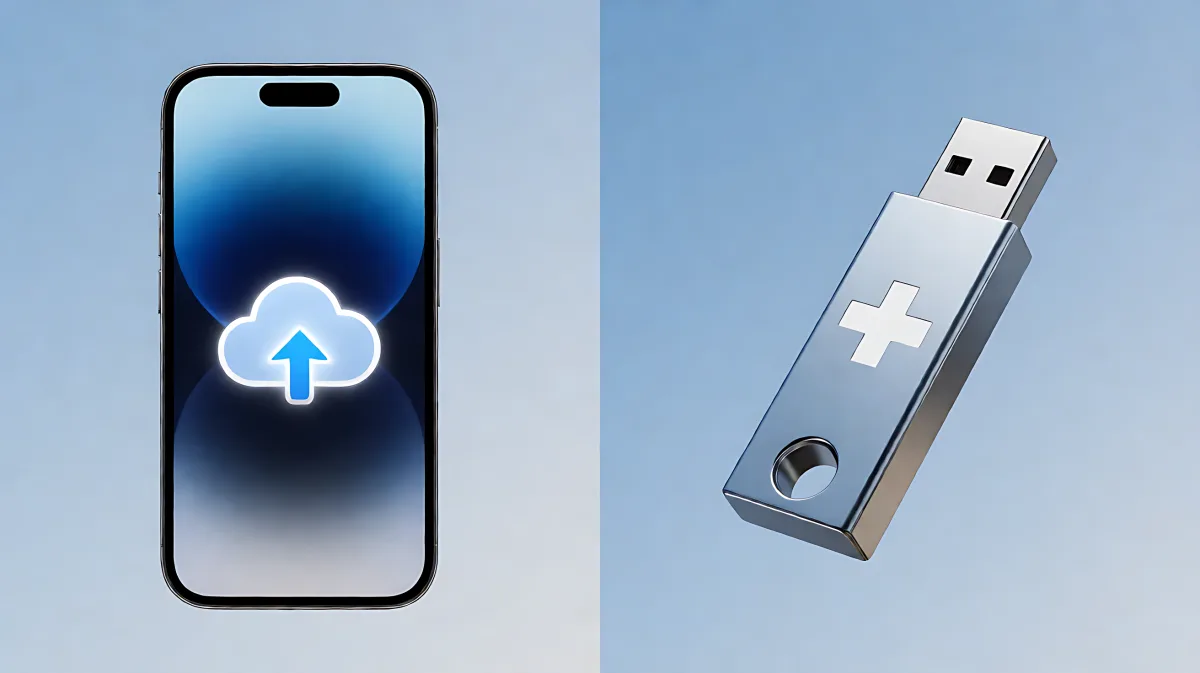
Ensure your vital health data is accessible during power outages and disasters by combining secure cloud storage with encrypted offline backups.
Securing your health data requires a hybrid approach: store updated medical records in encrypted cloud storage for remote access, while keeping a password-protected USB drive in your emergency kit for when internet services fail. This dual strategy ensures you can share critical information like allergies and medication dosages with doctors immediately, even during natural disasters or power outages. By combining automated online backups with portable offline files, you protect against both data loss and connectivity failures.
What specific medical data should you back up?
When a crisis hits, you may face unfamiliar medical professionals who need quick answers about your care history. Stress or injury can make it difficult to recall details accurately. A complete backup file should list your full name, date of birth, blood type, and all current allergies, including medication reactions. Include a detailed list of your prescriptions, dosages, and the names of your primary care physicians and specialists. Do not forget to record the contact information for your preferred pharmacy and your health insurance provider. Advanced directives, such as living wills or healthcare power of attorney documents, are also critical to include so that legal representatives can act on your behalf if you are incapacitated.
Why is this information so vital during a crisis?
Medical errors are more likely when doctors lack accurate history. Having a ready-made document allows emergency responders to make better treatment decisions in seconds. It saves time that would otherwise be spent waiting for records to be pulled from a hospital server that might be down due to the same emergency affecting your area.
How does cloud storage function as a primary backup?
Cloud services offer the advantage of accessibility. You can view your medical folder from any smartphone, tablet, or computer that has an internet connection. This is particularly useful if you are traveling or if your home is damaged. Major providers like Google Drive, Microsoft OneDrive, and Apple iCloud offer free tiers that provide enough space for scanned documents. Google accounts, for instance, include free storage that is ample for a few high-resolution scans of insurance cards and medical histories. Microsoft OneDrive features a "Personal Vault" option that adds an extra layer of security for sensitive files, requiring biometric or two-factor authentication to open.
Which platforms are best for non-technical users?
For those who are not tech-savvy, the simplicity of the interface matters. Dropbox and iCloud Drive are often preferred for their ease of use. All these services offer mobile apps that synchronize automatically. This means if you update your medication list on your computer, the change appears on your phone instantly. To ensure safety, always use a strong, unique password and enable multi-factor authentication. This prevents unauthorized access if your device is lost or stolen. Share access only with trusted family members or caregivers who may need the information in an emergency.
Why you need an offline digital backup
Internet infrastructure is often one of the first things to fail during major storms, earthquakes, or wide-area blackouts. Cloud services become inaccessible when cellular networks are congested and power grids are down. A purely digital backup that relies on the internet is not a backup for a true disaster. You need a physical, removable storage device that works without electricity or a connection. An encrypted USB drive is the most reliable option. It holds your files securely and can be read by almost any laptop or tablet. Choose a drive with hardware encryption, or use free software like VeraCrypt to create an encrypted container on a standard drive. This ensures that if your drive is found, your private medical data remains unreadable to others.
What is the difference between a USB drive and an SD card?
While both are portable, a USB drive is generally more robust for general use. A 64GB USB drive is affordable and can hold hundreds of documents and photos. MicroSD cards are smaller and fit into keychains or wallets, but they are more fragile. Many older Android phones can read SD cards directly, which is a useful feature if a computer is not available. However, the USB port is more universally standard across modern devices. Keep the physical drive in a waterproof sleeve inside your go-bag. This protects it from moisture and dirt.
How do you create a secure offline backup in 15 minutes?
Setting up a secure offline backup is faster than most people think. First, gather your critical documents into a single folder on your computer. Export your password manager vault as an encrypted file; do not save a plain text list of passwords. Download offline maps for your region and likely evacuation routes using apps like Maps.me or CalTopo. These maps work without data connection and are essential for navigating when GPS signals are weak. Copy this folder to your encrypted USB drive. Finally, print one physical copy of the most critical information, such as your emergency contacts and medication list, and place it with the drive. This combination of printed and digital ensures that you have data even if your phone battery dies or your USB drive is corrupted.
How often should you update these backups?
Treat your medical backup like you treat smoke detector batteries: regularly. Set a recurring monthly or quarterly reminder to review your files. Check for new prescriptions, updated insurance details, or changes in your emergency contacts. A backup that is over a year old may contain outdated information that could confuse medical staff. Verify that the encrypted drive still opens correctly and that the files are not corrupted. This habit ensures your digital emergency kit is always ready.
| Backup Method | Pros | Cons |
|---|---|---|
| Cloud Storage | Accessible from anywhere, automatic sync, large capacity | Requires internet connection, potential service outages |
| Encrypted USB Drive | Works offline, high security, portable | Can be lost or damaged, requires manual updates |
| Printed Documents | No power needed, instantly readable | Limited volume, can be destroyed by fire or water |
Frequently Asked Questions
Is it safe to store medical records in the cloud?
Yes, major cloud providers encrypt data in transit and at rest. By using strong passwords and multi-factor authentication, you significantly reduce the risk of unauthorized access. The risk of a targeted cyberattack on your personal account is much lower than the risk of losing your only physical copy in a fire or flood.
Can I use a smart phone's built-in medical ID instead?
Smart phone medical ID features are useful for immediate first responder access, but they are not a complete backup. They do not store your full medical history, insurance details, or advanced directives. Use your phone's medical ID as a quick-reference tool, but maintain a comprehensive document in your cloud and offline backups.
What if I do not have a computer to transfer files?
You can create and edit your medical summary document directly on a smartphone. Take photos of your insurance cards and scan them using free apps. You can then export your password manager to a file on your phone and move it to a USB drive via a USB-C or Lightning adapter when you do have access to a computer. Regular maintenance does not always require a desktop machine.