Morning Routine Automation: Smart Home Guide
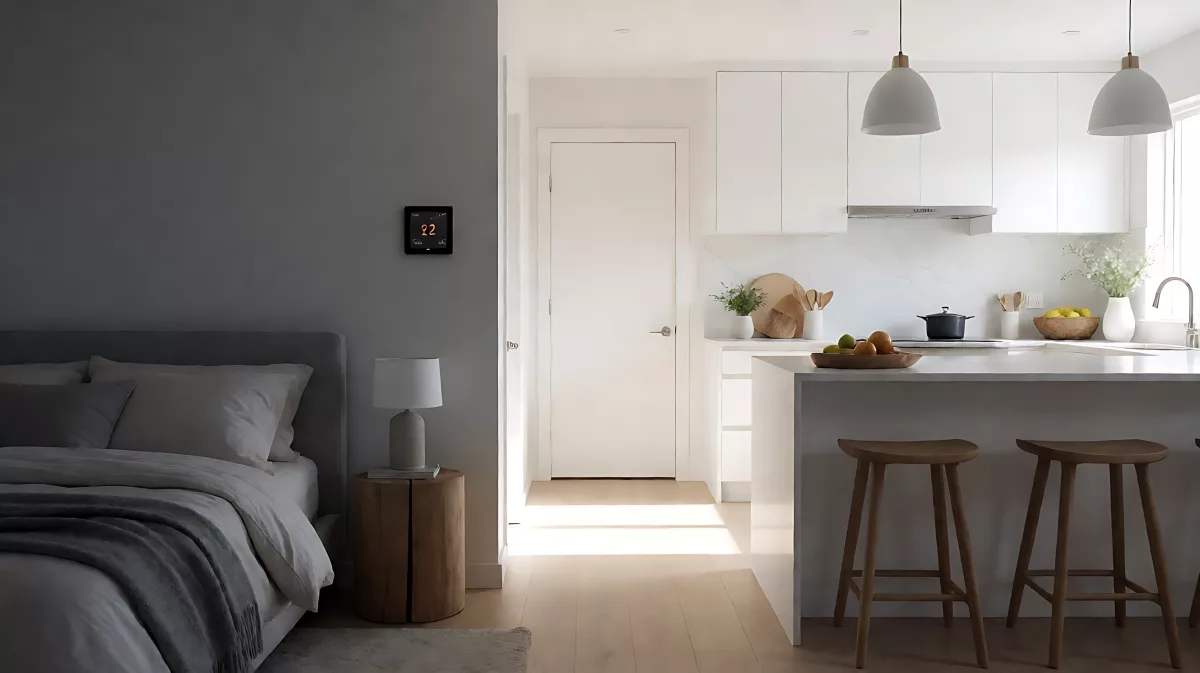
Transform your mornings with smart home automation. This guide explains how to set intentional triggers, gentle lighting, and comfortable temperatures to streamline your daily start.
Automating your morning routine means using smart home devices to light your path, adjust heating, and prepare your space before you fully wake up. It is not about replacing your personal habits, but about removing friction. By setting intentional triggers, you ensure the house responds to your arrival, not just a clock time. This approach saves time and creates a calm, efficient start to your day for households with varying schedules.
Why Intentional Triggers Matter More Than Clock Times
Most people assume a morning routine should start at a fixed time, such as 6:30 AM. However, real life is unpredictable. A sick child, a late shift, or a guest staying over changes your needs. According to recent smart home design principles outlined by Home Automation Cookbook in 2026, the best systems rely on intentional signals rather than rigid schedules. This means the routine starts when you decide to start it, not when the timer expires. Motion sensors can be useful for safety, but they cannot distinguish between a genuine wake-up and a trip to the bathroom in the dark. An intentional trigger, such as pressing a smart switch or using a voice command, gives you control.
Step 1: Define Your Personal Morning Path
Before connecting any devices, map out the smallest useful path for your morning. For most people, this is the route from the bedroom to the bathroom and then to the kitchen. You do not need to light the living room or open the blinds if no one is using those spaces. Home Automation Cookbook advises keeping the scope narrow. If you live with others, ensure that shared rooms remain off until someone actually enters them. This prevents an early riser from disrupting the sleep of others. Your goal is to create a corridor of gentle, safe lighting that guides you to your next action without blinding you in the dark.
Step 2: Choose the Right Hardware and Platforms
To automate lighting, you need compatible smart switches or bulbs. The TP-Link Tapo S505D Matter Smart Dimmer Switch is a popular choice in 2026 for its compatibility with major hubs. It allows you to dim lights to a low level for the first few minutes and then brighten them as you get ready. For climate control, a smart thermostat like the ecobee Smart Thermostat Enhanced can restore your preferred temperature when your routine starts. The key is to verify that your hub supports Matter or Zigbee protocols to ensure seamless communication between devices. Do not install new devices without checking compatibility with your existing smart home ecosystem.
Step 3: Set Comfort and Safety Overrides
Automation should never override safety or privacy. Your routine must only run when the home is in 'Night' mode. If a guest is sleeping or you are in 'Away' mode, the automation should remain dormant. Similarly, if a window is open for ventilation, the thermostat should not aggressively heat the room. Most modern hubs, including those from major manufacturers, allow you to set these conditions. You should also ensure that manual controls remain available. If you manually adjust the temperature or switch a light, the system should respect that choice and not revert it five minutes later. This prevents the frustration of fighting your own home.
Integrating Mindful Habits with Technology
Technology handles the physical environment, but your mind still needs attention. Leo Babauta, author of Zen Habits, suggests simplifying morning rituals to focus on peace. While he advocates for sitting, reading, and writing, many people now use automation to create the quiet space needed for these practices. By having the lights on at a soft level and the temperature comfortable, you can sit in silence without worrying about the cold or the dark. The automation supports the habit; it does not replace it. You might use this time to read a paper book or meditate before checking your phone. The home prepares the stage; you perform the play.
Managing Different Schedules in One House
In households with partners, children, or roommates, everyone wakes up at different times. A single 'master' morning routine often fails. Instead, assign a specific trigger to each person. One person might use a voice command, 'Good morning, start my routine,' while another uses a bedside smart button. This ensures that only their preferred settings are activated. Shared actions, like turning on the living room music or opening the main blinds, should be delayed or require a separate confirmation. This prevents one early riser from waking the whole family. As of 2026, most advanced home platforms support user-specific profiles, allowing you to customize lighting brightness and thermostat targets for each household member.
Common Mistakes and How to Avoid Them
One of the most common errors is using broad motion sensors as the primary trigger. If you stand up to use the restroom, a motion sensor might fully light the kitchen and turn on the coffee maker, waking up the rest of the house. Use motion only for local path lighting. Another mistake is ignoring the 'stop condition.' Once a routine has run, it should not be able to run again until the next night. This prevents accidental double-triggers. Finally, be cautious with appliances. While you can automate a coffee maker if it is designed for it, many standard kitchen appliances are not safe to automate without power cut-offs. Verify that the device is safe to resume power automatically before adding it to your sequence.
Advanced Features for 2026 Smart Homes
As of 2026, the integration between AI assistants and smart home hubs has improved significantly. You can now request a 'briefing' as part of your routine. This might include weather, calendar events, and traffic updates, spoken gently through a smart speaker in your bedroom. However, privacy is paramount. Ensure that these personal details are not broadcasted in shared spaces where guests may be present. You can also use separate triggers for weekdays and weekends. A calendar integration can suggest the appropriate scene, but the final activation should remain in your hands. This flexibility ensures that your automation adapts to your life, rather than forcing your life to adapt to the machine.
FAQ
Can I automate my coffee maker safely?
You can only automate a coffee maker if it is specifically designed for smart home integration and has verified safety features that allow it to resume power safely. Most standard household appliances are not designed for unattended automated power-ups. Check with the manufacturer before adding it to your routine to avoid fire or malfunction risks.
What happens if I wake up at a different time than usual?
If you use an intentional trigger, such as a button or voice command, the routine starts when you are ready, not at a fixed time. The system will adjust the lighting and temperature for your specific departure time. This flexibility is why intentional triggers are preferred over rigid schedules for households with varying wake-up times.
Will this wake up my sleeping partner?
No, if you configure the routine correctly. You should limit the lighting scope to your private path, such as your bedroom and bathroom. Delay any shared room actions, like living room lights or audio, until you explicitly confirm them. This ensures your personal routine does not disturb others who are still sleeping.
Do I need a specific smart home hub?
Yes, a central hub is recommended to manage the logic between your lights, thermostat, and triggers. Look for hubs that support Matter or Zigbee protocols for best compatibility in 2026. A hub ensures that commands are processed quickly and that safety overrides, like 'Guest Mode,' are respected across all connected devices.