AI Photo Organization for Seniors and Digital Estate Planning
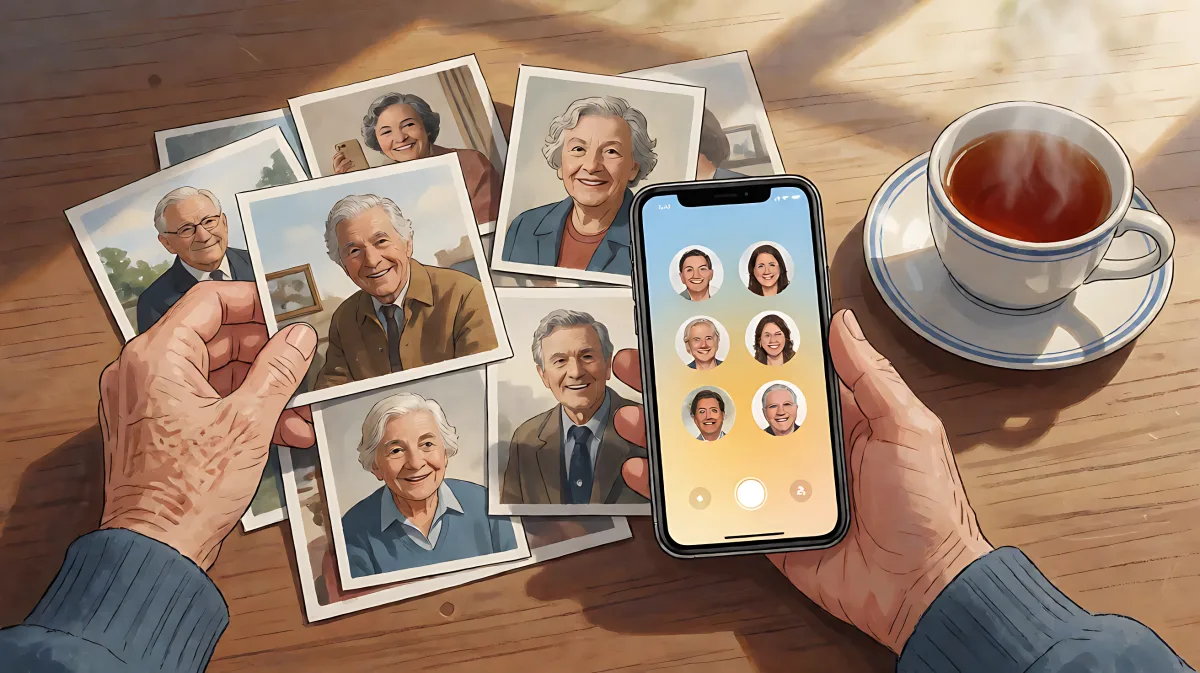
Managing decades of digital memories can feel overwhelming. AI tools simplify photo organization and help protect your digital legacy.
AI photo organization tools allow seniors to automatically sort thousands of images by faces, places, and events without manual folder management. Simultaneously, AI-assisted digital estate planning helps secure access to these memories and other digital assets for family members in case of an emergency.
Why Senior Digital Photos Need AI Assistance
For many retirees, the digital photo library has grown organically over decades. Images are scattered across old desktop computers, smartphones, external drives, and cloud services. Unlike physical albums that stay on a shelf, digital files become invisible and easy to lose track of. Traditional manual sorting requires dragging files into folders and renaming them, a task that becomes exponentially difficult when dealing with tens of thousands of images.
AI changes this dynamic by automating the heavy lifting. Modern algorithms recognize specific individuals, categorize scenes by location or activity, and identify high-quality shots versus blurry duplicates. A survey of retirees who adopted these tools indicated that approximately 68% found AI-assisted sorting significantly simpler than manual methods, citing the ability to search for specific memories using natural language, such as "photos of the garden," rather than recalling complex file names.
What Are the Best Tools for Simple Photo Sorting?
When selecting a platform, ease of use and privacy are paramount. Google Photos remains a top choice for its intuitive interface and free storage tier of 15GB. It automatically groups images by people and places, allowing users to tag faces with just a few taps. For those who prioritize data privacy and prefer to keep files locally on their own hardware rather than the cloud, Mylio Photos is a robust alternative. It syncs across devices while processing facial recognition locally, costing approximately $9.99 monthly. While professional-grade software like Adobe Lightroom offers advanced features, it is often considered too complex for casual users seeking simple organization.
How to Start Organizing Photos in 30 Minutes
Overwhelming collections are best approached in small, manageable steps. Rather than attempting to migrate every device at once, focus on one source initially, such as your current smartphone. Here is a streamlined process to begin building an organized library:
- Enable Backup: Download your preferred photo app on your phone and activate automatic cloud backup. This ensures your most recent memories are safe and accessible on larger screens.
- Connect Devices: Log into the same account on your computer or tablet. The AI will begin cross-referencing new photos with your existing library, detecting patterns in people and locations.
- Tag Key Individuals: Spend 15 minutes naming the most frequent faces, such as children and grandchildren. Once a face is identified in a few images, the system will automatically tag hundreds of others, asking for confirmation only when unsure.
- Create Simple Albums: Use the auto-suggested collections. Many tools can generate monthly or event-based albums, selecting the sharpest and most vibrant images automatically.
This iterative approach allows the system to learn your preferences. Over time, searching for a specific person or event becomes instantaneous, removing the need to remember where files were originally saved.
Common Mistakes to Avoid in Digital Organization
Many families assume that digital photos are safe because they exist in the cloud, but in fact, cloud services can become inaccessible if you forget passwords or fail to update security settings. Additionally, a common misconception is that one should keep every single photo to preserve all memories. However, culling duplicates and low-quality images actually speeds up search times and reduces storage clutter, making it easier to find the gems among the thousands of snapshots.
How to Plan Your Digital Legacy and Estate
Organizing photos is the first step, but a complete digital legacy plan involves securing access to these assets for loved ones. In a medical emergency or after passing, family members often face "digital lockouts." They may be unable to access email accounts needed for bill payments, social media profiles, or the photo libraries themselves. This creates financial stress and emotional pain, as digital subscriptions continue to charge cards and important communications remain unread.
Digital estate planning is the process of creating a roadmap that allows trusted individuals to access these accounts. AI can assist by generating a comprehensive inventory of potential digital assets. By using conversational AI, seniors can prompt a system to list every common account type, such as banking, social media, and streaming services, helping them recall forgotten subscriptions.
What Is the Golden Rule of Digital Security?
Never input actual passwords, bank account numbers, or Social Security details into a public AI chat interface. AI models process data on cloud servers, and sharing sensitive credentials poses a significant security risk. Instead, use AI to create a blank template or a checklist of what needs to be documented. You then fill in the sensitive details privately on paper or in a secure, offline password manager. This ensures you leverage the organizational power of AI without compromising personal security.
How to Create a Digital Access Plan
To protect your digital legacy, follow these practical steps:
- Inventory Assets: List all email accounts, social media profiles, and cloud storage services. Include subscription services like streaming platforms or cloud backups.
- Document Access Methods: For each asset, note who the designated heir or executor is. Use a secure password manager that offers emergency access features, or create a sealed, physical document with the instructions, stored in a safe place.
- Automate Photo Preservation: Set up automatic backups of your photo library to a secondary location, such as an external hard drive, to prevent loss if a primary cloud service fails or an account is locked.
- Review Annually: Digital services change frequently. Once a year, review your inventory to ensure links and access details are current.
FAQ
Can AI identify duplicate photos in large collections?
Yes. AI tools can detect near-duplicates and blurry shots automatically. Many platforms include a "culling" feature that highlights these images for review, allowing you to delete them safely and free up storage space without manually sifting through every file.
Is it safe to store all my photos in the cloud?
Cloud storage offers convenience and backup protection, but it introduces privacy considerations. For those concerned, local-first software like Mylio Photos processes data on your own devices, syncing files without sending raw images to third-party servers for analysis. Choose the method that aligns with your privacy comfort level.
What should I do if I am locked out of my email account?
If you are experiencing a lockout, contact the service provider's support team immediately. Having a documented recovery protocol, including a list of secondary recovery emails or phone numbers, significantly speeds up the process. This is why creating a digital estate plan in advance is critical.
How often should I back up my organized photo library?
While cloud services provide continuous backups for active devices, it is advisable to create a manual backup to an external drive or a different cloud provider every six months. This ensures that if a primary account is compromised or a service discontinues, your curated legacy remains accessible.