Aging-Ready Online Safety: Top Tips for Seniors
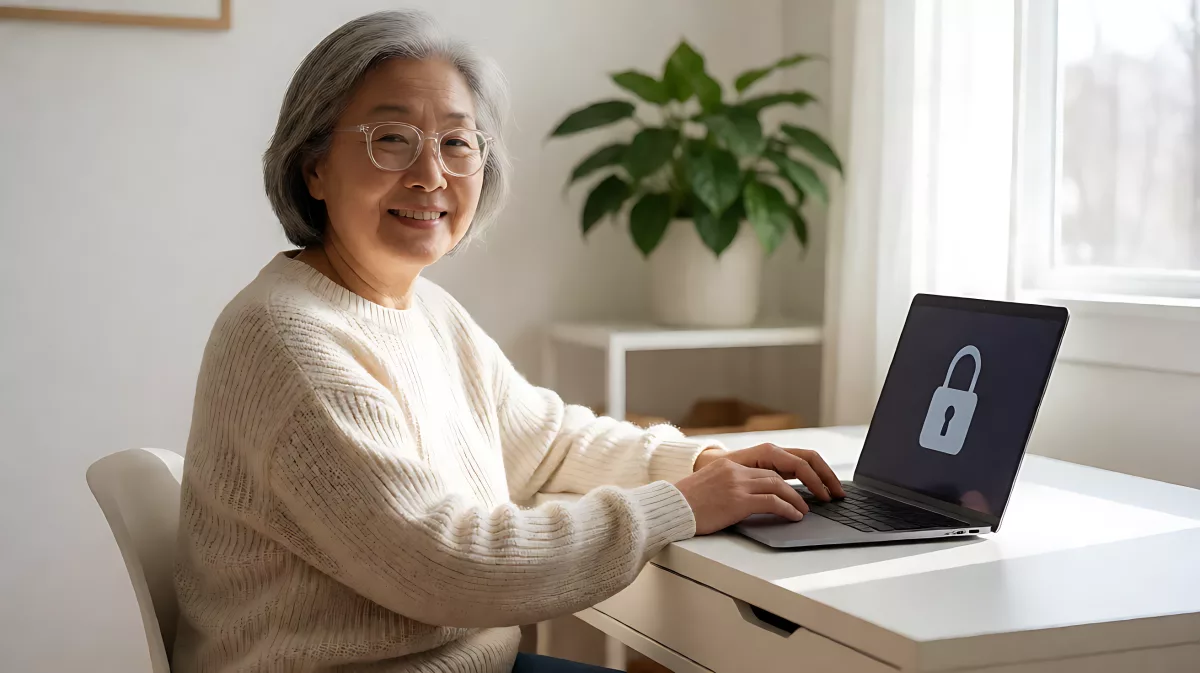
Digital threats evolve faster than many realize. Here is how to adapt your safety habits for the modern web, ensuring your online presence remains secure, private, and independent.
Online safety for older adults is not about fear; it is about adapting familiar safety habits to the digital world. By treating your email inbox like your front door and your passwords like your house keys, you can significantly reduce the risk of identity theft and financial scams. The National Cybersecurity Alliance emphasizes that just as you learned to lock doors, you must now learn to lock digital accounts. This guide provides actionable, low-effort strategies to help you stay secure, private, and confident while browsing the internet in 2026.
Why Do Online Safety Habits Need to Evolve?
Many people view cybersecurity as a complex, technical field reserved for experts. In reality, the biggest risk to your digital life comes from simple, human-driven errors. Scammers have shifted from physical con artists to digital manipulators who use pressure, urgency, and technology to trick victims. The landscape of cybercrime is now invisible; you cannot see a hack happening, and you may not realize your data has been stolen until months later. According to the National Cybersecurity Alliance, the key to safety is awareness. You do not need to be a tech expert to be safe; you just need to be cautious. Think of digital safety as a habit, similar to fastening a seat belt. It becomes second nature with practice, protecting you without requiring constant worry.
How Can You Identify Modern Digital Scams?
Today’s scammers rarely rely on simple lies. Instead, they use sophisticated techniques to create a sense of urgency. They might send an email that looks exactly like a message from your bank, warning you of fraud. Or they might use AI voice clones to mimic the voice of a grandchild asking for emergency funds. The National Cybersecurity Alliance advises treating any unexpected, urgent request for payment with extreme suspicion. If someone asks for money via gift cards, wire transfers, or cryptocurrency, it is almost certainly a scam. It is never rude to hang up the phone or close the email immediately. Do not feel obligated to respond politely to a scam; your safety is the priority. Remember that criminals can spoof caller IDs, making it look like a local number or a known contact. Always verify independently by looking up official phone numbers on a trusted website, rather than calling the number provided in a suspicious message.
What Is the Safest Way to Handle Unexpected Links?
Think of every unexpected link in an email or text message like junk mail. In the past, you would throw it in the trash without reading it. Online, clicking that link can infect your device instantly with malware, which can sit silently on your computer for months, stealing your banking details. The rule is simple: if you did not expect the message, do not click anything. This includes the 'Unsubscribe' button, which can actually confirm to scammers that your email address is active and valid. Instead, delete the message immediately. This single habit prevents the vast majority of common malware infections. It is a low-effort, high-reward safety measure that requires no technical knowledge, just a bit of discipline.
How Should You Manage Passwords and Device Updates?
Your password is your digital house key. In the past, a four-digit bank PIN was sufficient. Today, powerful computers can guess short passwords in seconds. The National Cybersecurity Alliance recommends using passwords that are at least 16 characters long. They should be unique for every account and include a mix of letters, numbers, and symbols. Keeping this many unique passwords in your head is impossible, so use a password manager program. These tools generate and store your credentials securely, so you only need to remember one master passcode. Furthermore, keep your devices up to date. Software updates are not just about new features; they are about patching security holes. Just as you would change a lock if you lost a house key, you must apply updates to close digital gaps. Turn on automatic updates for your operating system and browser whenever possible to ensure you are always protected against the latest threats.
How Can You Protect Your Privacy on Social Media?
Oversharing on social platforms is one of the most common ways identity theft begins. Criminals use public information to build a profile of you. They look for your birthdate, your address, your pets' names, and even the model of your phone. If a scammer can guess your security question answers based on your public posts, your account is vulnerable. Review your privacy settings regularly to limit who can see your information. Share with care. You are not required to post every milestone in your life. For example, announcing you are away on vacation before you have actually left can signal to thieves that your home is empty. Balance your desire to connect with the need to keep your personal data private. The National Cybersecurity Alliance notes that protecting your privacy is an ongoing task, not a one-time setting. Make it a habit to check your settings once a quarter.
What Resources Help Build Digital Confidence?
You do not have to navigate the digital world alone. There are numerous resources designed to help older adults build confidence and skills. The National Cybersecurity Alliance offers a 'Then & Now' workbook, which uses familiar analogies to explain digital concepts. For instance, it compares changing locks to updating software. Community organizations like Sixty and Me provide free computer literacy courses that teach the basics of operating systems, email, and browsing. These courses are tailored for beginners and cover both Windows and macOS systems. By learning the basics of how your computer works, you become less susceptible to fear-based scams. If you are not comfortable starting on your own, ask a trusted family member or friend to sit with you and show you the basics. Many libraries in the US and UK also offer free digital literacy workshops for seniors. Building your skills is the ultimate defense; when you understand the technology, it becomes a tool rather than a threat.
FAQ
Is it safe to use public Wi-Fi at airports or cafes?
Public Wi-Fi networks are often unsecured. For general browsing, the risk is manageable, but you should never conduct banking transactions, enter passwords, or shop online while connected to a public network. Use your mobile data or a private virtual private network (VPN) if you must access sensitive information in a public location. Treat public Wi-Fi like a busy street; you can look around, but you should not open your wallet in the middle of the road.
How often should I change my master password?
You do not need to change your password manager's master password every week. However, you should update it immediately if you suspect a breach, or at least once a year as a preventative measure. Consistency is key. Use a complex combination of unrelated words, numbers, and symbols, and never reuse it on any other website or service. This single password is the gateway to all your other credentials, so its strength is critical.
What should I do if I already clicked a suspicious link?
Do not panic, but act quickly. Disconnect from the internet if possible. Change your passwords for your most critical accounts (banking, email) from a different, clean device if you can. Run a full antivirus scan on your affected device. Monitor your bank statements and credit reports for the next three months for any unauthorized activity. Early detection can save you from significant financial loss.
Are two-factor authentication codes worth the hassle?
Yes. Two-factor authentication (2FA) is one of the most effective ways to secure your accounts. It adds a second step, such as a code from your phone, even if a hacker guesses your password. While it adds a few seconds to the login process, it provides a massive layer of protection. The National Cybersecurity Alliance strongly recommends enabling 2FA for email, banking, and social media accounts. It is the digital equivalent of a double-lock on your front door.
How can I help my elderly parents stay safe online?
Approach the conversation with empathy, not judgment. Frame safety tips as life skills, not criticisms. Offer to sit down with them and set up password managers and enable two-factor authentication together. Show them how to spot a scam using real-world examples. The goal is to empower them, not frighten them. As the National Cybersecurity Alliance suggests, building confidence through education and shared activity is the most sustainable way to keep loved ones safe in the digital age.