Accessibility Overlay Failure: User Frustration & Legal Risks
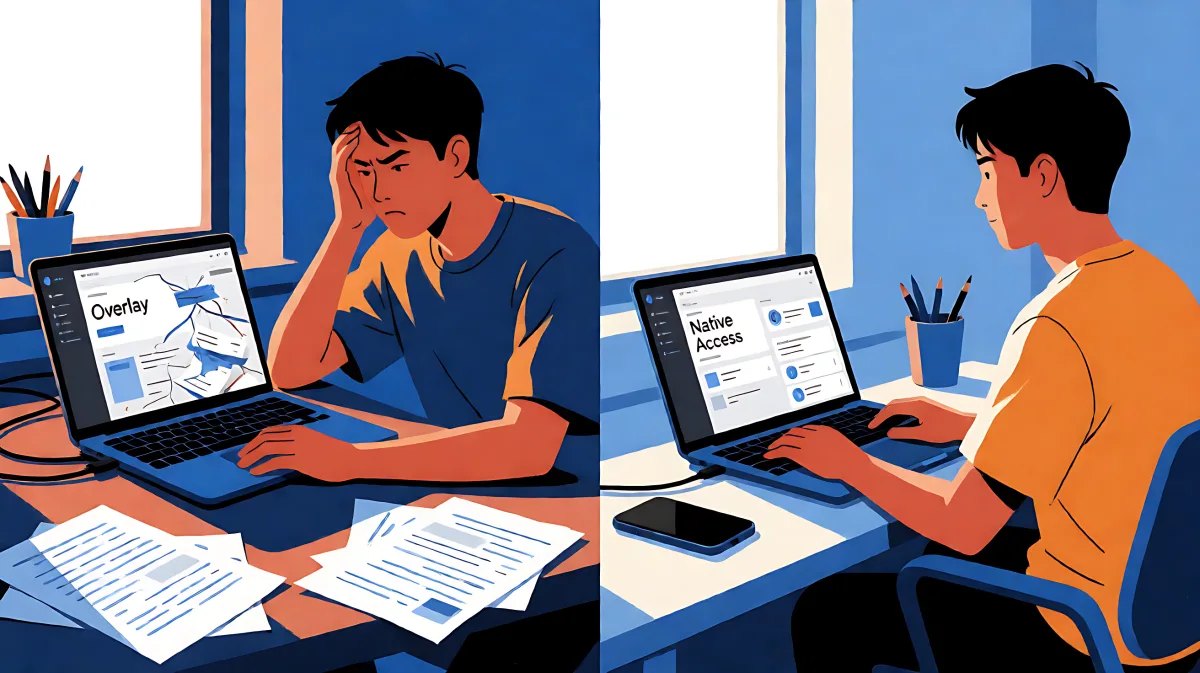
Automated accessibility overlays create false security and user frustration. This article explains why they fail WCAG 2.2 compliance in 2026 and offers a practical guide to genuine inclusive web development.
Automated accessibility overlays are failing to meet user needs and legal standards in 2026. Instead of solving the root cause of accessibility issues, these tools often layer temporary fixes that cause significant user frustration. Businesses relying on overlays for compliance risk legal exposure and alienating disabled users who expect a native, seamless experience rather than a bolted-on widget that overrides their personal settings.
What makes accessibility overlays a risky shortcut?
Accessibility overlays are JavaScript-based tools that promise to automatically detect and fix web accessibility problems. They are often installed in minutes and require no changes to the underlying code. However, in the 2026 digital landscape, this approach is increasingly viewed as a band-aid rather than a cure. These tools generally work by modifying the user experience layer, effectively giving users with disabilities a 'side door' into the website while leaving the main structure broken. This lack of source code integration means that the fundamental accessibility barriers for screen reader users and keyboard navigators often remain intact.
Why do disabled users report higher frustration with overlays?
Users who rely on assistive technologies, such as screen readers and magnification tools, have specific, personalized settings to navigate the web. Overlays frequently override these custom configurations. For example, a user who has set their browser to increase text size by 200 percent may find that the overlay forces a different size or layout, breaking their reading flow. This interruption leads to cognitive overload and significant friction. Data from user experience testing in 2026 indicates that a high percentage of disabled users prefer to leave a site if they encounter a non-native accessibility widget that conflicts with their assistive setup. They seek equality of access, not a special interface that feels segregated or broken.
How do legal standards like WCAG 2.2 affect overlay viability?
The adoption of WCAG 2.2 in 2023, which is now the standard for compliance in many jurisdictions, introduced new success criteria that automated tools struggle to verify. Unlike older standards, WCAG 2.2 focuses heavily on meaningful content, such as the 'Focus Not Obscured' criterion, which ensures interactive elements are not hidden by sticky headers or footers. Overlays often fail to dynamically adjust for these complex layout interactions. Furthermore, legal bodies and courts in the US and UK are increasingly rejecting 'compliance certificates' provided by overlay vendors as proof of actual accessibility. Judges and regulators want evidence of manual testing and semantic HTML implementation, not just the presence of an automated widget.
What does the legal landscape look like for businesses using overlays in 2026?
In 2026, the risk of litigation has shifted. While the number of accessible lawsuits has stabilized, the threshold for winning a case against a business using an overlay has become clearer: the overlay itself can be evidence of non-compliance. Courts are recognizing that throwing a tool at a broken site does not constitute a good faith effort to fix the code. The Little Forest and similar industry observers note that overlays create a false sense of security. Companies think they are safe because they have 'bought accessibility,' but they remain vulnerable to claims that they failed to provide a truly inclusive experience for specific disability types, such as cognitive or motor impairments.
How can developers measure user frustration in inaccessible sites?
Measuring the impact of poor accessibility requires looking beyond standard analytics. Key metrics include task completion rates for users with disabilities, the number of times a user interacts with the accessibility widget versus native navigation, and bounce rates after the widget is activated. In 2026, analytics platforms are integrating more granular data on assistive technology usage. A high abandonment rate specifically among users detected to be using screen readers like NVDA or VoiceOver is a strong indicator that the overlay is failing to bridge the gap. Developers should monitor the 'time to successful task completion' for form submissions; if disabled users take three times longer than sighted users to submit a contact form, the friction of the overlay is likely the culprit.
What are the signs that an overlay is overriding user preferences?
One of the most common signs of frustration is when a user's custom stylesheets or browser settings are ignored. If a site uses an overlay that forces a specific font size or color contrast, and this clashes with the user's high-contrast mode, the user experiences 'cognitive clutter.' Developers can detect this by auditing the CSS cascade and ensuring that the overlay does not use '!important' declarations that strip away user agency. The goal is to provide an accessibility tool that enhances the native experience, not one that dictates it.
What is a better approach to web accessibility in 2026?
The most effective strategy is to build accessibility into the source code from the start. This involves using semantic HTML5 elements, proper ARIA labeling where necessary, and ensuring full keyboard navigability. While automated tools like the ones offered by MS Labs Studio or similar agencies can help identify quick wins, they must be used as diagnostic tools, not as the final solution. A 'shift-left' approach, where accessibility testing is integrated into the development lifecycle before code is deployed, yields the best results. This means developers and designers collaborate on inclusive patterns early, reducing the technical debt that overlays try to patch later.
How can small businesses balance cost and compliance?
For small teams, hiring a dedicated accessibility engineer might seem out of reach. However, the cost of non-compliance includes lost customers, brand damage, and legal fees. A more sustainable path is to allocate a portion of the development budget to manual auditing and semantic coding. Tools that provide instant reports against WCAG standards can guide the work, but human expertise is required to interpret the results and fix complex components. In 2026, the market for 'care' services has evolved; agencies now offer specific accessibility sprints that focus on code refactoring rather than widget installation. This ensures that the accessibility gains are permanent and do not break when the site is updated.
FAQ
Do accessibility overlays protect businesses from ADA lawsuits in 2026?
No. In 2026, legal precedents increasingly view overlays as insufficient evidence of compliance. Courts prefer to see that the underlying code has been fixed. Relying solely on an overlay may actually weaken a business's legal defense by showing a lack of genuine effort to provide a native accessible experience.
What is the difference between WCAG 2.1 and WCAG 2.2 for developers?
WCAG 2.2 adds three new success criteria, including Focus Not Obscured, Focus Appearance, and Dragging Movements. These focus on more specific interaction issues that are harder for automated overlays to detect and fix. Developers must manually test these interactions to ensure compliance.
How can I check if my website's overlay is breaking user settings?
Conduct manual testing with multiple assistive technology configurations. For example, test your site with a screen reader that has custom speech rates, and with a browser set to 400 percent zoom. If the overlay breaks the layout or overrides the zoom level, it is creating frustration and must be reconfigured or replaced.