Semantic HTML: Benefits and Best Practices
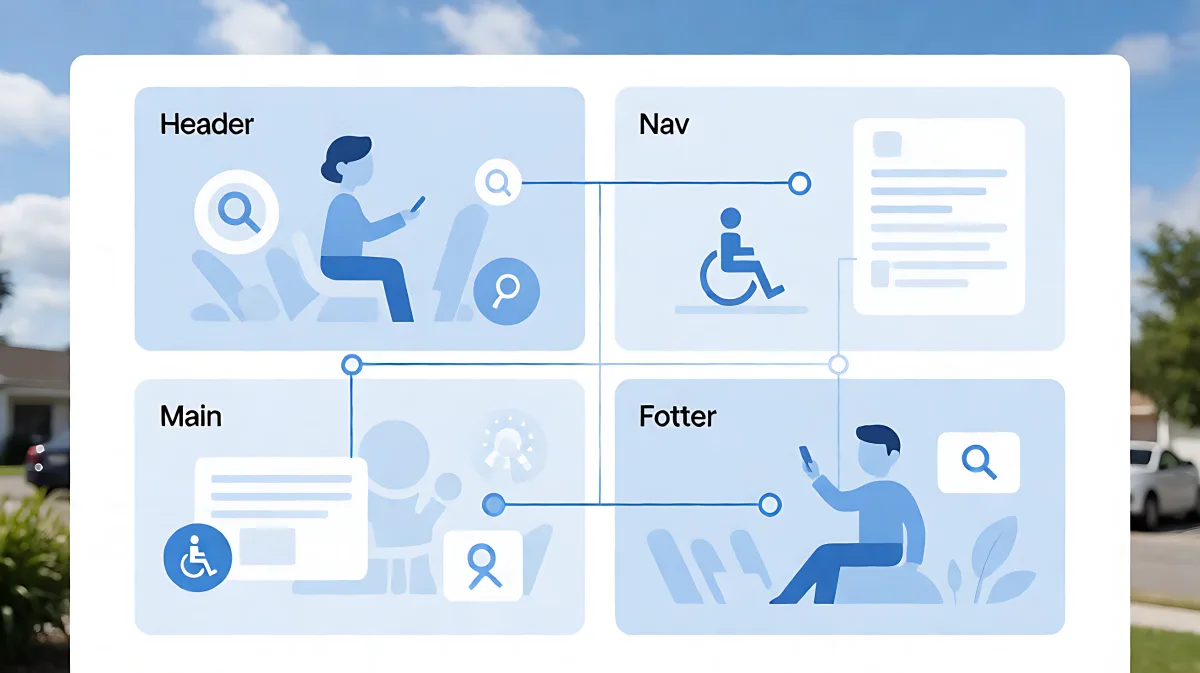
Semantic HTML uses meaningful tags to structure content, making it easier for both humans and machines to understand. This guide explores its impact on accessibility, SEO, and maintainability.
Semantic HTML improves web accessibility, SEO, and code readability by using tags that describe their content's meaning rather than just its appearance. This approach helps screen readers, search engines, and developers understand page structure instantly.
What Is Semantic HTML?
Semantic HTML involves using HTML elements that convey specific meaning about the content they wrap. For example, using a <article> tag for self-contained content or a <nav> tag for a collection of navigation links provides immediate context. According to the W3C, these standards promote common data formats, allowing data to be shared and reused across different applications and systems. This machine-readable structure forms the foundation of the Semantic Web, a concept coined by Tim Berners-Lee to create a web where computers can analyze data links and transactions.
How Does Semantic HTML Impact Accessibility?
Assistive technologies like screen readers rely on the Accessibility Object Model (AOM) to interpret web pages. The AOM is built from the Document Object Model, but it specifically looks for semantic landmarks. When a developer uses tags like <header>, <main>, <footer>, and <nav>, browsers create distinct landmarks in the accessibility tree. These landmarks allow users with visual impairments to jump between sections of a page quickly using keyboard shortcuts or screen reader navigation. Without these semantic cues, content often appears as an unstructured list of text and links, making it difficult for users to grasp the page's hierarchy.
Why Does SEO Benefit From Semantic Structure?
Search engines use semantic tags to understand the relevance and importance of specific content areas. While algorithms have become more advanced, clear structural markup still helps crawlers identify primary content versus peripheral information. For instance, wrapping main content in a <main> element signals to search engines that this is the primary focus of the page. Additionally, semantic lists and definitions can help search engines present content in rich snippets. The goal of the Semantic Web is to make Internet data machine-readable, which directly supports these indexing and retrieval processes.
Which Tags Should You Use for Layouts?
HTML5 introduced a set of new elements designed specifically for layout and structure. These are often referred to as semantic landmarks:
- <header>: Typically used for introductory content, such as a logo, title, or table of contents. It can appear at the top of a page or within sections.
- <nav>: Contains major navigation blocks, such as the main menu or a table of contents.
- <main>: Identifies the dominant content of the document. There should only be one <main> element per page.
- <article>: Represents a self-contained composition in a document that is independently distributable or reusable, such as a blog post or news article.
- <section>: Used to group related content together, typically with a heading. It is a thematic grouping of content.
- <aside>: Represents content tangentially related to the main content, such as sidebars, pull quotes, or advertisement boxes.
- <footer>: Footer for its nearest ancestor sectioning content element, typically containing copyright info, links, or author information.
It is crucial to understand that these tags do not define visual appearance by default. A <footer> does not automatically look like a bottom-of-page box, nor does a <nav> look like a horizontal menu. They only provide structural meaning. Styling must be handled via CSS.
What Is the Difference Between Div and Span?
The <div> and <span> elements are generic containers with no semantic meaning. They are useful for layout purposes when no other semantic tag fits the context. However, over-relying on divs is often called a "div soup" because it fails to describe the nature of the content. If you are building a button, you should use a <button> tag, not a <div> styled to look like a button. This ensures that keyboard users can activate it naturally and screen readers announce it correctly as a button.
How Do You Handle Roles and ARIA?
The role attribute is part of the Accessible Rich Internet Applications (ARIA) specification, not the standard HTML specification. While semantic HTML elements have implicit roles (e.g., a <nav> has the role of navigation), you can add explicit roles to generic elements to improve accessibility when no semantic tag is available. However, the best practice is to prefer native semantic HTML elements over using ARIA roles, as native elements also provide keyboard interactions and default behaviors automatically. Using ARIA can sometimes increase the complexity of the code and introduce errors if misused.
Does Semantic HTML Affect Page Performance?
Semantic HTML generally has a negligible impact on load performance. In some cases, it can actually improve performance. Clearer structure allows for more efficient CSS selectors, which can reduce the amount of code needed to style specific parts of the page. Additionally, well-structured HTML makes it easier to maintain and update code, reducing the time developers spend debugging layout issues. Frameworks like Semantic UI utilize natural language-like class naming conventions, which can speed up development, but this is separate from using semantic HTML tags directly. The focus of semantic HTML is on the underlying structure, not the framework used for styling.
FAQ
Is using div tags for everything bad?
While div tags are essential for layout when no semantic alternative exists, using them for everything creates "div soup." This makes code harder to maintain and removes the structural benefits for accessibility and SEO. Always check if a semantic tag like article, section, or nav is appropriate before defaulting to div.
Can I use semantic HTML in mobile apps?
Yes. When building hybrid apps or using web technologies for mobile interfaces, semantic HTML helps with cross-platform compatibility and accessibility. It ensures that screen readers on both desktop and mobile devices can correctly interpret the interface structure.
Do I need to use all the new HTML5 tags?
No. Use them only when they accurately describe the content. If a section is not truly self-contained, do not use the article tag. If content is not a primary navigation link, do not wrap it in nav. Misusing semantic tags can confuse screen readers and search engines more than not using them at all.
What is the role of the AOM in web development?
The Accessibility Object Model (AOM) is a tree structure that browsers build to assist assistive technologies. It maps semantic HTML elements to specific roles and objects, allowing screen readers to navigate the page logically. Developers can inspect the AOM using browser developer tools to verify that their semantic structure is being interpreted correctly.